EasyManua.ls Logo

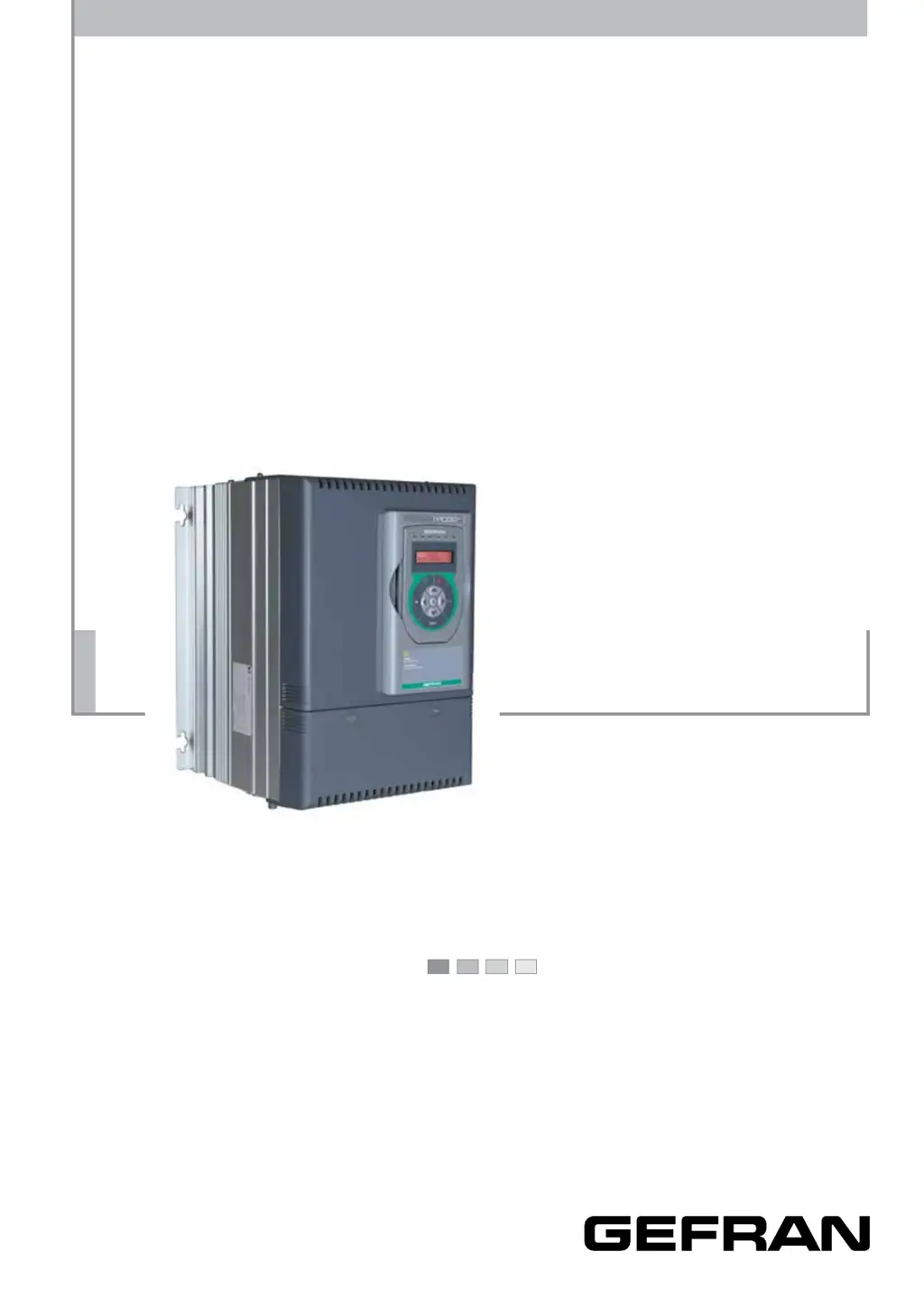
gefran TPD32-EV-500 series - User Manual

gefran TPD32-EV-500 series
504 pages
Print Icon
To Next Page IconTo Next Page
Loading...
.... Instruction manual
Industrial Application
DC drives
TPD32-EV

Table of Contents

Questions and Answers

  • S
    Scott FreemanAug 19, 2025
    What to do if gefran TPD32-EV-500 DC Drives show Drive I2t ovrld?
    • C
      christopher81Aug 19, 2025
      If your Gefran DC Drives show a 'Drive I2t ovrld' error, it indicates an excessive drive overload. Wait until the 'Drive I2t accum' accumulator is zeroed before resetting the alarm and re-enabling the drive.
  • M
    Matthew DorseyAug 22, 2025
    What causes Motor I2t ovrld in Gefran DC Drives?
    • D
      Diana GrayAug 22, 2025
      If your Gefran DC Drives show a 'Motor I2t ovrld' alarm due to excessive motor overload, check the accuracy of the entered data referring to chapters 6.14.6 and 6.11.7. If the data is correct, wait until the 'Motor I2t accum' accumulator is zeroed before resetting the alarm and enabling the drive.
  • A
    Adam GreenAug 23, 2025
    Why is there an undervoltage error on my gefran TPD32-EV-500?
    • V
      vincentgambleAug 23, 2025
      If your Gefran DC Drives unit reports an undervoltage, it could be due to several reasons: * The 'Undervolt thr' parameter is set incorrectly. * The incoming voltage to the terminals U/V/W is too low. * Poor cable connections. To resolve this, set the parameter correctly and acknowledge the failure via RESET, check the connections, and ensure the correct AC input voltage.
  • S
    sleonardAug 26, 2025
    What to do if gefran TPD32-EV-500 DC Drives shows a failure supply?
    • C
      Christina StoneAug 26, 2025
      If you are experiencing a 'Failure supply' with your Gefran DC Drives, where the voltages are below the permitted value, pull out the plug-in terminal strips of the regulator card and enter the Reset command. If no other failures are reported, check your wiring for a short-circuit, in some cases with the cable shielding. If this has not rectified the fault, remove the terminal strips of the I/O option card (if present) and try RESET once more.
  • M
    Megan MurrayAug 28, 2025
    How to fix overspeed in gefran TPD32-EV-500 DC Drives?
    • R
      Ronald ReedAug 28, 2025
      If your Gefran DC Drives report an overspeed error, it means the motor speed in the feedback circuit is excessive. Check that the 'Speed fbk sel' parameter is consistent with the feedback used (Encoder 1, Encoder 2, Tacho, Armature). Also, check the wiring if an encoder or tacho generator feedback circuit is used.
  • P
    Pamela Jackson DDSAug 30, 2025
    What causes delta frequency error in gefran TPD32-EV-500?
    • S
      Steven LoveAug 30, 2025
      If your Gefran DC Drives display a 'Delta frequency' error, it means there's an excessive difference between the frequency of the three-phase power supply input and the measured value. Ensure the frequency of the three-phase power supply remains constant or within the threshold limit during operation.
  • J
    jlambertSep 1, 2025
    Why are my gefran TPD32-EV-500 overheating?
    • J
      jriveraSep 1, 2025
      If your Gefran DC Drives unit is overheating, it could be due to: * High heatsink temperature. * High ambient temperature. * Failure of the device fan (for devices > 88 A (American), 110 A (Standard)). * Dirty heatsink.
  • J
    joshuakingSep 2, 2025
    What causes overtemp motor in Gefran DC Drives?
    • M
      Marisa SawyerSep 2, 2025
      If your Gefran DC Drives show 'Overtemp Motor', it indicates the motor is over temperature, signaled by the thermistor to terminals 78/79. This can happen if the motor lacks a thermistor with no jumper between terminals 78 and 79, or if the cable between the thermistor connection and terminals 78 and 79 is interrupted. Also, overheating of motor can be caused by an extreme load cycle, high ambient temperature, a failed external fan, or too large a load at low speeds.
  • K
    Kimberly PetersonSep 4, 2025
    What does Enable seq err mean on gefran TPD32-EV-500?
    • M
      Michael SpearsSep 5, 2025
      If your Gefran DC Drives display an 'Enable seq err' message, it means the drive is powered up or Reset with the Enable input connected to 24 V and the Drive is configured to run from the terminals. Refer to CONFIGURATION/Main commands.
  • B
    Brandon MillerSep 6, 2025
    How to troubleshoot bus loss on Gefran DC Drives?
    • L
      Laura WilliamsSep 6, 2025
      If your Gefran DC Drives experience a bus loss, possibly due to a failure in the Bus connection (only with interface Bus option card), check the Bus connection. It could also be due to EMC compatibility problems. Try a RESET. If you are still unsuccessful: probable internal fault. Contact your sales office.

Summary

DC drives

1 - SAFETY PRECAUTIONS

2 - DESCRIPTION, COMPONENT IDENTIFICATION AND SPECIFICATIONS

2.3 SPECIFICATIONS

Detailed technical specifications including standards, AC input, output, control section, accuracy, dimensions and weights.

3 - INSTALLATION GUIDELINES

3.3 MOUNTING THE DEVICE

Instructions on how to mount the device, including considerations for air flow, clearances, and heat dissipation.

4 - WIRING PROCEDURE

4.3 POWER SECTION

Details on power terminals, cable sizes, and tightening torques for UL approval and standard connections.

4.4 REGULATION SECTION

Information on the regulation card, LEDs, dip-switches, jumpers, terminal assignments, and cable sizes for signals.

5 - CONVERTER OPERATION

5.3 COMMISSIONING

Steps for commissioning the drive, including setting jumpers, checking wiring, basic settings, startup procedures, and drive tuning.

6 - FUNCTION DESCRIPTION

6.2 BASIC START UP MENUS

Overview of menus for basic drive commissioning, including DRIVE STATUS, START UP, and TUNING.

6.3 COMMISSIONING

Detailed steps for commissioning, including setting jumpers, checking wiring, basic settings, startup procedures, and drive tuning.

8 - TROUBLESHOOTING

Failure alarms in the keypad display

Lists possible causes for failure alarms displayed on the keypad.

APPENDIX 1 - TPD32-EV-CU: CONTROL UNIT

A1.6 Installation, connection and configuration

Guidance on installing, connecting, and configuring the control unit.

APPENDIX 2 - TPD32-EV-FC: FIELD CONTROL UNIT

A2.1 Current regulation (CURRENT REGULAT)

Details on the PI regulator used in the TPD32-EV-FC version for predictive current regulation.

A2.2 Regulator parameters (REG PARAMETERS)

Lists regulator parameters for speed, current, field, and voltage regulation.

A2.3 Autotune function of PI current regulator

Procedure for autotuning the PI current regulator, applicable for highly inductive loads.

gefran TPD32-EV-500 series Specifications

General IconGeneral
Brandgefran
ModelTPD32-EV-500 series
CategoryDC Drives
LanguageEnglish

Related product manuals