14
4. Mouse Control
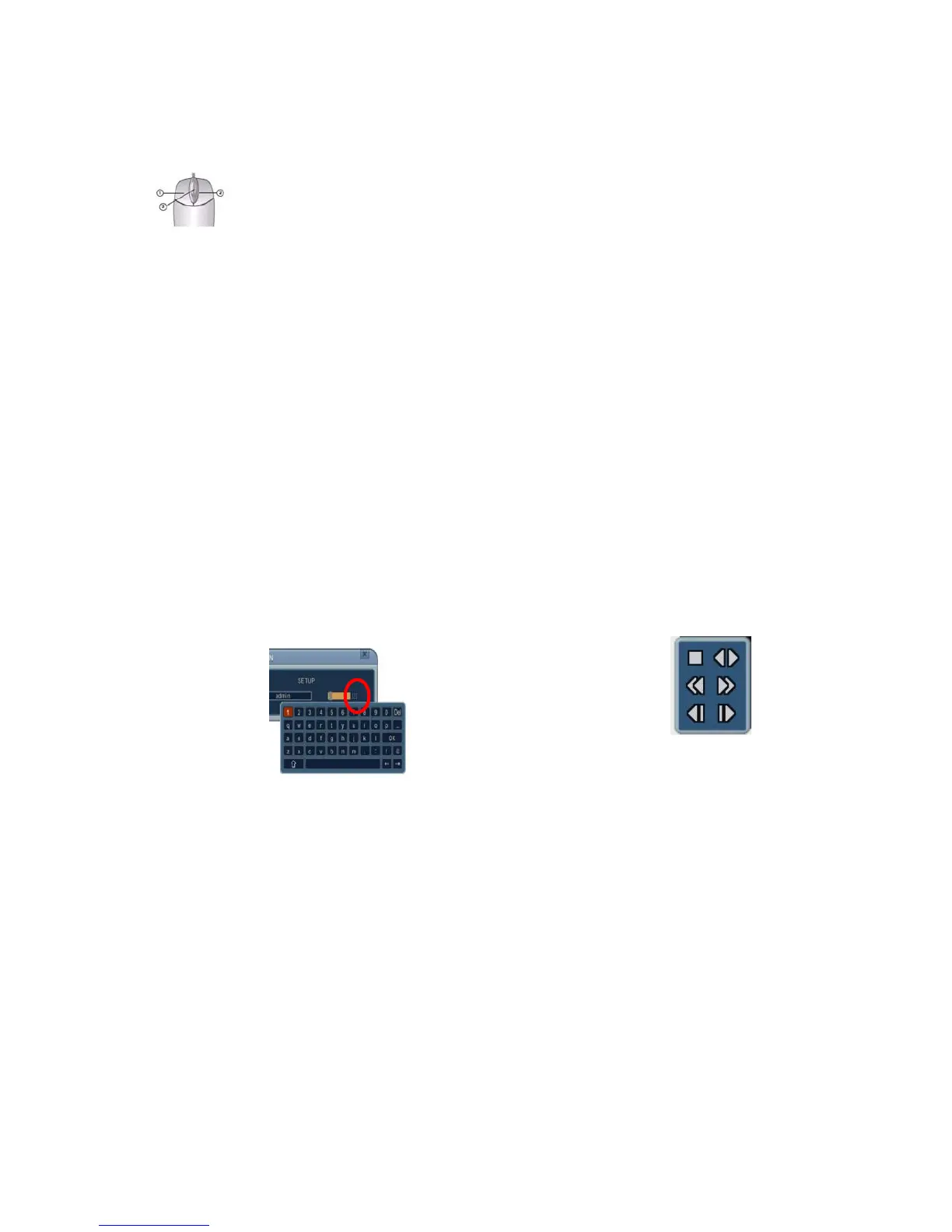
This DVR can be controlled by mouse.
1) Left-Button -Double Click on any channel to enlarge to full screen while in a
split-screen display mode. Double click again to return.
Select a menu option when navigating through the various menu options.
2) Right Button- Right click anywhere on the screen to open the Main Menu.
Double click to return.
3) Scroll Wheel: Move the scroll wheel Up or Down to increase/decrease the
value of the selected menu option.
5. Virtual Keypad for Mouse Control
This system provides a virtual on-screen keyboard to allow mouse control.
Connect a mouse via the USB port before use. If you click the right button of
your mouse in Live mode and Playback mode, you will see the following virtual
controller. Right Click again to clear the menu.
<Password > <Playback>



 To Next Page