66 DIGITAL VIDEO RECORDER
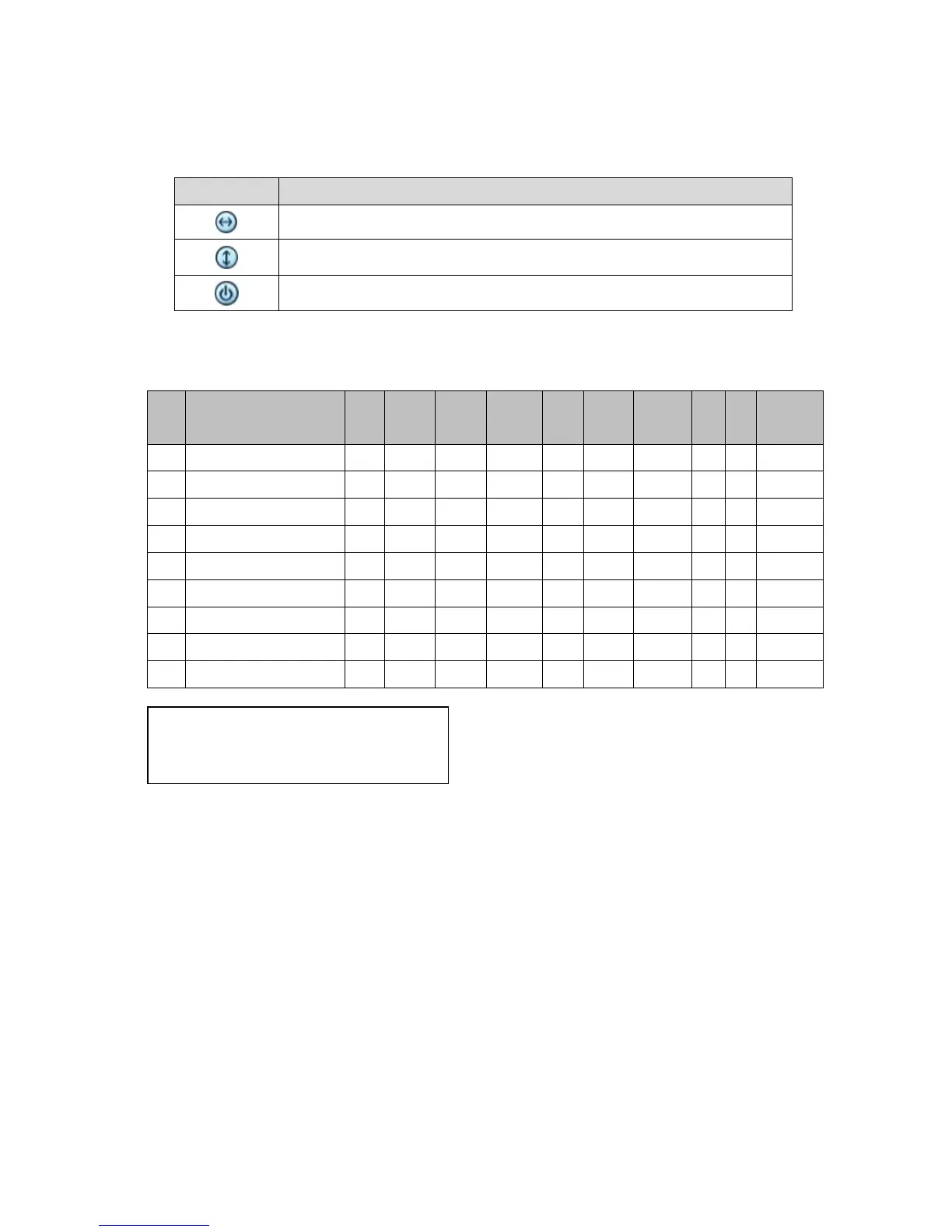
4.Auto Pan / Auto Tilt / Power
Button Function
Auto Pan; STOP on remote controller
Auto Tilt; REW on remote controller
Power On / Off; FF on remote controller
6 . PTZ Camera Model – PAN/TILT/ZOOM Camera List
# Model Name 3X Speed
A.
Pan A.Tilt Pat Me
Esc/
Enter
1 PELCO, D o o o o o o o o
2 RVT, EZ Protocol o o o o o o o o
3 PELCO, P o o o o o o o o
4 Hitron, Fastrax 2 o o o o o o o o
5 Bosch, Auto Dome
6 MERIT LINLIN
7 APPROMEDIA
8 LG,MULTIXE CAM/DOME
9 BBV,PROTOCOL V2
Note: Speed has 0~8 steps
1 (Slow) – 8 (Fast)
VIII.PLAYBACK /SEARCH
The DVR supports two playback modes; Playback and Search. The DVR offers a
variety of search functions that enable you to quickly and efficiently locate and
review a specific period from the database. It supports three different search
modes: Date/Time, Event and Log Search.
1. Playback
When the PLAY button is pressed the DVR starts to play back recorded data
from the latest data (in live or recording mode). When the DVR reaches the end
of the recorded data it stops the playback.



 To Next Page