18
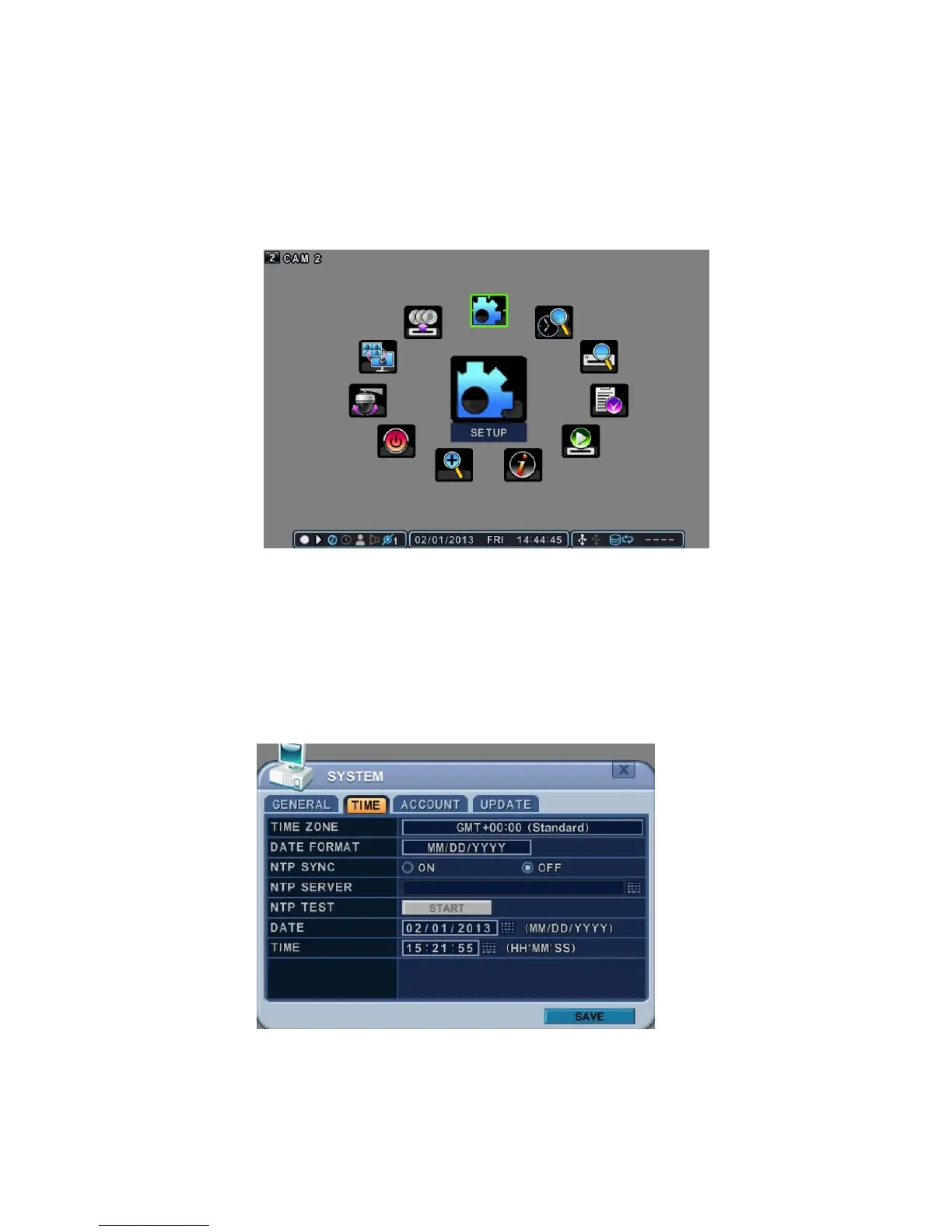
Main Menu
Each Icon in the main menu works as a shortcut for setting and operation of the
DVR.
Use the remote control, front buttons or a mouse to select the menu you want.
Time & Date Setting
When the DVR is powered on for the first time the time and date are set by
default to January 1, 2009 Thursday 01:00:00. Before operating the Digital
Video Recorder it’s important to setup the correct time and the date.



 To Next Page