23
4. Zooming
During live view mode it’s possible to zoom into a section of the screen to get a
close-up view.
1. To activate the digital zoom, select the full screen display of the camera
you wish to zoom.
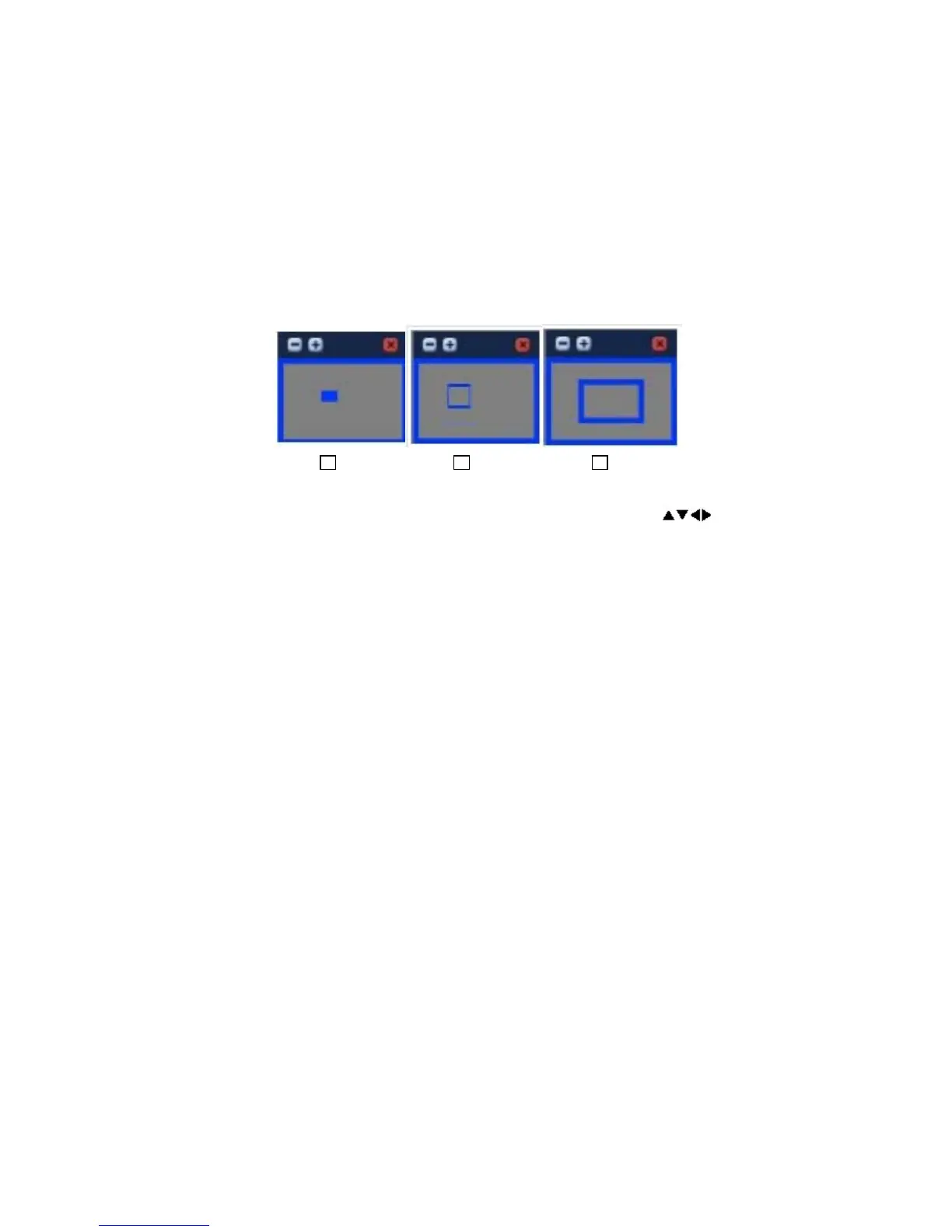
2. Then press the ZOOM button on the IR Remote controller. The Zoom area
box pops up, as shown below:
3. Move the box to the desired position using the Direction
buttons.
4. Press the [+] button to enlarge the image. Press the [ - ] button to zoom
out.
5. Press the [ESC] button to return normal mode.
V. OPERATION
1. Log In/Out
You must log on to the DVR with a valid password to operate the DVR. By default
it comes with one login account; ADMIN and the default password is “000000”.
Note If you are logging on for the first time, the system does not prompt you to
change the default password. It’s strongly recommended that you change the
“PASSWORD” when you install the DVR. Refer to [System Setup].
1. Login
1) On the front panel, press the Power button.
Note
If the Zoom button is pressed while in a multi-screen display, the
zoom operation cannot be activated.



 To Next Page