73 DIGITAL VIDEO RECORDER
4.Log List Search
The logs can be used to search and review recorded data directly to a point in
time. Alarm, Motion, Video Loss and System related logs can be searched and
played back directly from the time of the incident.
1.
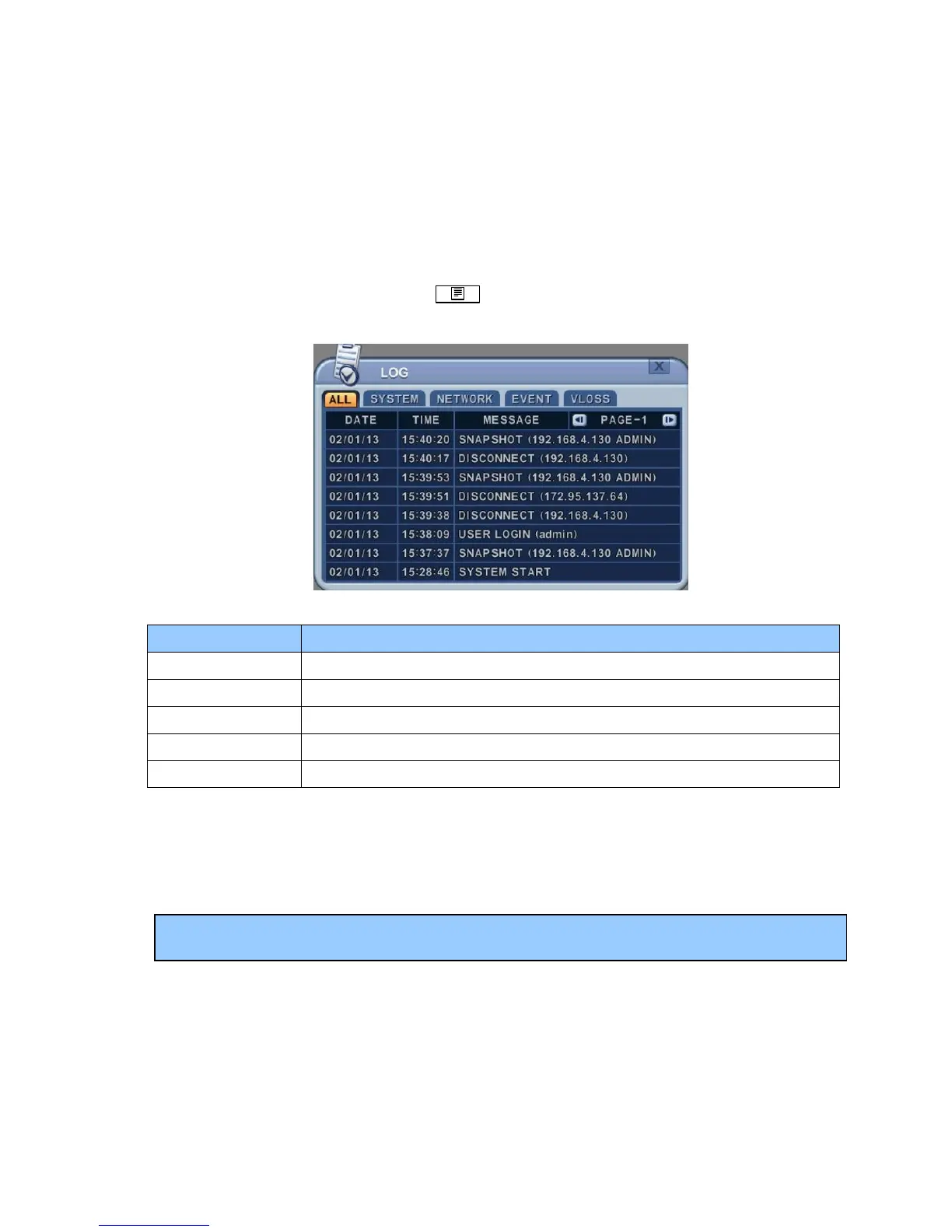
To start Event Search, press Log button on the IR Remote. The Log
List Menu pops up, as shown below.
MENU TAB CONDITION
ALL y A list of all the events since the initial power on procedure of DVR.
SYSTEM y Shows All System List.
NETWORK y Shows Network List.
EVENT y Shows All Events except for Alarm, Motion, Video Loss and System.
VIDEO LOSS y Shows Video Loss List.
2. Use the Up/Down buttons [TS] to the desired Time to playback. Use the
Left/Right buttons [WX] to move to the NEXT page.
3. Press the ENTE] button to start playback.
Note: Log list is saved on HDD.



 To Next Page