32
2.5. Camera Title
Allows you to create a unique name for each camera. The camera title has the
following guidelines:
- Characters: A to Z, 0 to 9. Special characters are supported via network.
- Length: Up to 12 alphanumerics, including spaces.
Create a camera title using the virtual keyboard, or by pressing the
appropriate numeric buttons on the IR Remote (see below) or front panel.
No 1st 2nd 3rd 4th No 1st 2nd 3rd 4th
1 A B C 1 7 S T U 7
2 D E F 2 8 V W X 8
3 G H I 3 9 Y Z @ 9
4 J K L 4 0 . - _ 0
5 M N O 5 10+ SPACE
6 P Q R 6
To save changes and exit the menu, press the MENU button.
Exit the menu without making changes, press the CANCEL button.
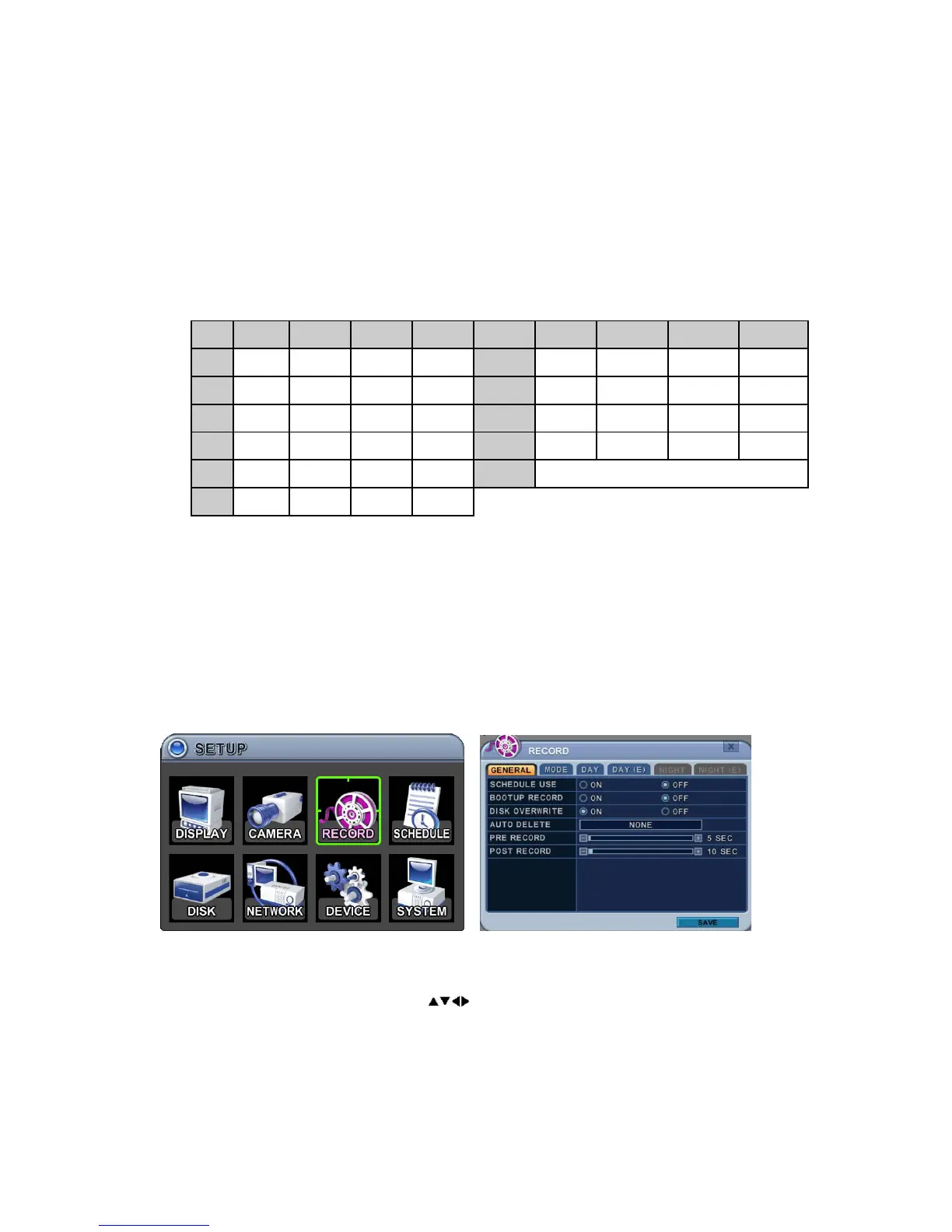
3. RECORD
3.1. Record General
1. The menus are displayed with options in the left-hand column and settings
in the right hand column. A cursor (highlighted menu) can be moved
using the Direction buttons
.
2. Change the options below using the DEC/INC buttons.
1) Schedule Use: This enables or disables Night Zone. By default OFF.
2) Boot Up Record: Starts to record immediately on boot up, without



 To Next Page