59 DIGITAL VIDEO RECORDER
3) Network: The DVR comes preconfigured with a System password to
access the Network access and Deny for Users. It is possible to create
different passwords for Network access by choosing Custom Password.
a. Password Length: up to 14characters.
b. Characters: A to Z, numerals 0 to 9.
4) Channel
Allow each user to view different live monitoring.
5) Password
Enter the 6 numbers for the new password, and then re-enter the same
password under the COMFIRM section. An asterisk is displayed for each
character entered.
2. To save changes and exit the menu, press the MENU button.
Exit the menu without making changes, press the CANCEL button.
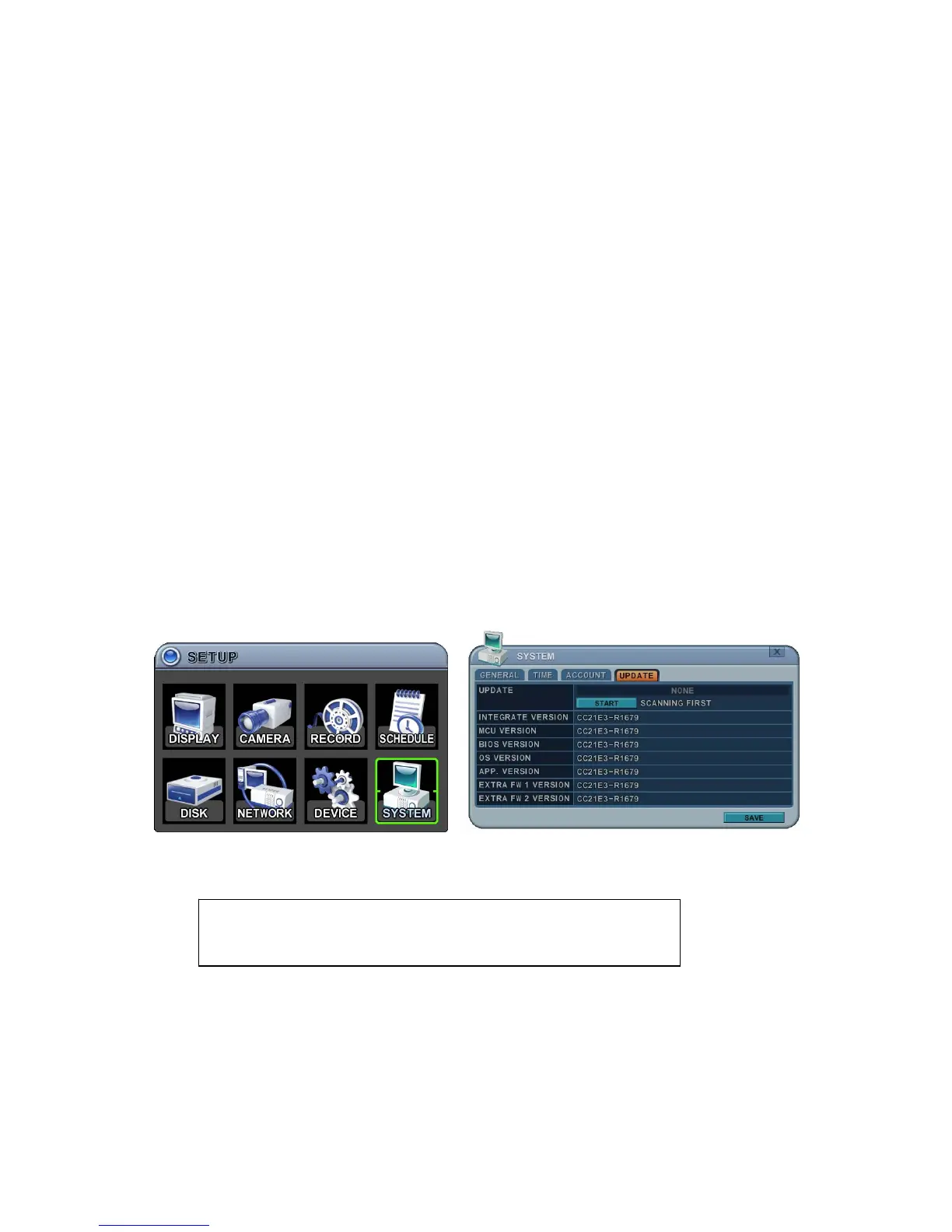
8.4. Update
1. Download the latest firmware file and copy to a USB Flash memory stick in
the Root directory.
2. Connect or insert a memory stick in the Front USB connector (please stop
recording).
NOTE : Please make sure you download all of files below (15Mb).
x6k_all.00.00.00.img



 To Next Page