51 DIGITAL VIDEO RECORDER
x : Not able to connect.
ᇞ: There’s some limitation - depends on Router or Network connection.
★ : Need to use Port Forwarding.
3) Description of Colours Used
Yellow - Recommended
Grey - Not available
White – Depends on Router or Network condition.
2. How to use the DVR on DHCP
Note: Each Router has different port forwarding settings. Please refer to the
router manual, or contact to your router manufacturer, for assistance.
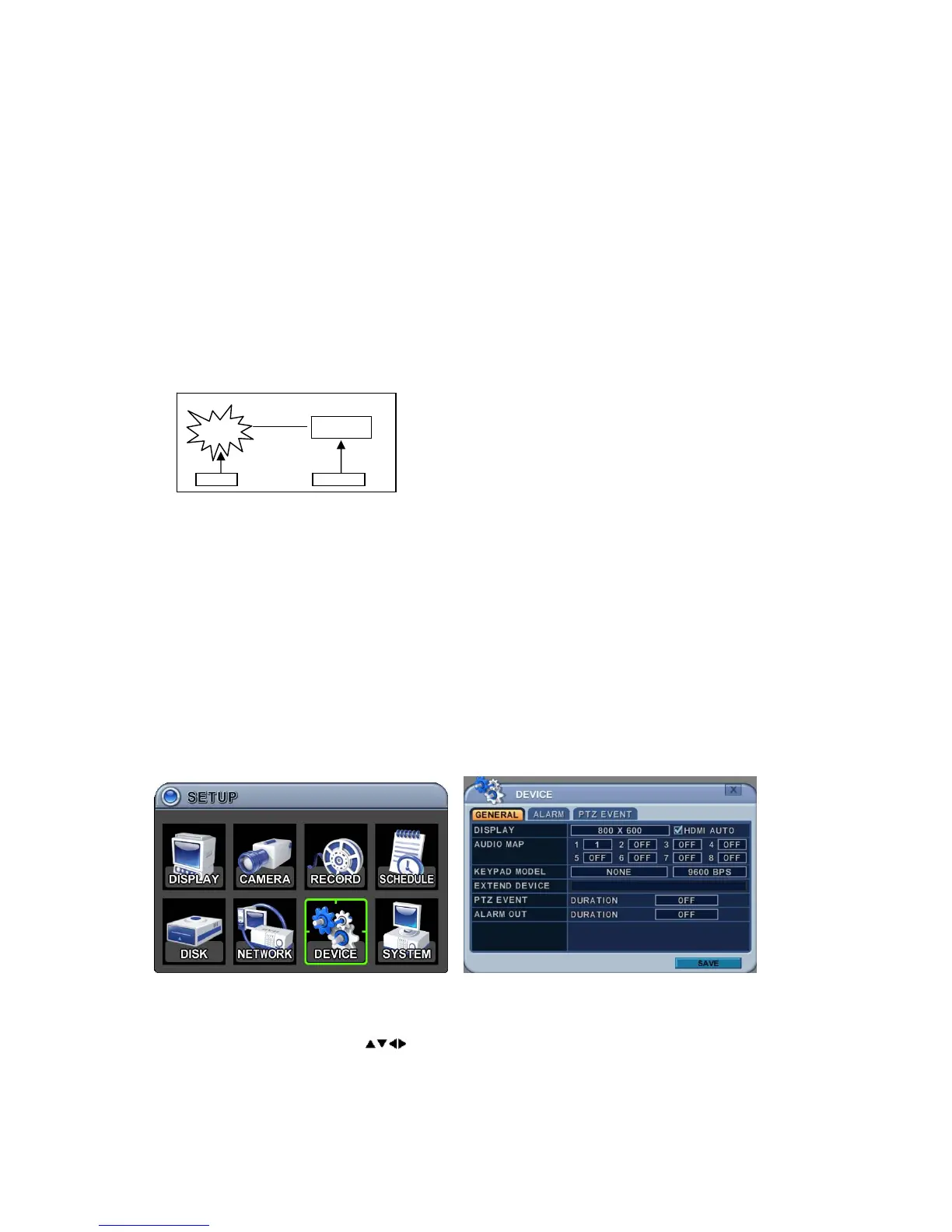
7. DEVICE
7.1. General
This DVR supports 1x Audio, 4x Alarm Input and 1x Relay Output and supports
HDMI output.
1. The menus are displayed with options in the left-hand column and settings
in the right hand column. A cursor (highlighted menu) can be moved using
the direction buttons
.
1) DISPLAY: Decide the video output resolution.



 To Next Page