22
3. Quick Button for Multi-Screen Display.
3.1. Quick Multi-Split Mode Change
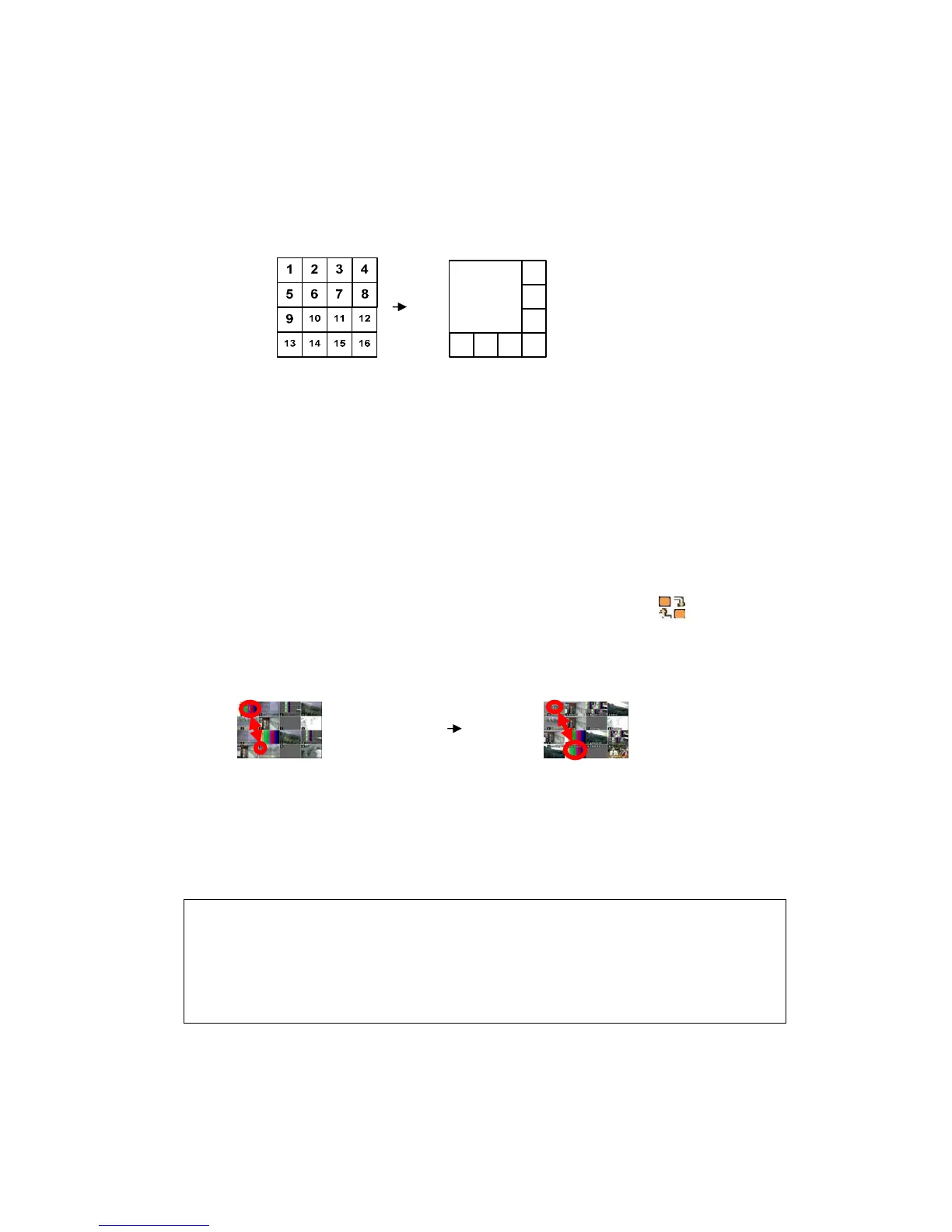
- Press the F1 button on the remote controller + <Number>
For example, press F1 button then number 8.
2
3
4
8765
1
The eight channel view mode will be displayed.
Note: 6,4,8,10,13 split modes must be ticked on the Split Mode options
to use this function.
3.2. Repositioning
It’s possible to reposition a camera from a big window with one from a
smaller one. It is used on 6,7,8,9,10,13 & 16 split mode
① Press the F2 button on the remote controller.
Mark will be
displayed.
② Press the Numeric button you wish to switch in the display.
③ Press the MENU button to exit here with saving changes.
Press Cancel to exit without change.
Press DISPLAY button to rearrange.
Note How to control with the KEYPAD
1. Muliti Screen (F1 function) = 16+ Display , 4+ Display Button and so on..



 To Next Page