52 DIGITAL VIDEO RECORDER
Automatically detects and sets the correct video resolution on the
monitor by default.
[800x600 Æ 1024x768 Æ 1280x720 Æ 1280x1024
Æ 1600x1200 Æ 1680x1050 Æ 1920x1080I Æ 1920x1080P]
z HDMI Auto
Automatically detects and sets the HDMI resolution for the monitor
connected to the DVR. “no video” may be displayed if a VGA monitor is
not able to support high resolution.
NOTE: To connect HDMI and VGA outputs to use both monitors, please
set up as the lowest resolution and DO NOT select HDMI AUTO.
2) Audio Map: Select audio recording device usage 1~4.
The audio data is always recorded in real-time (unlike video data which
can be recorded in various modes including real-time). There may be a
slight delay in synchronisation of the audio and video.
3) Keypad Model: Select Joystick Controller and Baud Rate.
4) Extend Device: Future use.
5) PTZ Event: DURATON [OFF, 1SEC ~ 5 SEC] : Select PTZ EVENT duration.
6) Alarm out: DURATON [OFF, 1SEC ~ 5 SEC] : Select Alarm duration.
2. To save changes and exit the menu, press the MENU button.
Exit the menu without making changes, press the CANCEL button.
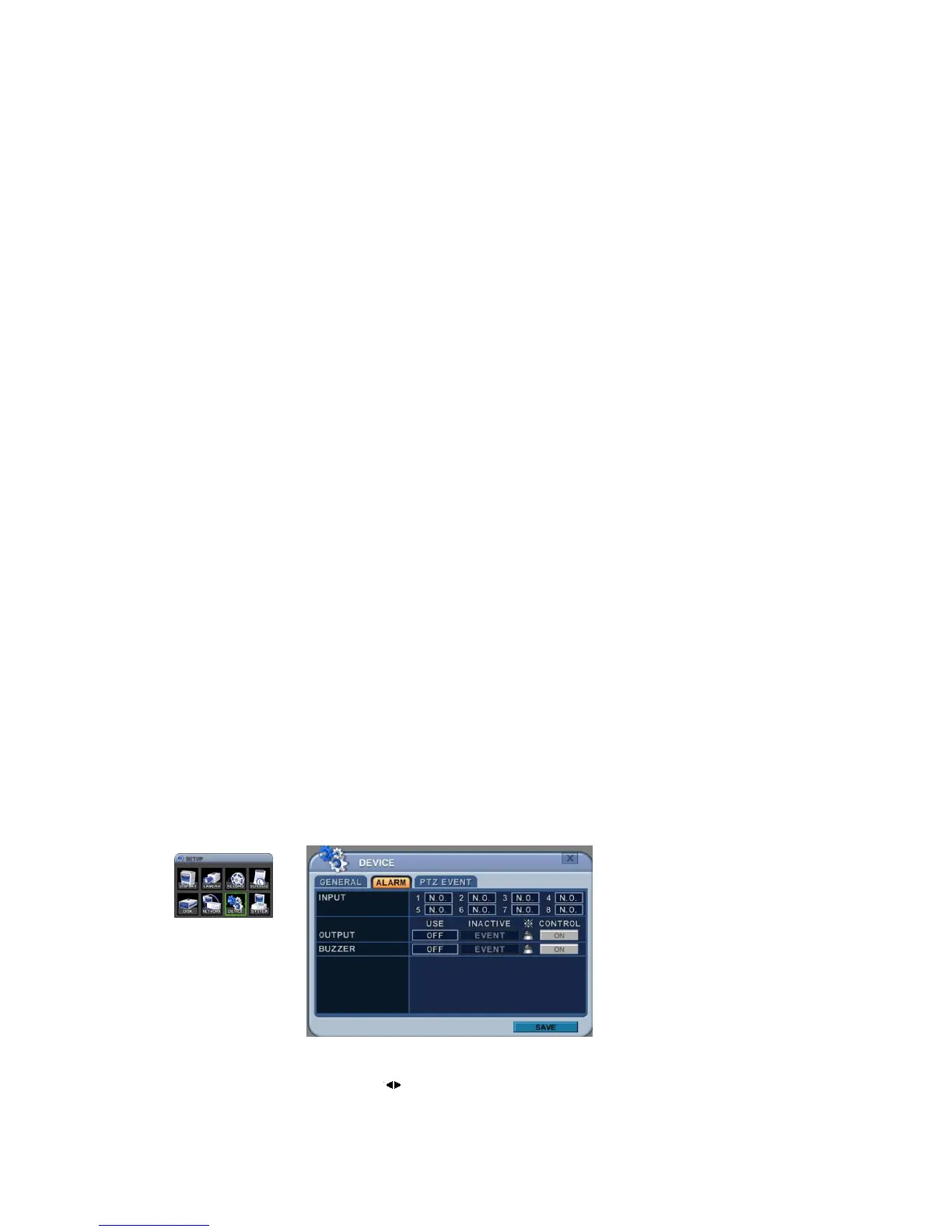
7.2. Alarm
This DVR support 4x Alarm Inputs and 1x Relay Output. One Alarm input can
be configured to one relay output. One relay output can be assigned to
multiple alarm inputs.
1. Use Left/Right buttons [
] to select the “ALARM” menu tab.The menus are



 To Next Page