53 DIGITAL VIDEO RECORDER
displayed with options in the left-hand column and settings in the right hand
column. A cursor (highlighted menu) can be moved using the direction
buttons
.
2. Input: Change the input type. Use the [-, +] buttons to change values.
3. Output: You can configure how the relay outputs are controlled: automatic
or manual.
1) Use: Change the output type.
2) Inactive: Select turn off method of Relay Out.
a. Event (Automatic): Relay Out is turned off when the event expires.
This setting is configured globally.
b. Manual: Relay Out is turned off from the <Control> menu.
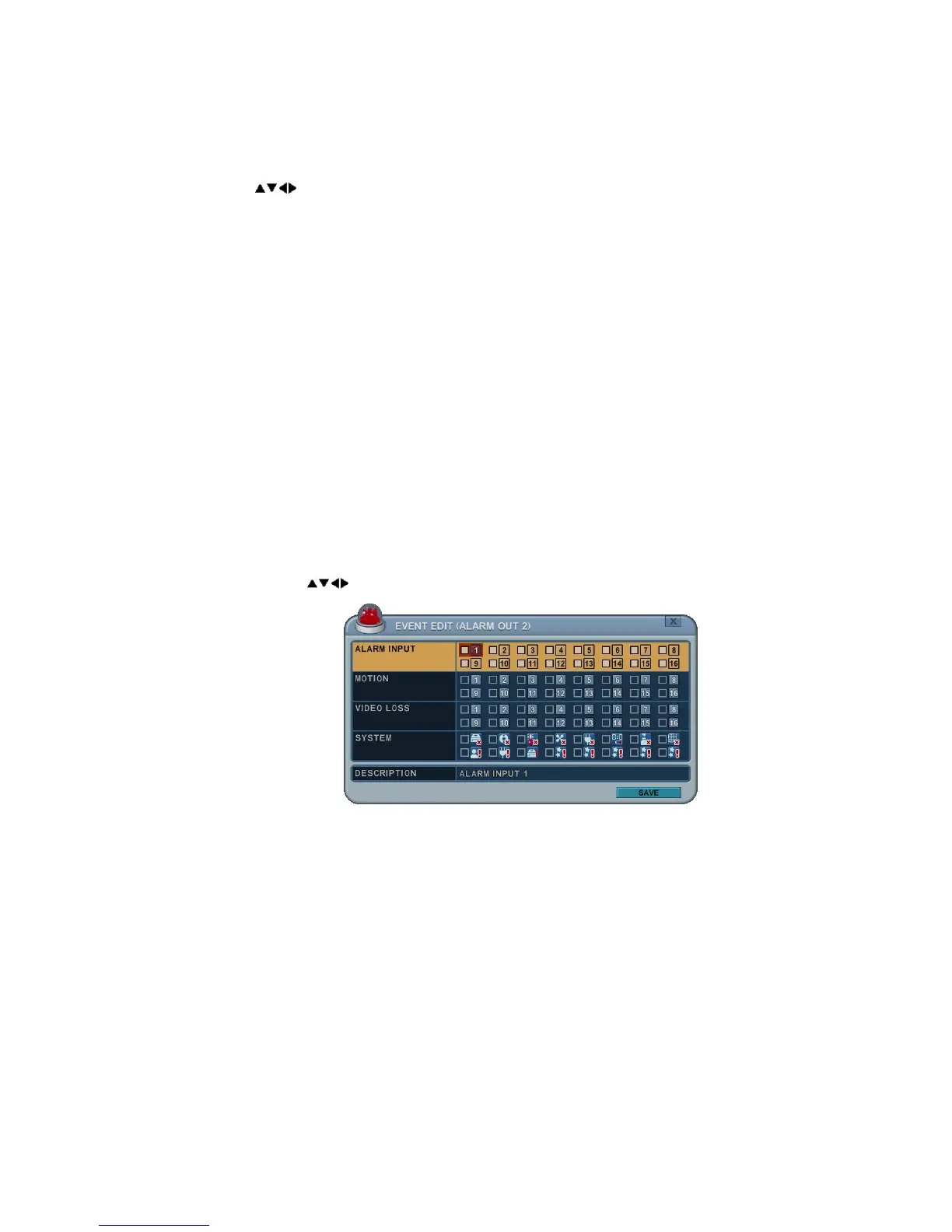
3) Event Edit:
- Press ENTER to edit multiple events. The menus are displayed with
options in the left-hand column and settings in the right hand column.
A cursor (highlighted menu) can be moved using the direction
buttons
on the IR remote or front panel.
- Change options using the DEC/INC buttons on the IR remote or click
the mouse.
- System menu contains:
z HDD Disk Fail
z Record System Fail
z Temperature Warning.
z Fan Lock Warning
z Voltage Warning
z Low RTC Battery Warning
z External Device Event



 To Next Page