71 DIGITAL VIDEO RECORDER
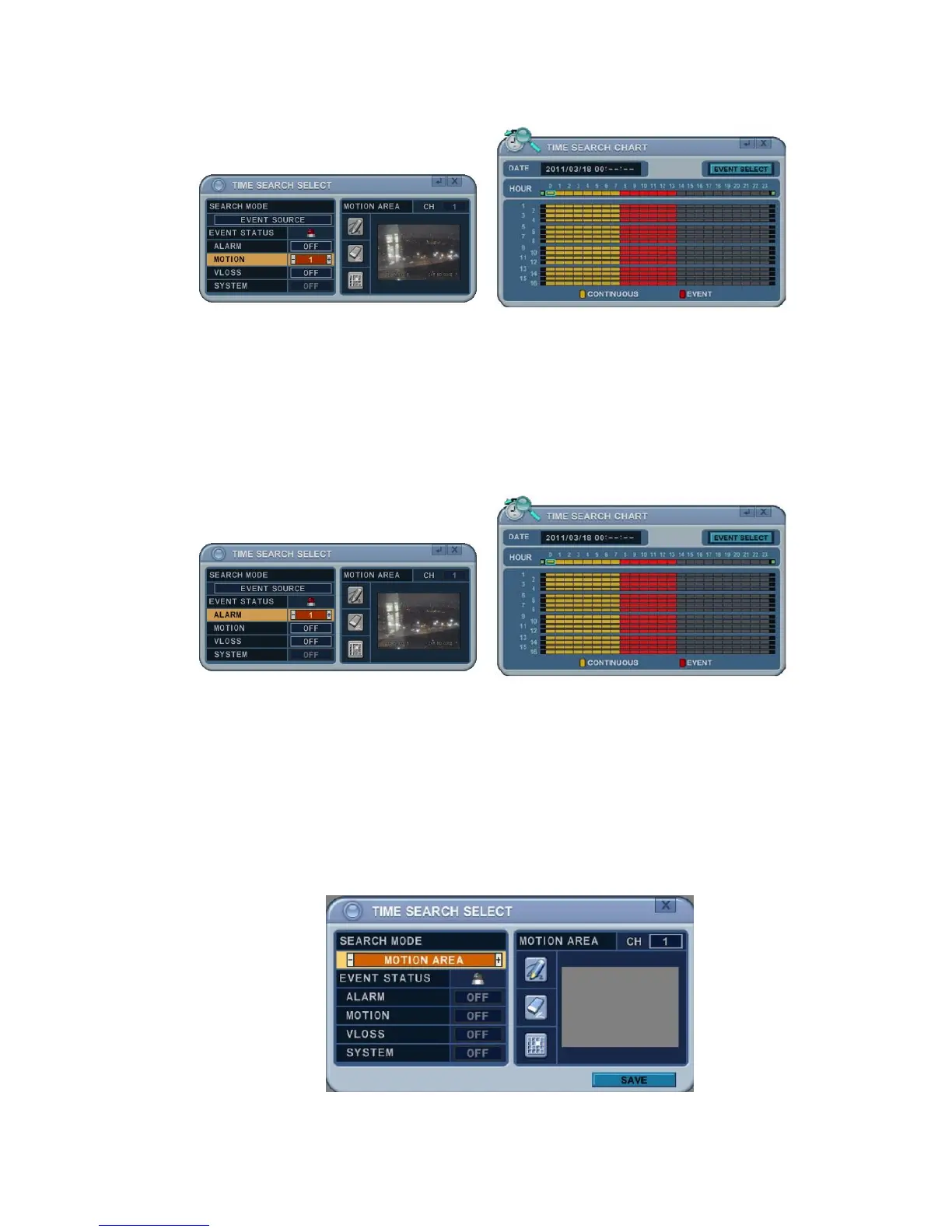
If you select ALARM 1 and press the MENU button on the remote controller,
Time Search Chart displays the recorded data (in red) at the time when
Alarm 1 Input was triggered. Other recording data is in yellow. So users can
easily search the recorded data and playback to see what happened when
Alarm 1 was triggered.
2.5 Motion Area Search (Single Channel Playback)
The DVR searches for recorded video that matches the search area defined by
selected cells.
1. Select “MOTION AREA” (single channel playback) to search the recorded
data which has motion in a specific area in a certain channel.



 To Next Page