60 DIGITAL VIDEO RECORDER
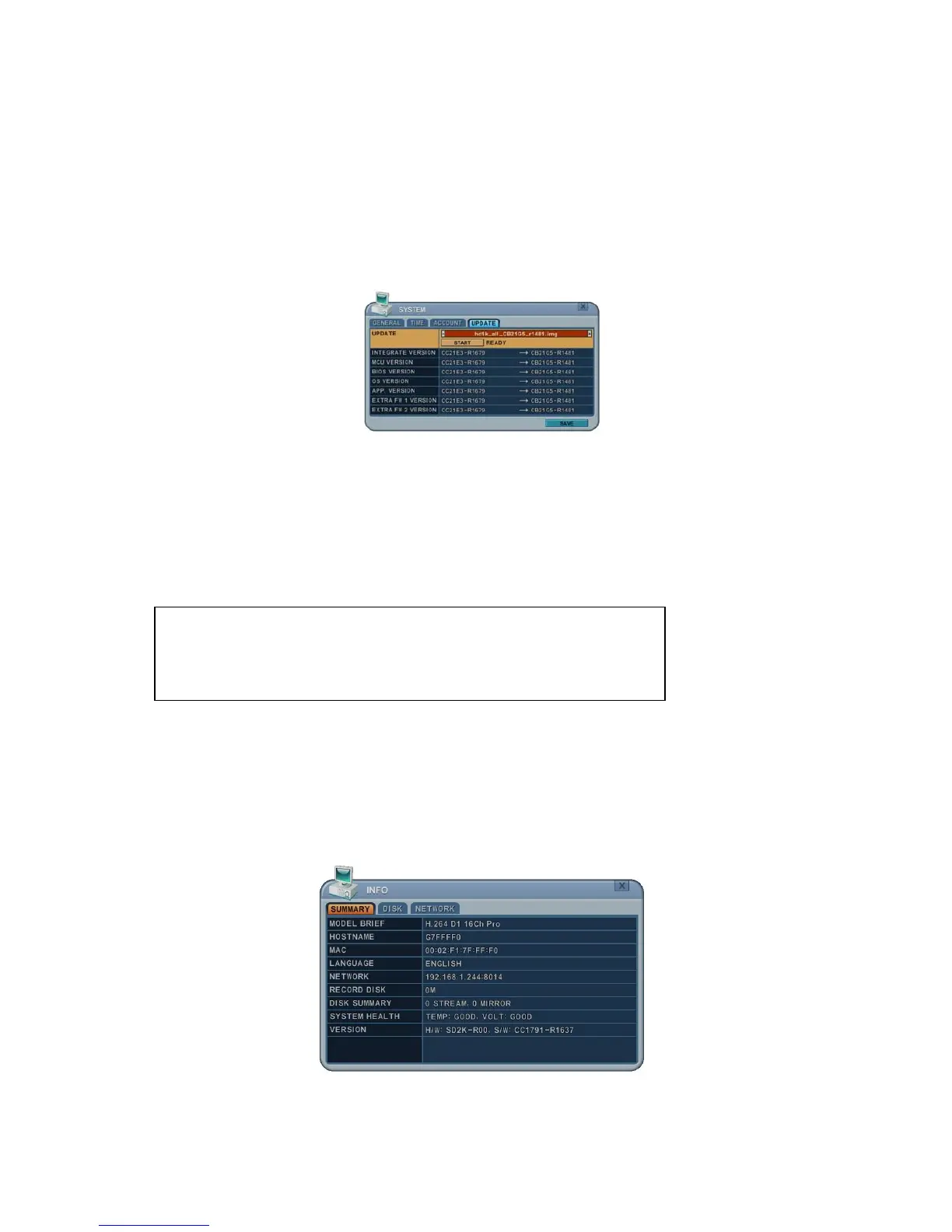
3. Using the direction buttons move to the START button. Press the [+] buttons
to find the upgrade file(s). If the DVR finds a valid update file, the update menu
is activated.
4. Press the [-, +] buttons to find upgrade files. Version information is
displayed. If there are several valid update files, please check the display
information.
5. Using the direction buttons to move to the START button then press the [+]
button to start updating.
While updating, the message ”in progress” is displayed.
6. After the update process is complete a “Success” message is displayed. Press
the [+] button to restart. The DVR issues a single beep if Micom update
included.
8.5. Info
System information contains brief model information, Mac address and installed
HDD status.
Press the INFO button on the remote control or front panel. The system
information is displayed. Use the direction buttons to move to the next page.
SUMMARY: Contains brief model information, Mac Address and installed HDD
NOTE: Do not switch the DVR Off or PRESS any keys during the
update process.
NOTE: Consult your Installer or Distibutor before updating this DVR.



 To Next Page