50 DIGITAL VIDEO RECORDER
Here is an example of DVR connection.
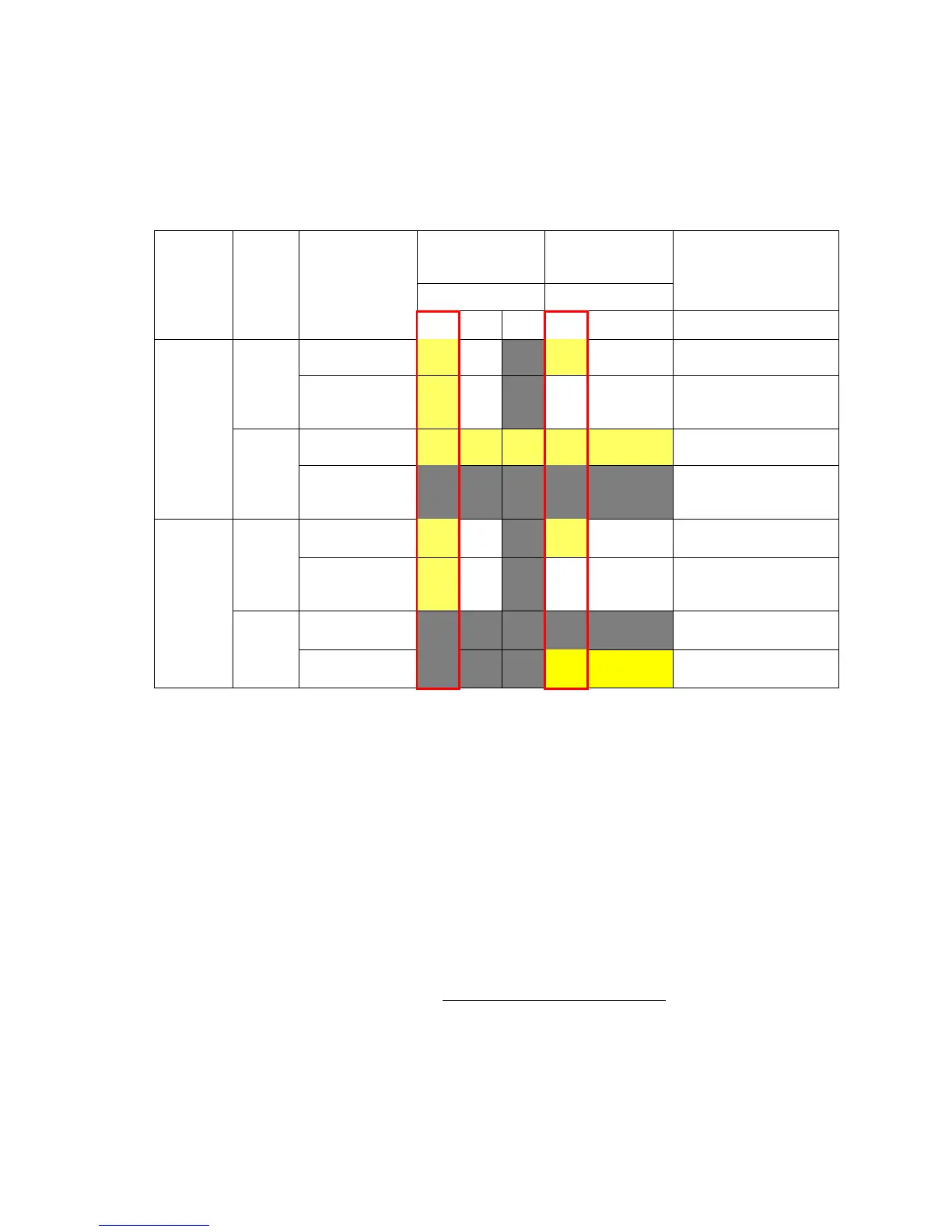
Network Router DVR IP Setting
1) Description of Location.
A. LAN: Connect to Local IP. If you are connecting from within your network,
you only need to enter the IP address of the system into the software
(e.g. 192.168.0.50)
B. WAN: Connect by DDNS. If you are connecting from outside your
network, use the DDNS to configure the software (e.g.
L123456.dvrhost.com).
C. WAN: Connect by IP address. If you are connecting from outside your
network and know your Static IP address , use the IP address to
configure the software (e.g. http://124.137.23.72:6000
)
2) Description of Symbols.
○ : Connected.



 To Next Page