38 Saving and Assigning Samples to a Slot
Groove Synthesis
To bulk load .wav les to sample memory:
1. Connect your computer to the USB port on the back of the 3rd Wave
using a USB cable.
2. Once connected, the 3rd Wave will show up on your computer desktop
as an external drive called “
thirdwave.”
3. On your computer desktop, open the “
audio” folder on the 3rd Wave.
Make sure there are no existing les in the folder. If there are les in
the folder, remove them before adding new ones.
4. Copy up to 100 mono-format .wav les from your computer into the
“
audio” folder on the 3rd Wave.
5. Press the
global button and use soft knob 1 to scroll to the manage
sample memory setting.
6. Turn soft knob 2 to select go.
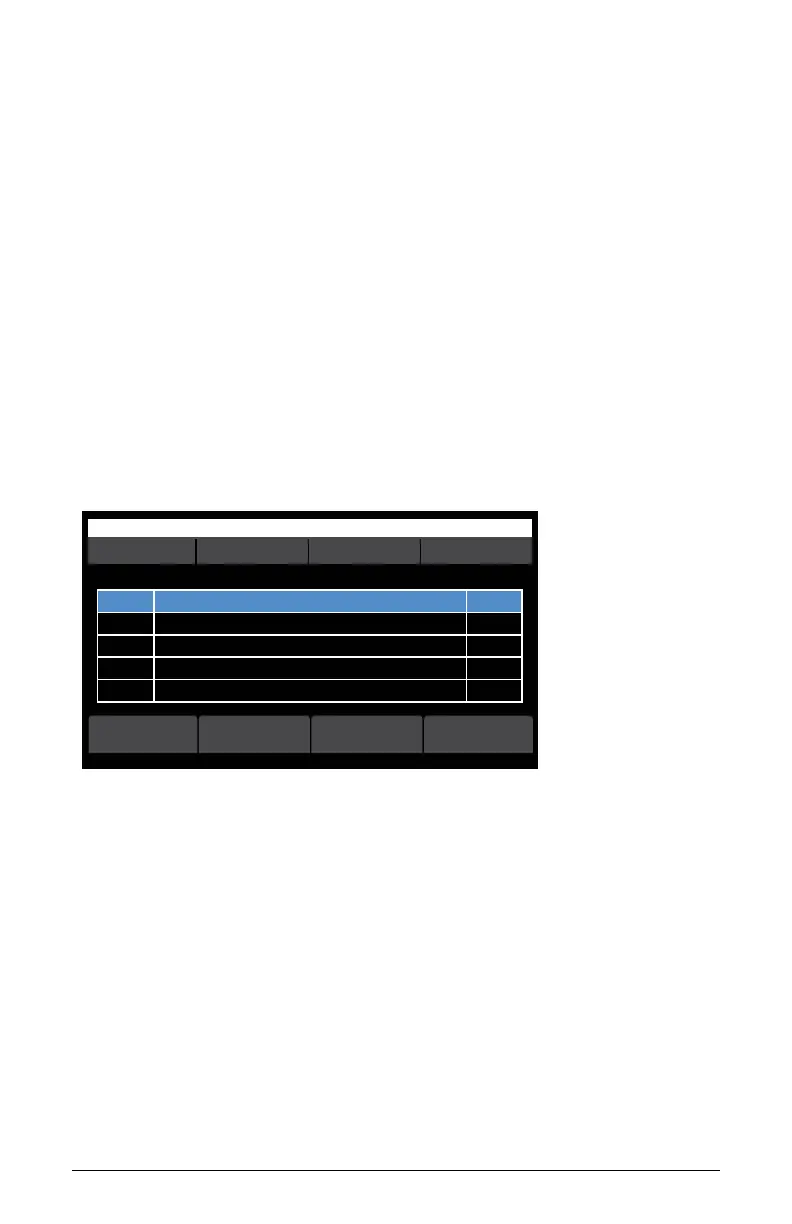
OS v1.8B5-P012 Orchest Hit
select
r# sizename
Manage sample memory 0 used. 1683456 free (100% avail)
r#1 Press new button to save a new recording to memory 36544
playeditnew -->
Manage Sample Memory screen (page 1)
7. Press soft button 4 (right arrow) to see more options.
8. Press soft button 2 (
bulk load). A screen appears indicating how many
.wav les are currently in the “audio” folder on the 3rd Wave.
9. Press soft button 4 (
ok) to load the les.



 To Next Page