40 Saving and Assigning Samples to a Slot
Groove Synthesis
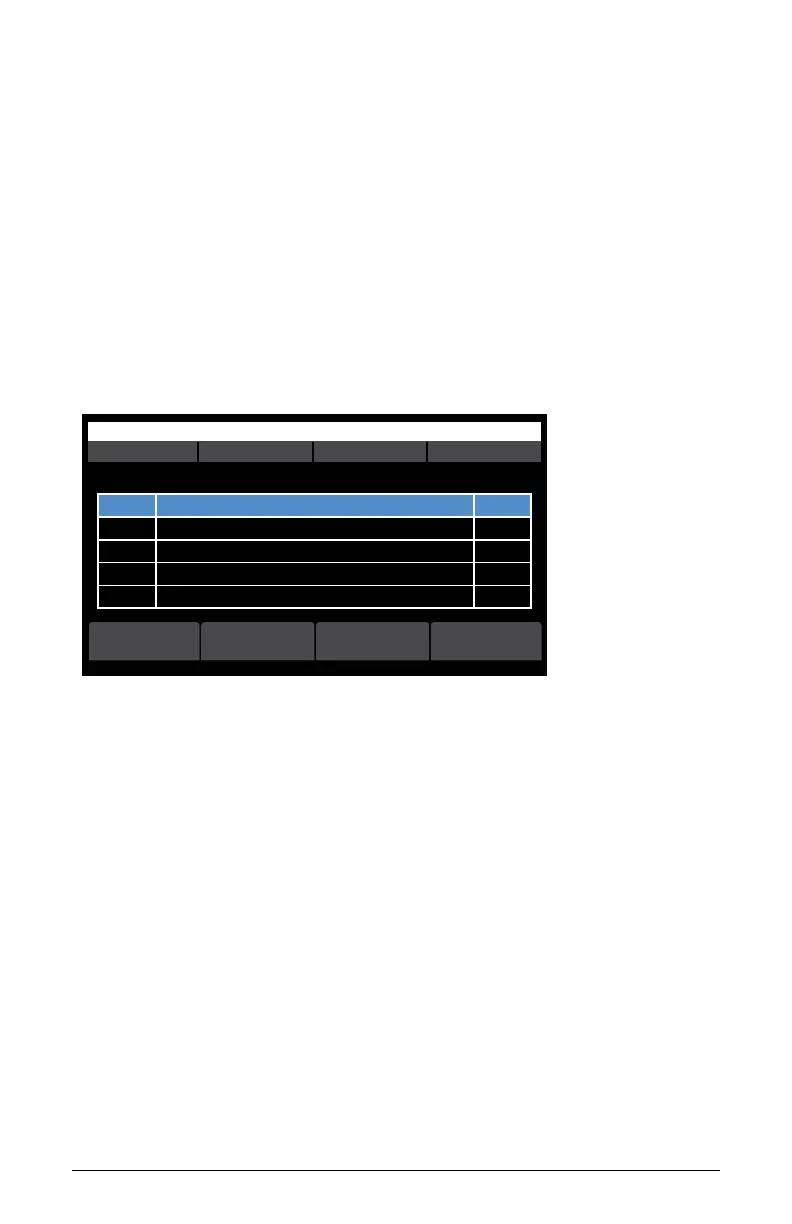
4. Press soft button 1 (add to multi). A list of all samples currently in
memory appears as shown below.
5. Use soft knob 1 to select the desired sample.
6. Before pressing soft button 4 (select) to assign the sample to the
container, set the assigned note for the sample by pressing a key on the
keyboard.
7. If you are adding multiple samples to the container (8 maximum) set
each of their assigned notes as you load them to map them across the
keyboard.
8. Press soft button 4 (select) to add the sample to the container.
OS v1.8B5-P012 Percussion
select
r# sizename
Select multisample
Assigned note: C4 (use keyboard to set) 1034567 used. 648889 free (38% avail)
r#1 Orch hit 36544
r#2 Kick 23000
r#3 Snare 25440
r#4 Tom 26789
playbacknew select
Multi-sample slot screen



 To Next Page