Table1-7 Description of the Soft Keyboard Icons
Chapter 2 NVR Connection
2.1 HDD Installation
Before installing a Hard Disk (HDD), please make sure the power is disconnected from the NVR.
Please refer to NVR’s specifications to confirm the max capacity for each Hard Disk. NVR without
a Hard Disk will still support monitoring, but there will be no recording or playback. If you install
the Hard Disk correctly, the HDD indicator will blink regularly when the NVR is on and recording
video.
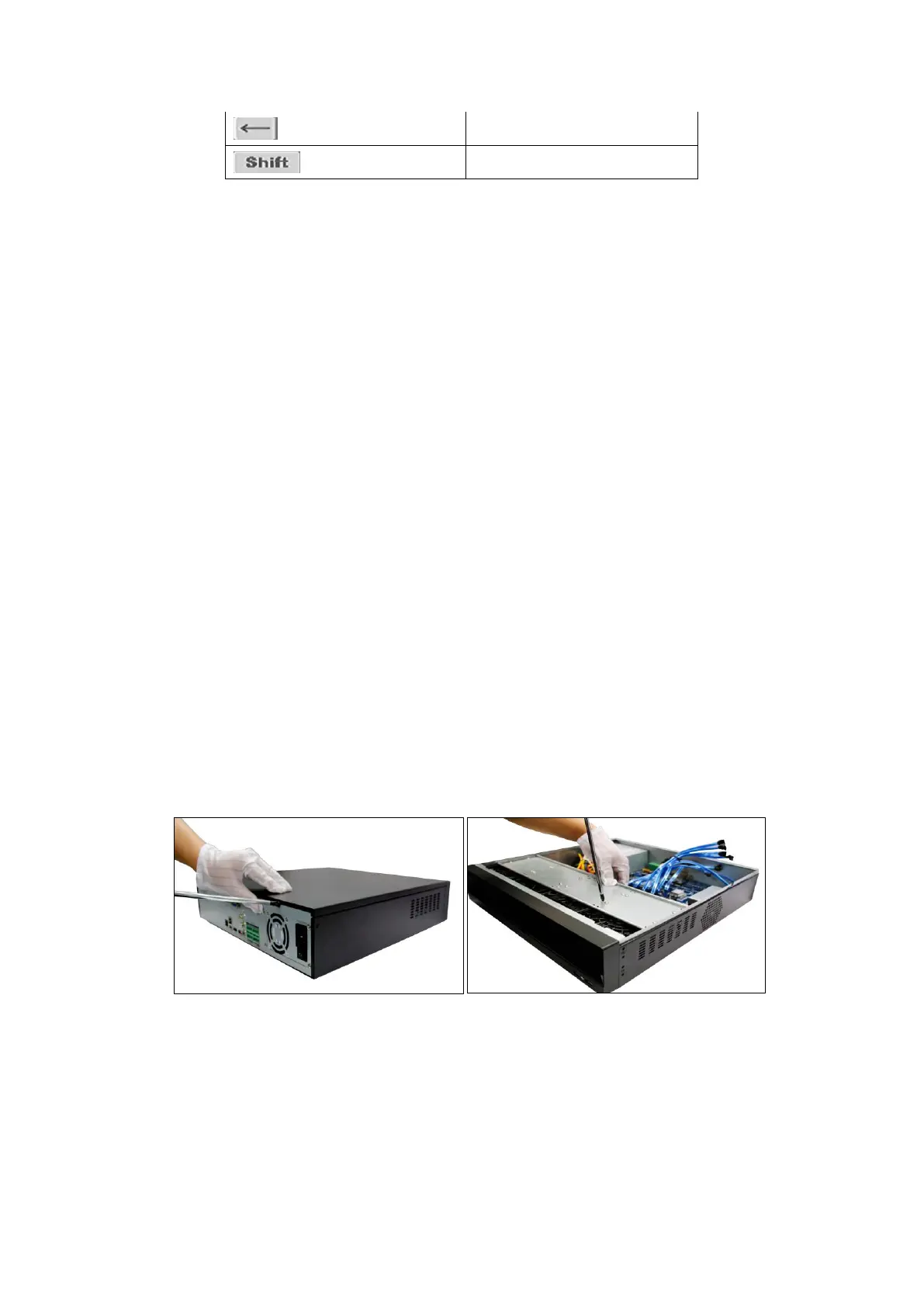
Please turn off the power and then start the installation of HDD. The pictures of the installation
are only for reference.
Figure 2-1 Remove the cover Figure 2-2 Mount the HDD



 To Next Page