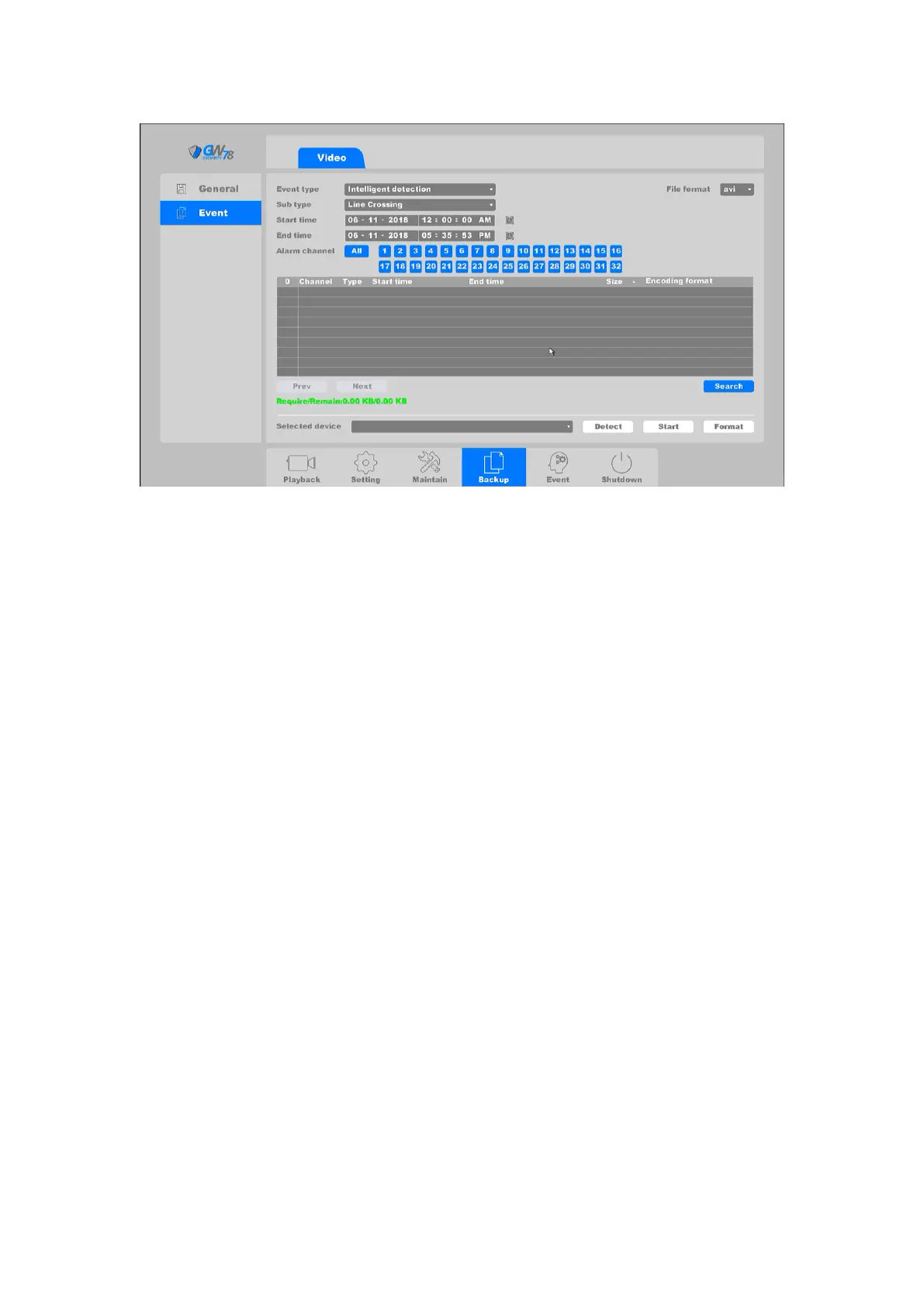
Figure 4-85 Backup Event Video File
This page you can check the event video, and there are three event types, include “Alarm input”,
“Motion detect”, ”IA Detect”. And “IA Detect” contains two sub types “Crossing detect” and
“Area intrusion detect”.
1. Set search time period and the channel..
2. Click on the search button. The search results show in the middle area. From this
area you should chose the serial number of the backup file you need. And DAV/AVI two
file formats.
3. Check on the “Require/Remain” bar, make sure the required space smaller than
your USB device. And click start button to start backup.
4.6 Event
4.6.1 Alarm
4.6.1.1 Line Crossing
Click on the "Event -> Alarm -> Line Crossing", as show in figure 4-86.
Crossing detection is used to detect the object crossing the set virtual line. The direction can be
set as bidirectional, from side A to B, or from side B to A. If there´s object that moves from one
side to another it will trigger the alarm and the NVR will respond to those alerts as configured:
such as record, show message, send email, etc.



 To Next Page