1. Select the “Normal Play (Picture)” enters the normal playback of pictures mode.
2. Select the channels, the search result as shown in the figure. As for the button of
control playback including “File Manage”, ”Sync/Async”, “Start/Pause”, “Backward play”, ”Stop
Playing”, “Slow down”, ”Speed up”, and “Time-line Stretch”, “Time-line Shorten”.
The sources of pictures you play are manual snap on preview interface and the manual snap in
playback interface.
Note:
You can stop playback by right click, and exit the playback interface by keep right click.
If you chose more than one channels to playback, double click can make the channel
shows in one screen.
4.8 Shutdown
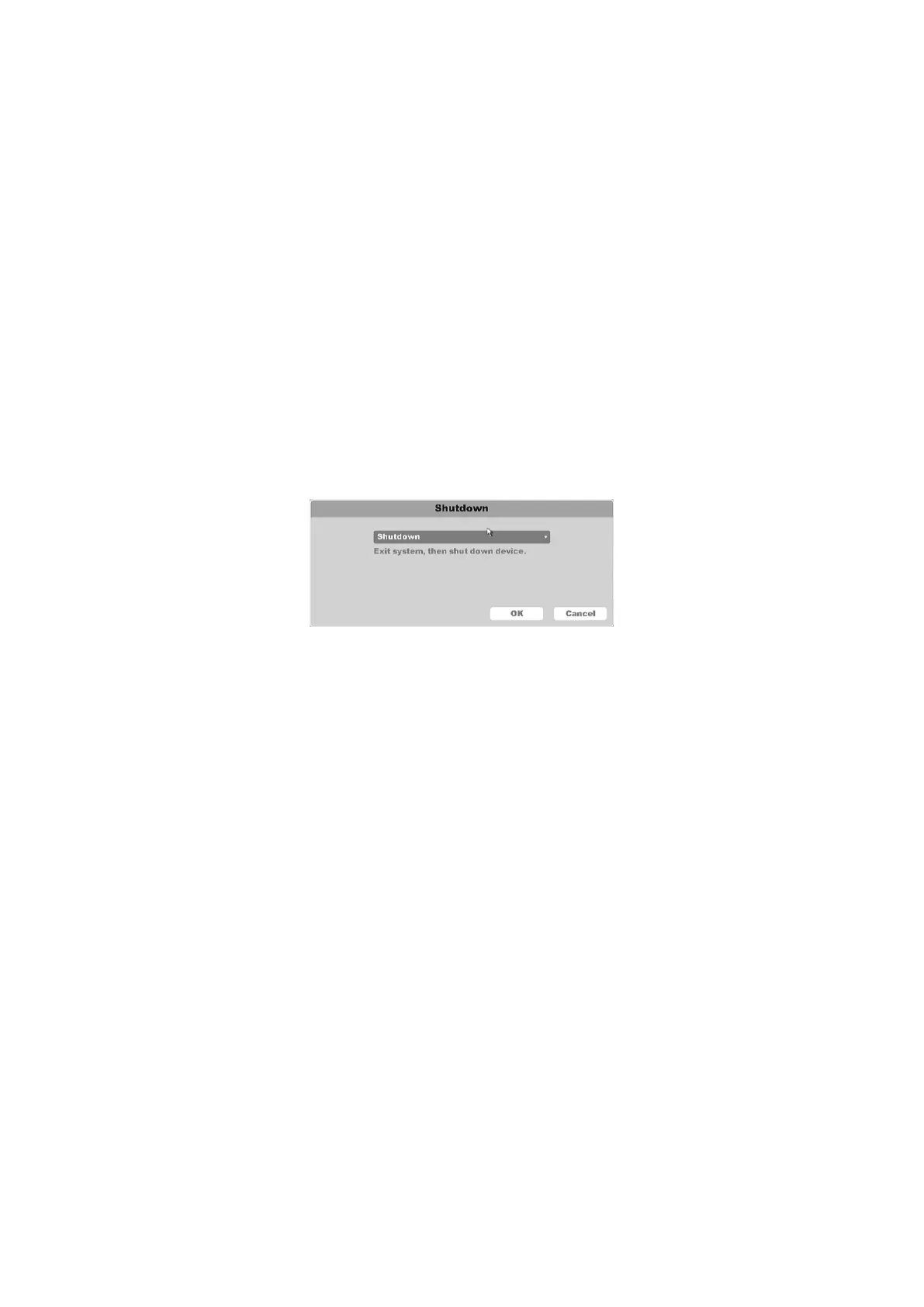
Click Shutdown, as shown in the figure.
Figure 4-121 Shutdown
Shutdown: Exit system, and then shut down device.
Restart: Exit system, then restart device.
Log out: Password is needed to re-enter the menu after logout.
Switch user: Switch the user and use another account to login.



 To Next Page