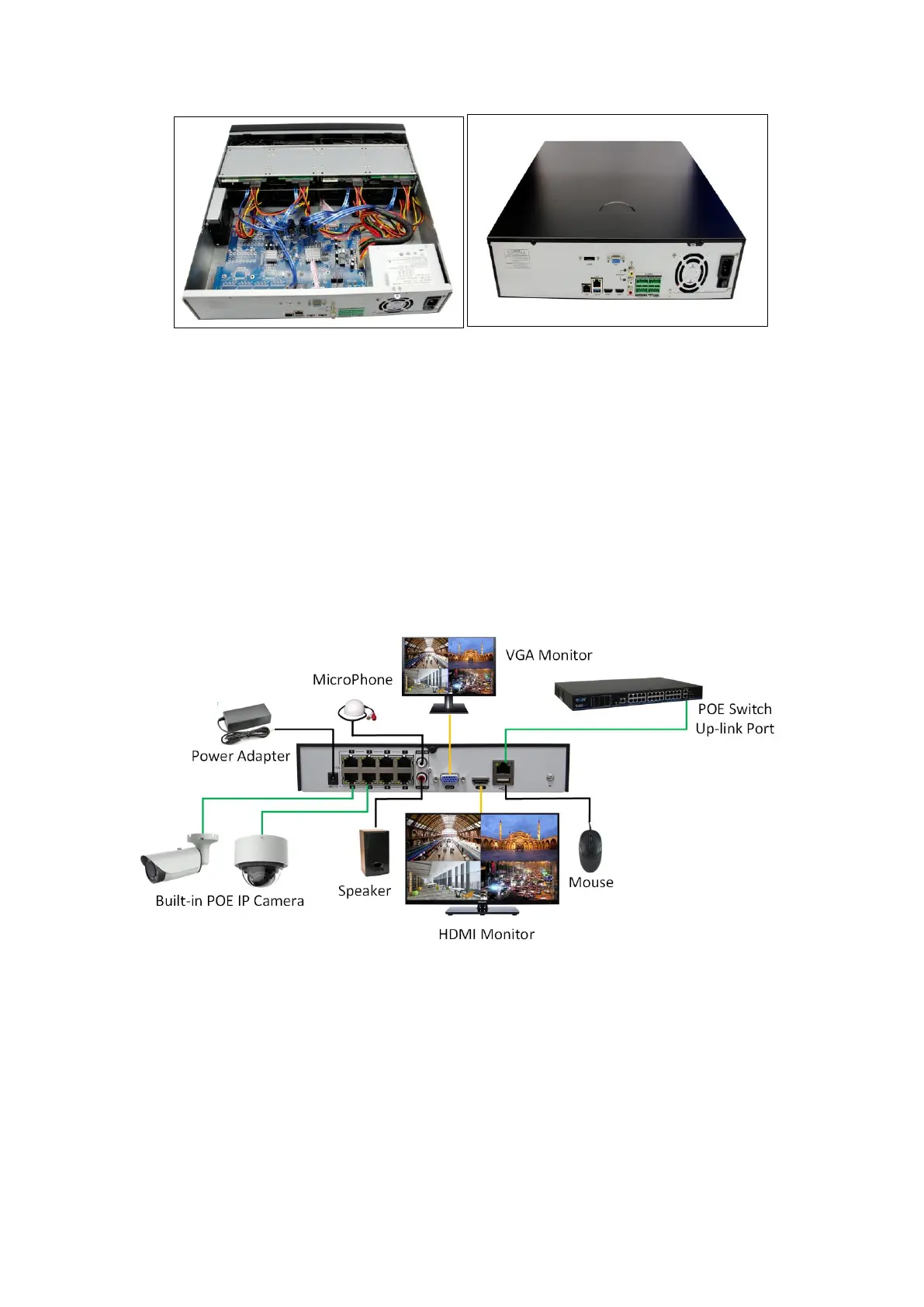
Figure 2-3 Connect the power and data cables Figure 2-4Install the cover and screws
Note:
If you require a higher performance HDD, it is strongly recommended to use special
hard drive designed
for security and protection.
Please do not take out hard drive when NVR is running!
2.2 IP Camera and Monitor Connection
Transmit data of IP camera to NVR via the network cable, then connect switch annd VGA/HDMI
monitor port for output as depicted below.
Figure 2-5 GW7808NP connection guide



 To Next Page