Chapter 5 WEB Application
Manage
5.1 Plug-in download and installation
1. Open your web browser and input the IP address of NVR, such as http://192.168.1.9
(the default IP address), if your IP address has been changed, you can use the new IP address,
and press the Enter key to enter the login interface.
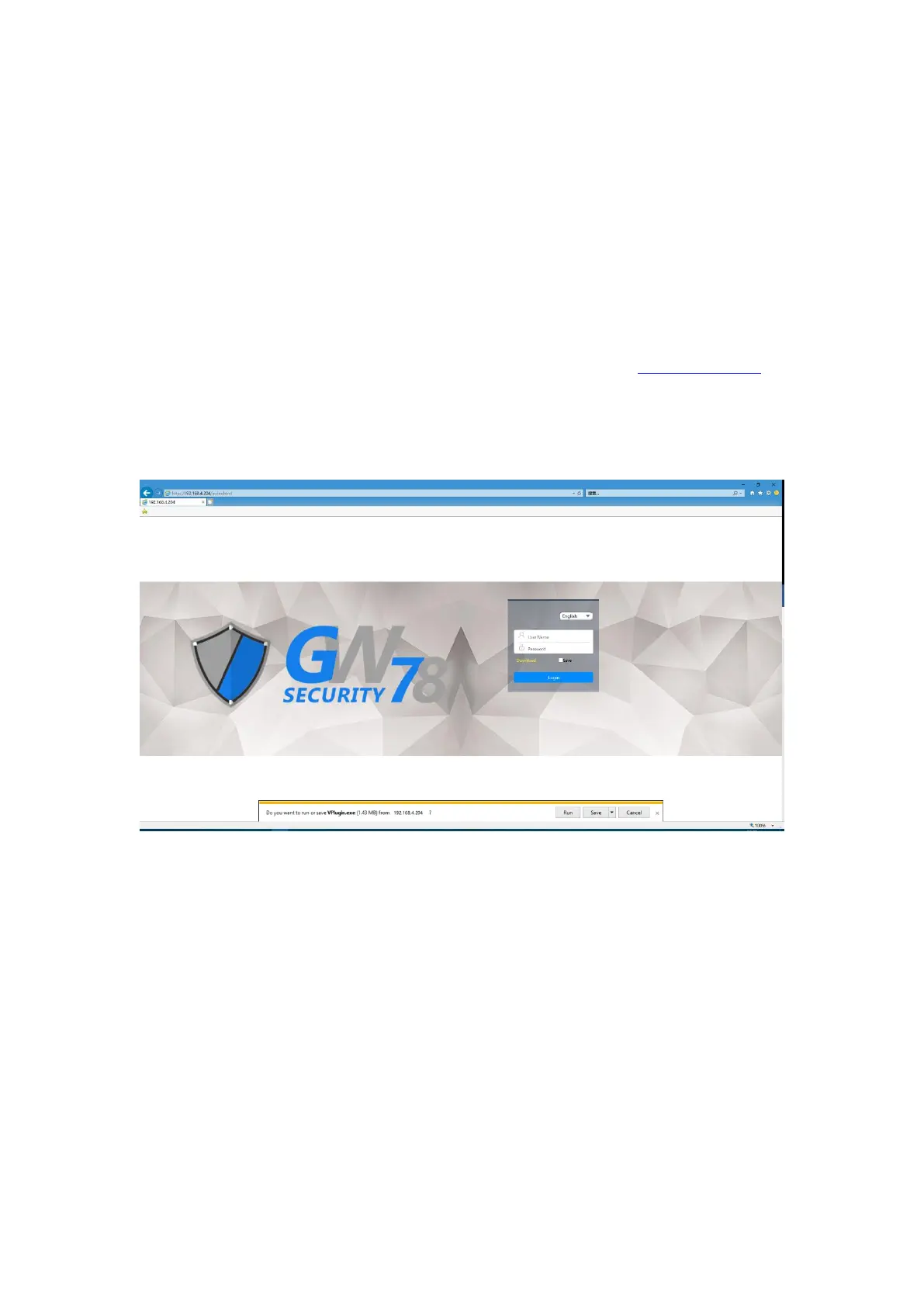
2. If it is the first time to login, it will notice you to install the plug-in, you can find it either
in CD or download from web site, as shown in the figure 5-1.
Figure 5-1 Install the Plug-in
5.2 Web Application Manager Login
1. After plug-in installation, please input the user name and password (The default
username is admin and the password is empty), and select language in the interface, shown as
figure 5-2.
2. Click on login button to go to web preview interface.
3. If you enable the “Save Password”, your password and user name will be remembered
the next time you login.



 To Next Page