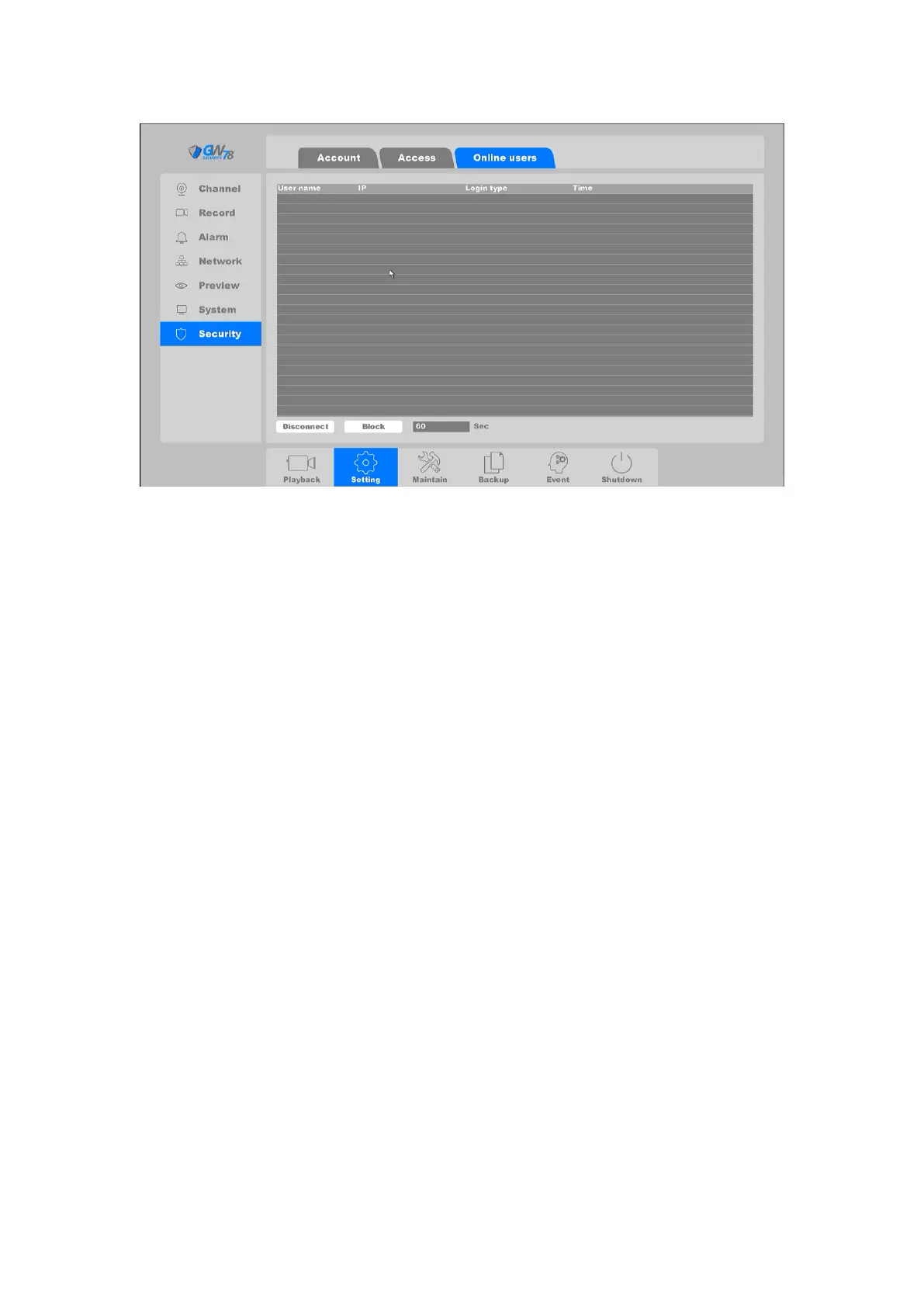
Figure 4-28 Online Users
User Name: Remote device login this NVR device account.
IP: User remote access devices IP Address.
Login Type: Remote connection type.
Disconnect: Disconnect the connected user, and disconnected users will reconnect
automatically in a while.
Block: Blocking the connected user for a specfic time that you set, and remote user will
reconnect after the specific time length.
4.3.3 Network
Before the NVR connects to the Network, you need to configure the related Network settings. In
this chapter, you'll learn how to set the basic network configuration in relation to: TCP/IP, P2P,
DDNS, UPNP, Email, FTP, NTP, Access, etc.
4.3.3.1 TCP/IP
Click on "Setting -> Network -> TCP/IP", as shown in figure 4-25. This page you can set the device
IP Address, gateway, DNS As well as view the NVR's MAC address. If the NVR has two Ethernet
ports, you can connect with two net segments and set one for default route.



 To Next Page