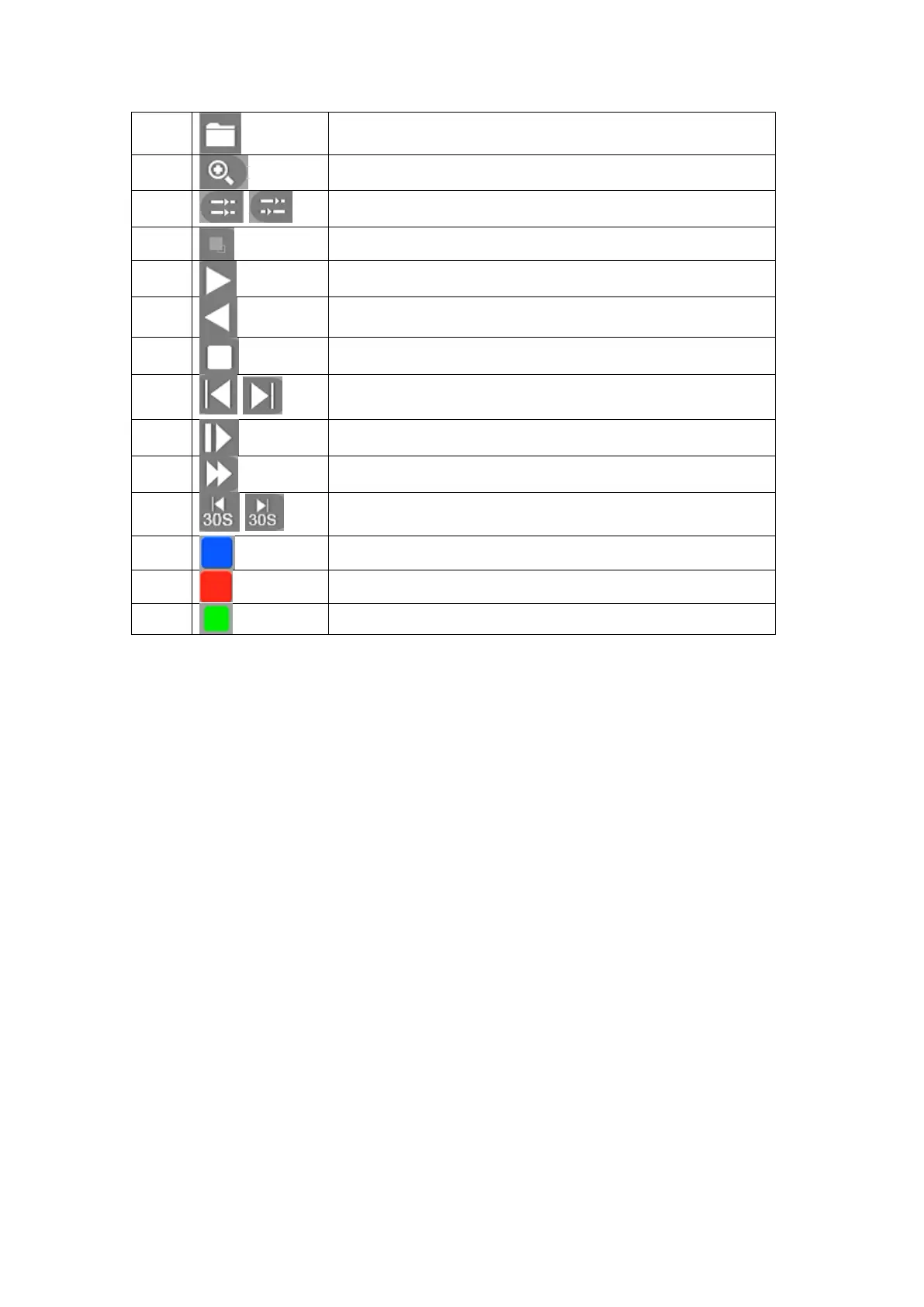
File manager. Mange the cut file, locked file, and labeled file
Zoom, Zoom the playing channel
Sync/Async, Switch button of playback mode
Main/Sub Stream, Switch button of stream type
Start/Pause, Control button of start/pause playback
Backward Playback/Pause, Control button of backward playback
Stop Playing, Control button of stop playback
Frame Control, Control step frame and backward frame
Slow playback, slow down play speed of playing channels
Speed up, speed up playing channels
Forward/Backward 30 sec, forward/backward 30 sec playing
channel
Normal record, blue means normal
Event record, event record marked red
Smart record analyzed according to the recorded video
Table 4-8 Buttons of Playback Interface
4.7.1 Normal play
The default playback mode is “Normal playback”. And when you select the channels the date will
turn into blue on the date area that means the channels you selected have files in that day. And
you can select the date you want to playback on the date area.



 To Next Page