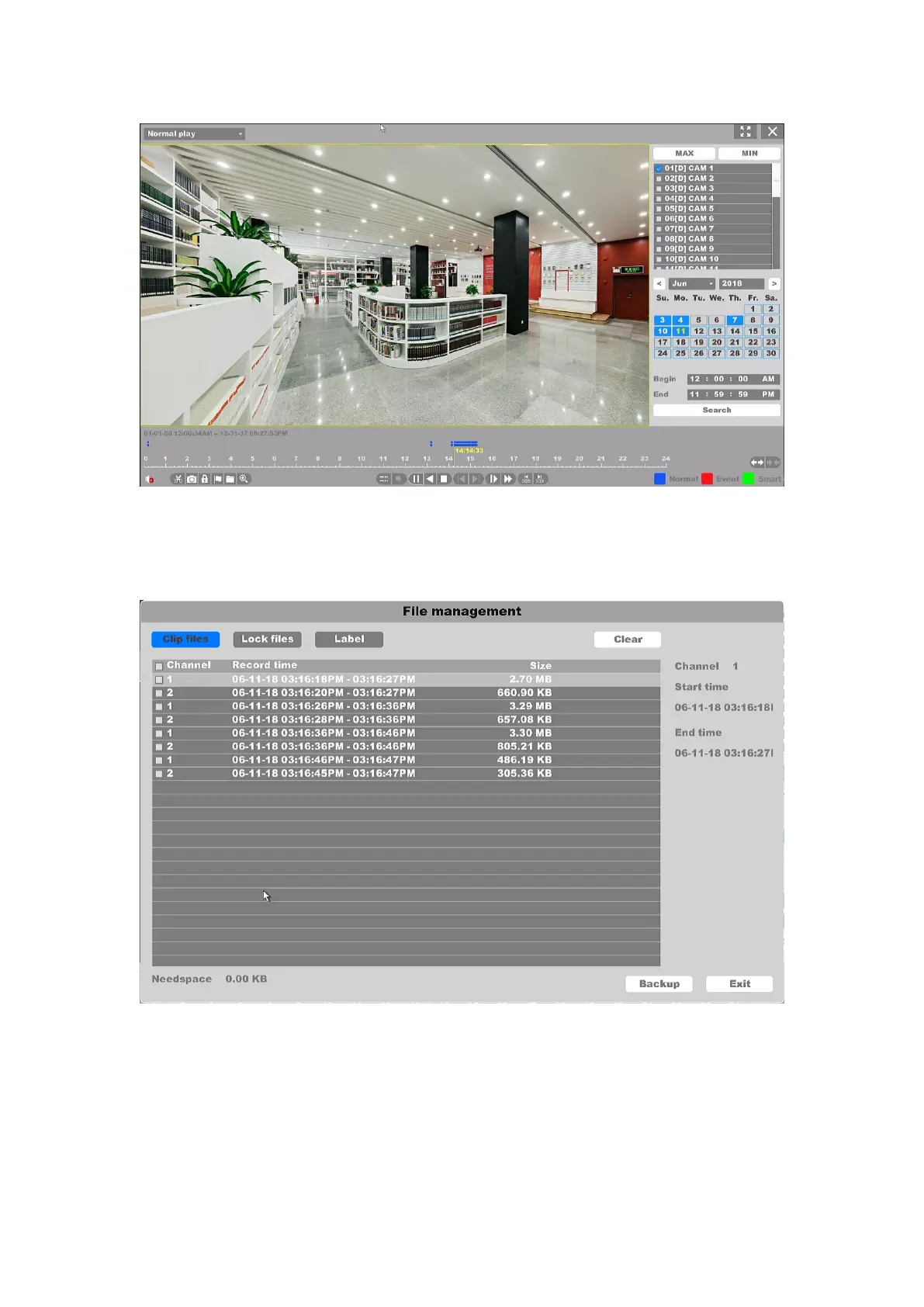
Figure 4-107 Normal Playback Modes
All the operations of these buttons to control the playback, you can refer to the previous table.
And the “Cut” button will cut all the files of the channels you’re playing, you can check the files
you cut in the “File Manage”.
Figure 4-108 Clip files
And you can back up the clip files in this interface.



 To Next Page