stream
Open ALL(Sub):Open all the preview channels in sub
stream
Close All: Close all the preview channels.
Dynamic Tracking all open/ Full Screen/ Screen Division
Original Size/ Talk/ Multicast/ Local Snapshot/ Local Record/ Listen
Control PTZ directions, add preset and tour etc.
Table 5-1 Function Description of preview area
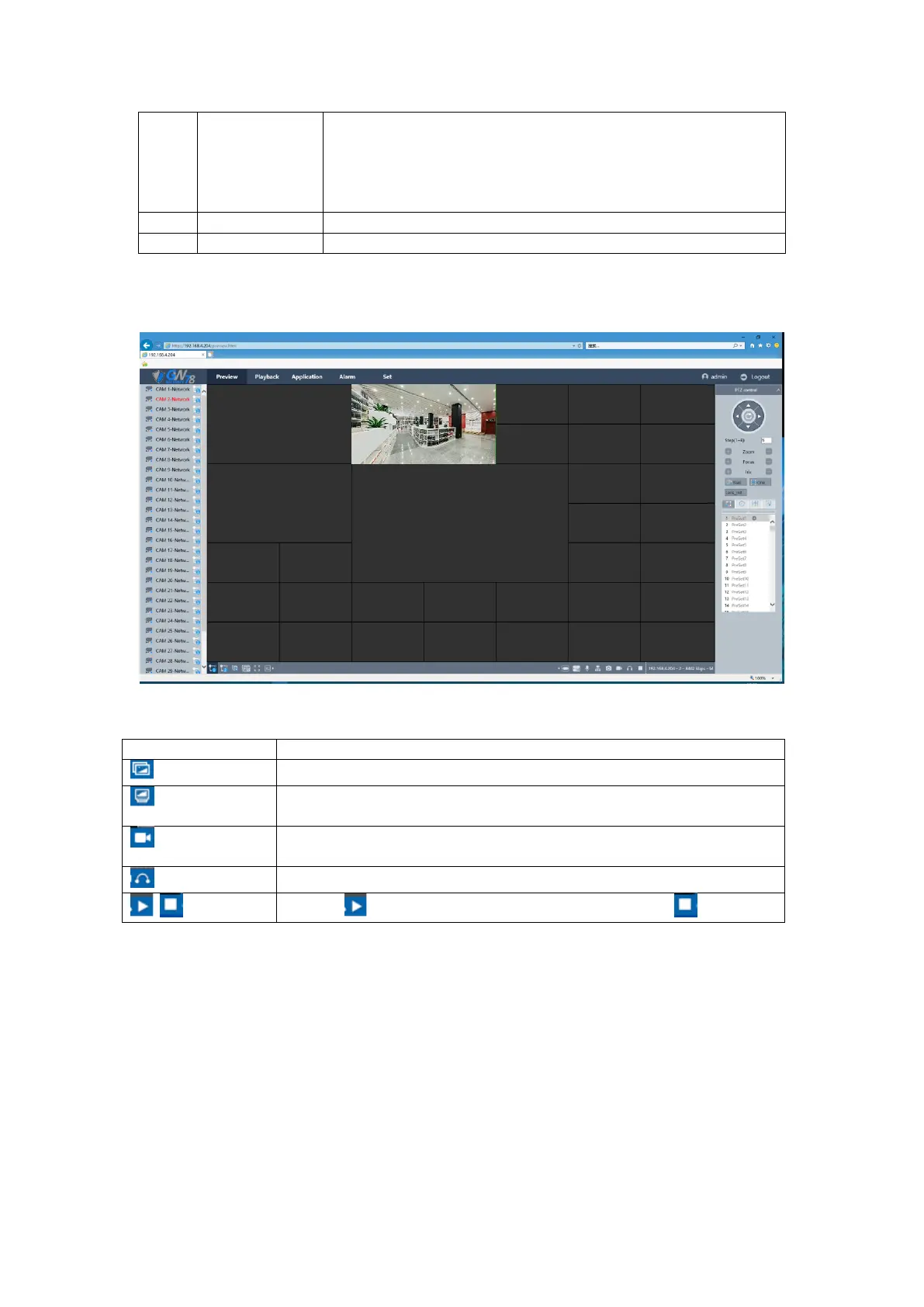
After login the NVR, you can choose a channel and preview the channel in real time.
Figure 5-4 Channel Preview Interface
Capture a picture and save it in the device.
Capture a picture and save it in the picture path you have set before on
local PC.
Record a video and click it again to stop recording, and save it in the
record path you have set before.
Click the button to open the preview channel, and click to close it.
Table 5-2 function description of preview interface
5.4 Playback
1. Click the playback button to enter playback interface, show as figure 5-5.



 To Next Page