Figure 5-2 Login Interface
5.3 Preview
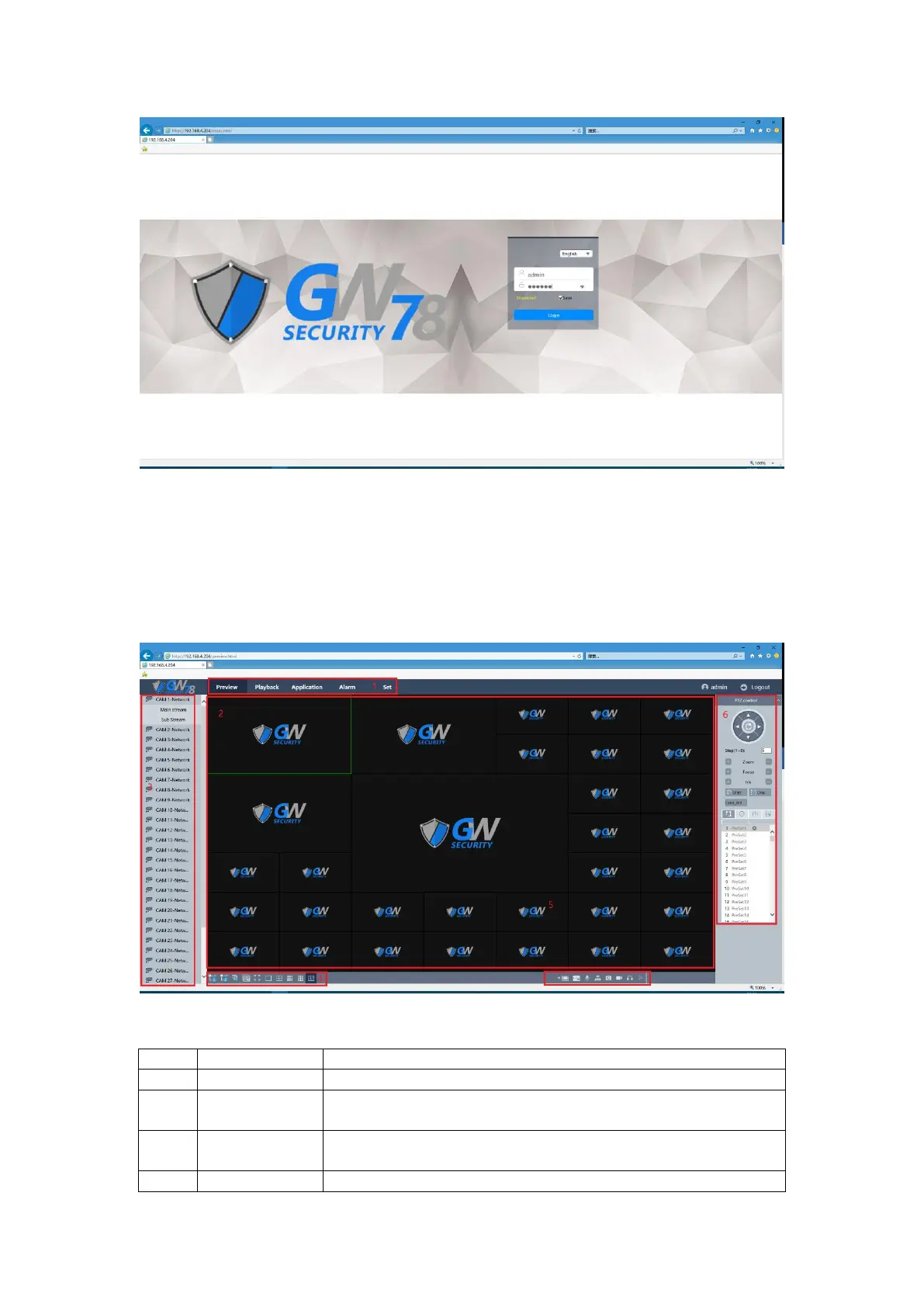
After you login successfully, you will enter the preview interface, as show in figure 5-3.
Figure 5-3 Preview Interface
Main Menu Includes preview, playback, Alarm, Config and Logout.
The connection channel of NVR.
You can open the preview channel in main/sub stream and close
the preview channel.
Open ALL(Main): Open all the preview channels in main



 To Next Page