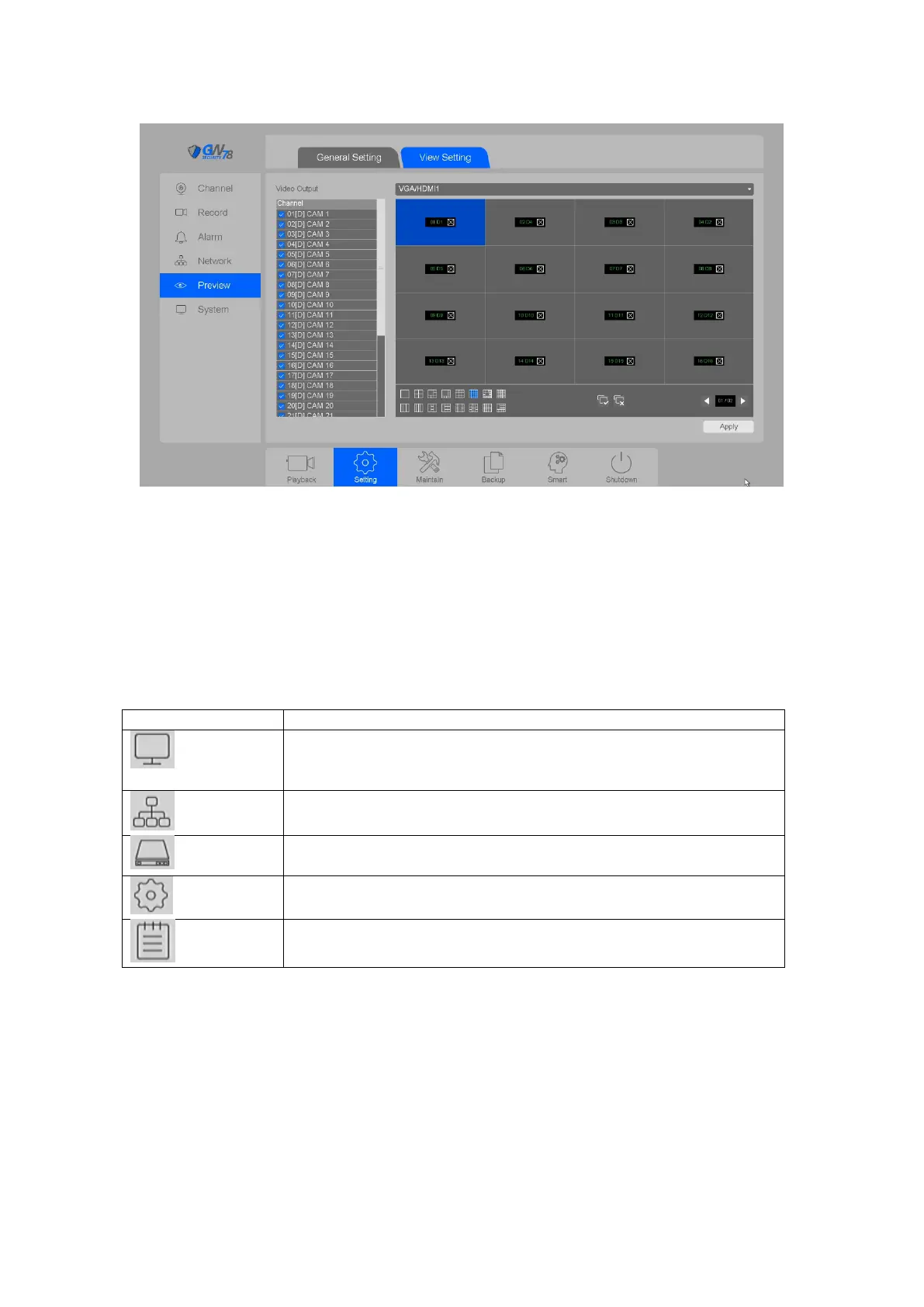
Figure 4-63 View Setting
Note:
If you drag and switch two cameras position at preview, it will take into effect and show
the corresponding position in View Setting interface.
4.4 Maintain
Check the version of the device and upgrade the NVR. Check: channels,
record, and alarm status. Review PoE power info, and manage online
users.
Check base settings of network, and network transmission info of
LAN1/LAN2 port
Manage the base and advanced settings of HDD, and review HDD self-
test results.
Backup parameters of device, and restore defaults
Search the operations log of device
Table 4-6 Control Panel description
4.4.1 System
4.4.1.1 Version
Click on the "Maintain --> System -> Version”, as shown in figure 4-64.



 To Next Page