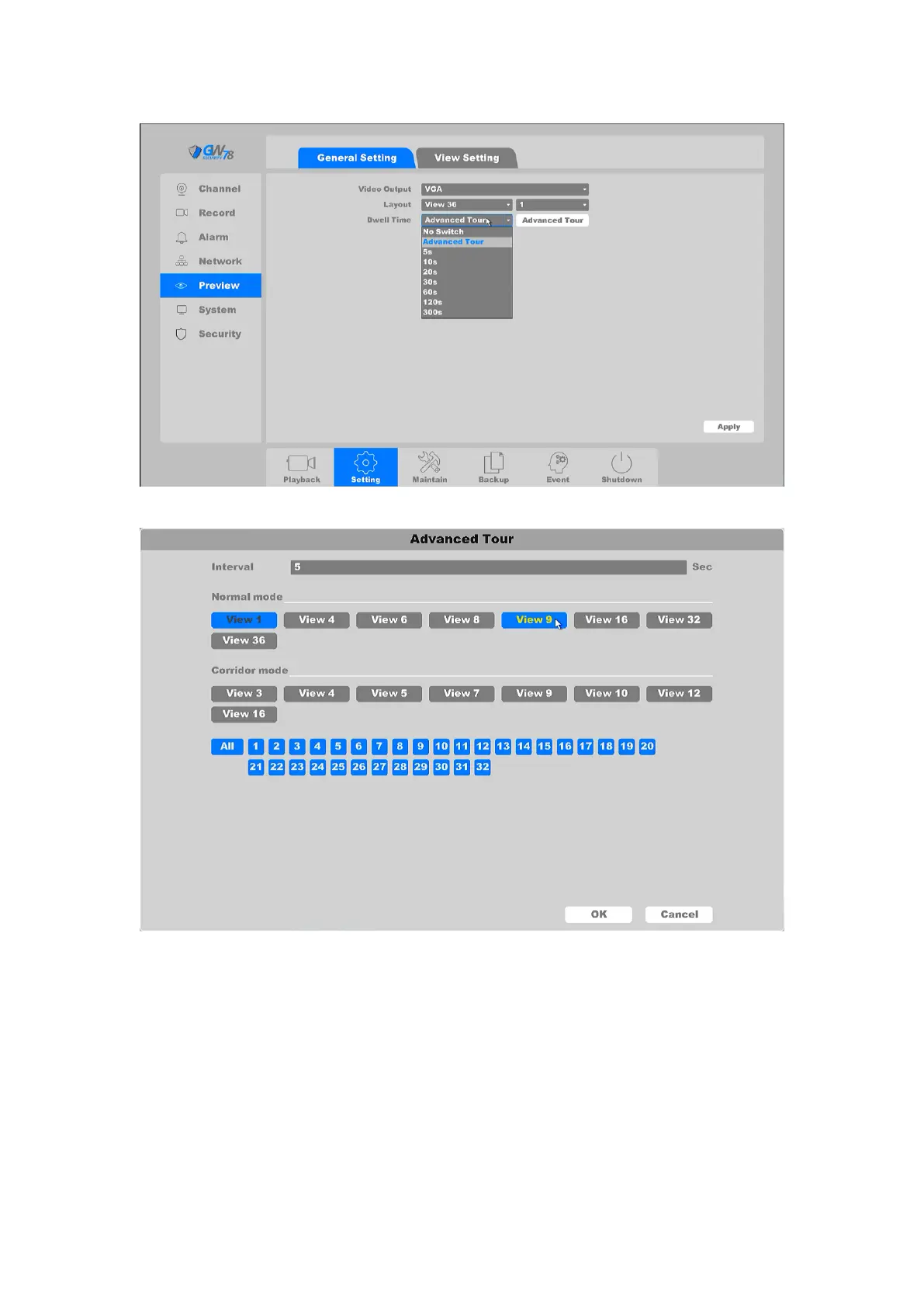
Figure 4-62 General Setting
Figure 4-63 Advanced Tour Setting
4.3.7.1 View Setting
Click on the "Setting -> Preview->View Setting”, as shown in figure 4-63.
Here you can design which cameras lie in which channel from different preset layout. For Dual-
HDMI output NVR, you can also set which cameras show on HDMI1 and which cameras show on
HDMI2.



 To Next Page