3.3 Login and logout
User Login
NVR requires user login before operating the menu and other functions.
Login Method 1, Pattern:
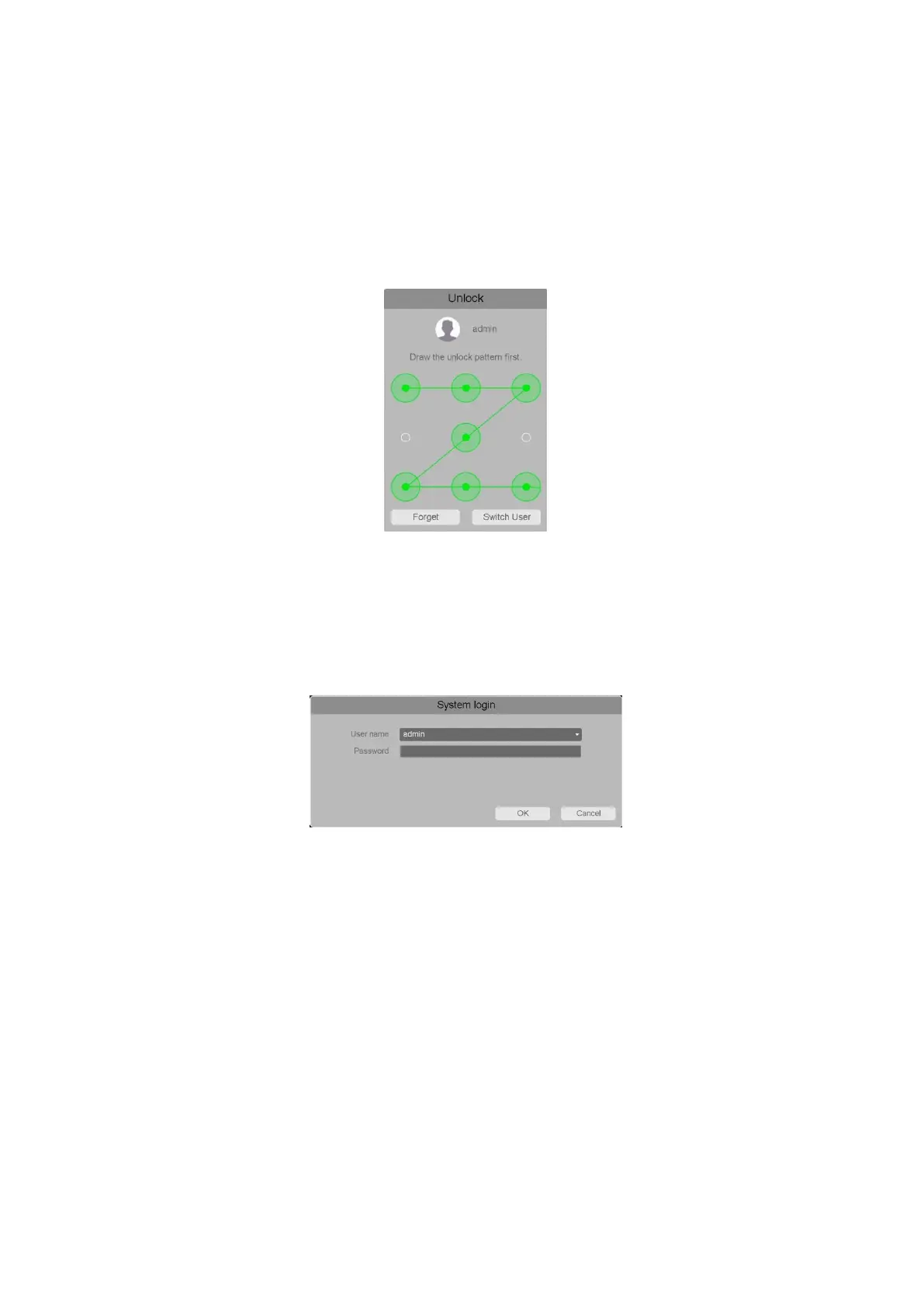
User can draw a preset Pattern to login or unlock his NVR, shown as below:
Figure 3-8 Login by Pattern
Note:
You need first set a pattern for your NVR, please refer section 4.3.2.1 Account for detailed
explanation.
Login Method 2, Username and Password
If user forget his Pattern, he can click “Forget” to switch to login NVR this way, shown as below:
Figure 3-9 Login by Username and Password
Note:
In the Login dialog box, if you enter the wrong password 7 times, the current user
account will blocked for 60 seconds.
User Logout
After logging out, the monitor turns to the live view mode and if you want to perform any
operations you need to enter user name and password to log in again.
Steps:
1. Enter the Shutdown menu. Go to Main Menu > Shutdown
2. Select logout and click the OK button.
Note:
After you have logged out the system, menu operation on the screen is invalid. It is
required to input a user name and password to unlock the system.



 To Next Page