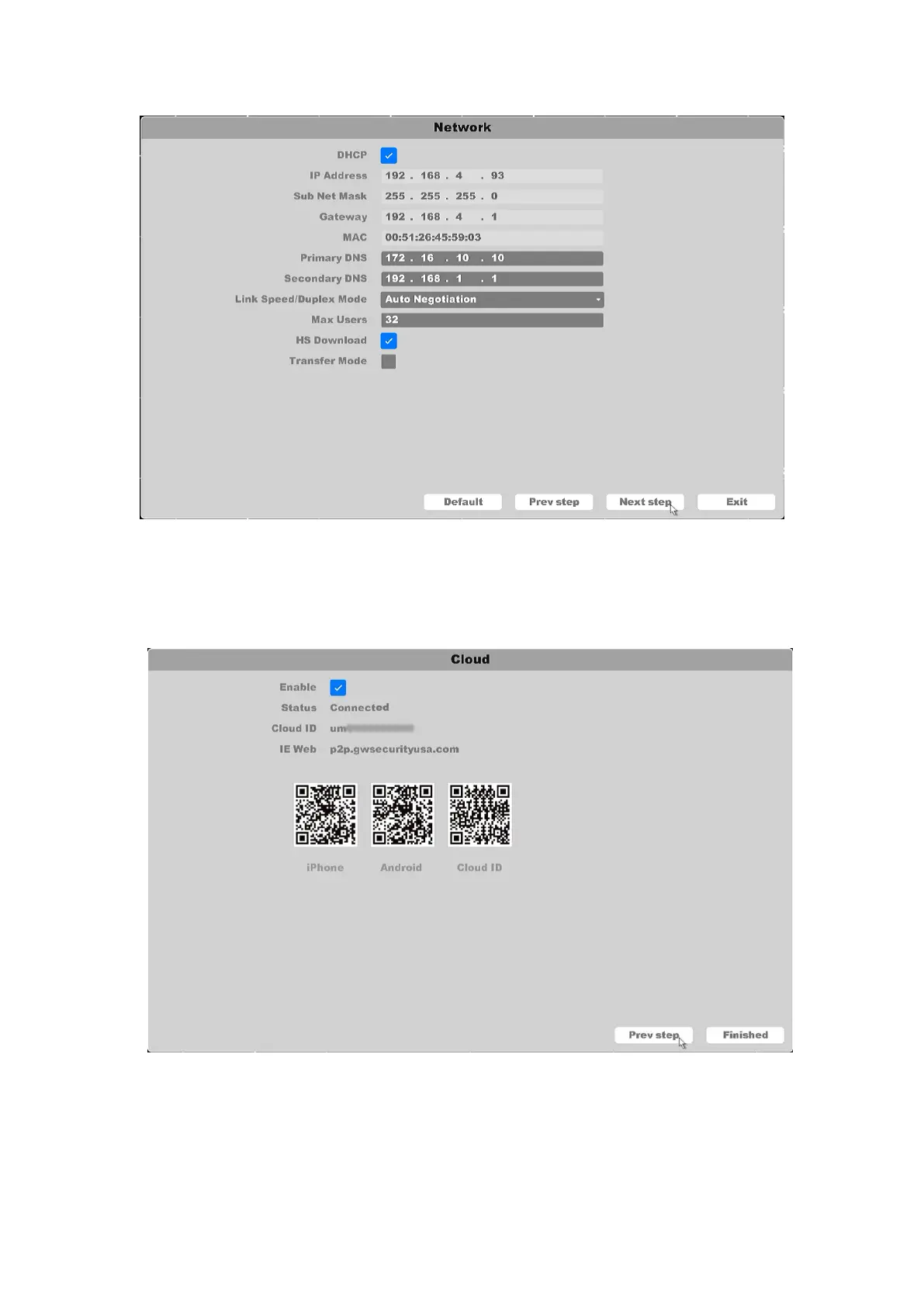
Figure 3-6 Basic Network Settings
Note: Please refer section 4.3.2 Network for further explanation of menu
6. Click Next button after you configured the network parameters, you enter the cloud
service Setup Wizard window, as shown in figure 3-7.
Figure 3-7 Cloud Service
Note: Please reference section 4.3.2.3 P2P for further explanation of menu
7. Click finished button to complete the startup Setup Wizard.



 To Next Page