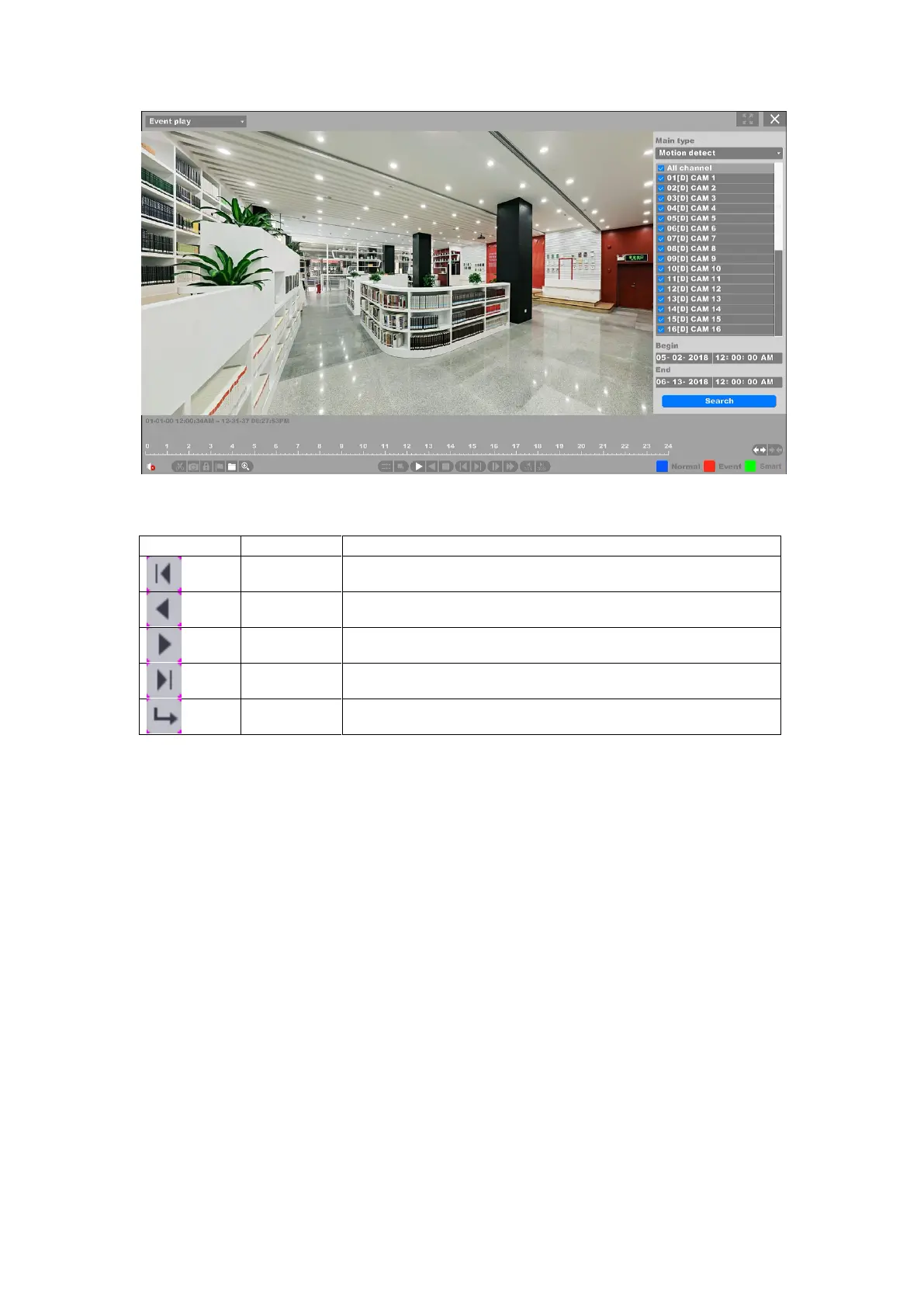
Figure 4-112 Search for Event Playback
Quickly go to the first page of event search results.
Go to the previous page of event search results.
Go to the next page of event search results.
Quickly go to the last page of event search results.
Click jump to the page you entered into the entry bar.
Table 4-9 Buttons of Event Search Results
You can change the alarm types and channels by click the return button back to the last interface.
As for the operations of these buttons you can refer to the previous table. But you can’t use the
“Sync/Async”, “Main/Sub stream”, “Frame Control” button in event playback mode.
4.7.3 Label Play
Select the “Label Play” enters the label playback mode.



 To Next Page