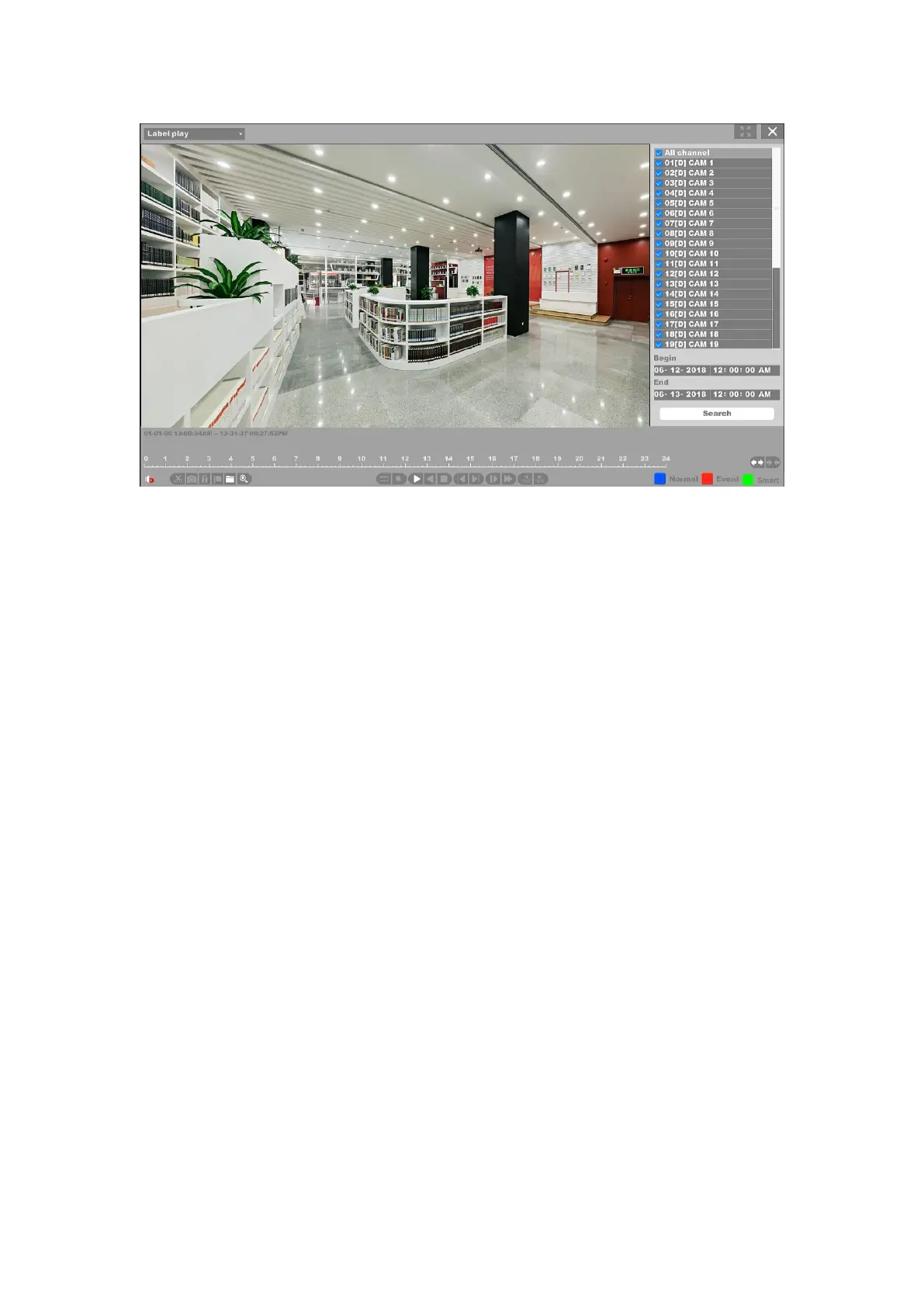
Figure 4-113 Search for Label Playback
1. Select the channels, and set the time period of search.
2. Click the search button, search results as shown in the figure.
3. “Label” means label’s name that you can edit in file manage and “Chan” means the
channel you tagged, “Time” means the time that was playing when you tag.
4. The next area shows all the labels and you can change the page to find the label items
you want. And then you can set the play time period before/after of the label time.
5. You can change the search channels by click the return button back to the last interface.
6. As for the operations of these buttons you can refer to the previous table. But you can’t
use the “Sync/Async”, “Main/Sub stream”, “Frame Control” button in label playback mode.
Note:
The operations of these buttons you can refer to the last part.
4.7.4 Smart Play
Select “Smart Play” enters this playback mode. In this section NVR support analyze exist video
according to specific rules. Now the rules include “line crossing, Area Intrusion, Motion Detection
and Face Detection”.



 To Next Page