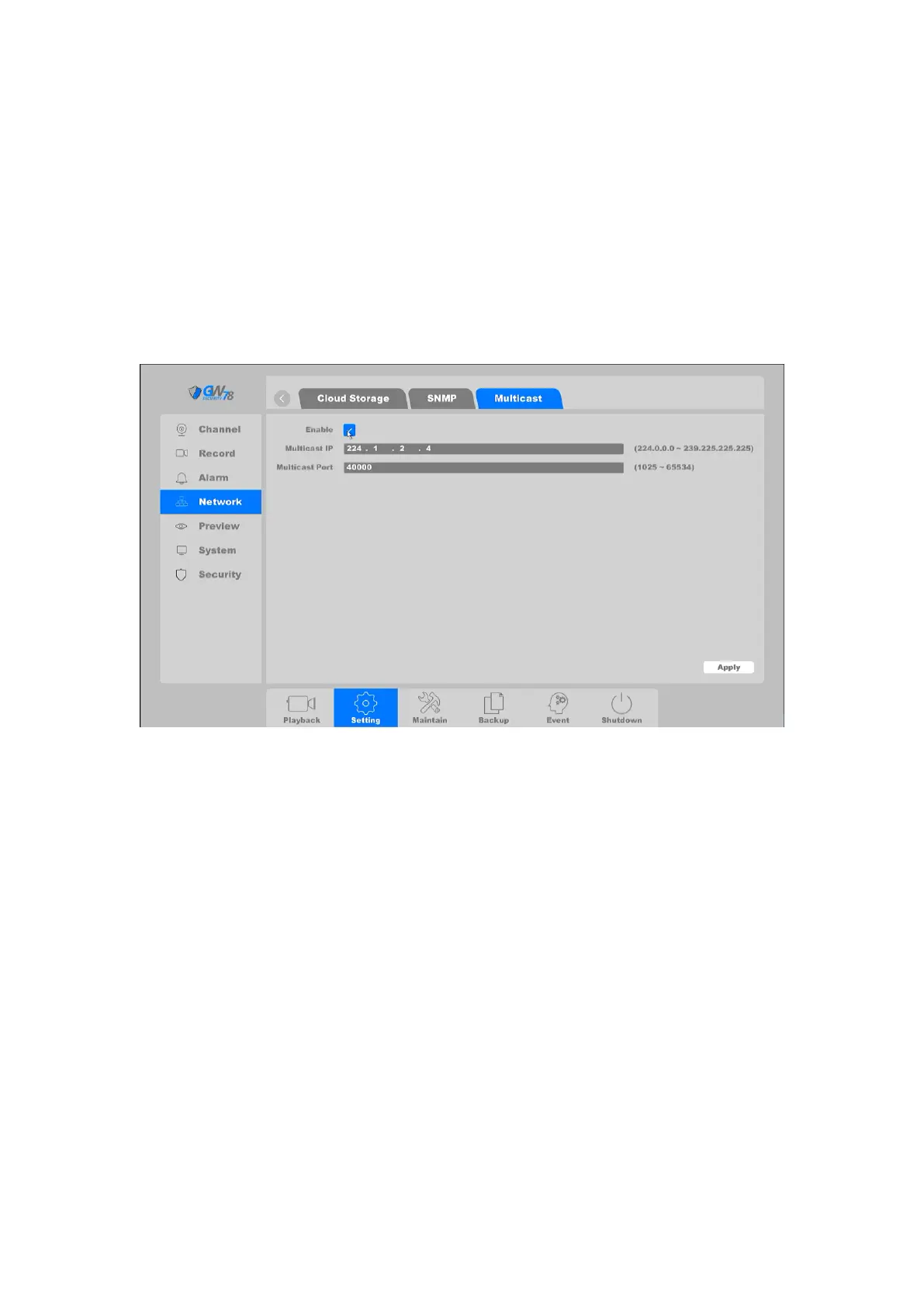
4.3.3.9 Multicast
In computer networking, multicast (one-to-many or many-to-many distribution) is group
communication where information is addressed to a group of destination computers
simultaneously.
Click on "Setting -> Network → Multicast, as shown in figure 4-34. Set the Multicast IP and
Multicast port within the required range. If different source devices want to apply the multicast,
the multicast IP should be DIFFERENT.
Figure 4-34 Multicast
4.3.4 Alarm
The NVR supports video detection alarm, including motion detection, crossing detection,
intrusion detection, masking detection, video lost detection. And also the device supports Alarm
out configuration and Exception warnings such as: HDD error, no writable disk, disk no space,
network disconnection, and IP conflicted.
Note:
Video detection should be supported by the IP Camera, so please refer the User
Manual of IP Camera to confirm the video detection types. If the IP Camera does not support
some types of the video detection the configuration on the NVR will not be utilized.



 To Next Page