4.6.4 Retrieval
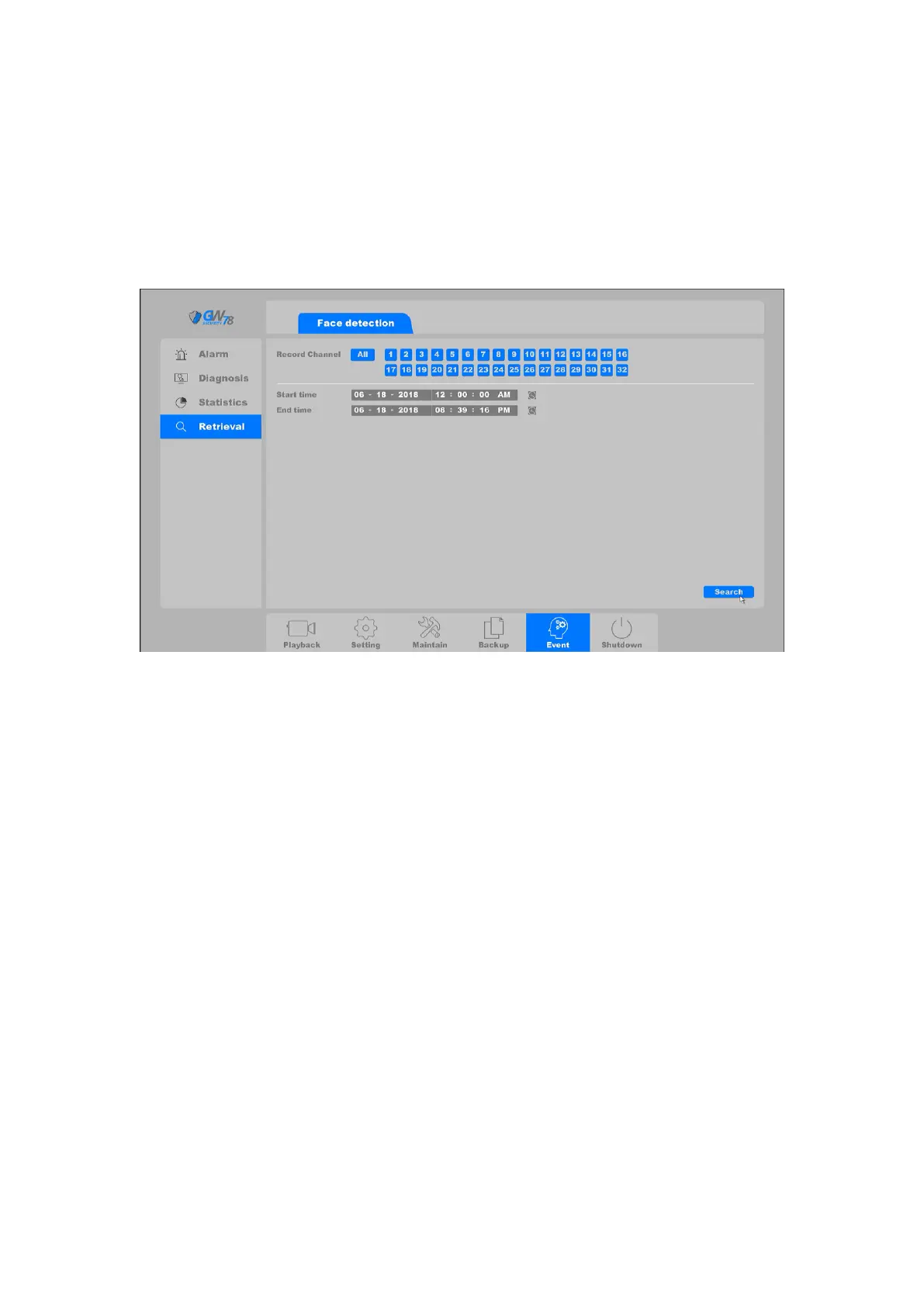
Click on "Event->Retrieval->Face detection", as shown in figure 4-105. This page you can select
the record channel which had triggered face detection and has recording files. Then you can set
the Start time and End time.
Click ‘Search’ to search the face recorded in the specified channel during a period of time.
Figure 4-105 Face detection
4.7 Playback
Right click and select the “Record Playback” to enter the playback interface and you can also click
on the playback button in the main menu to enter the playback interface, as shown in the figure
4-106.



 To Next Page