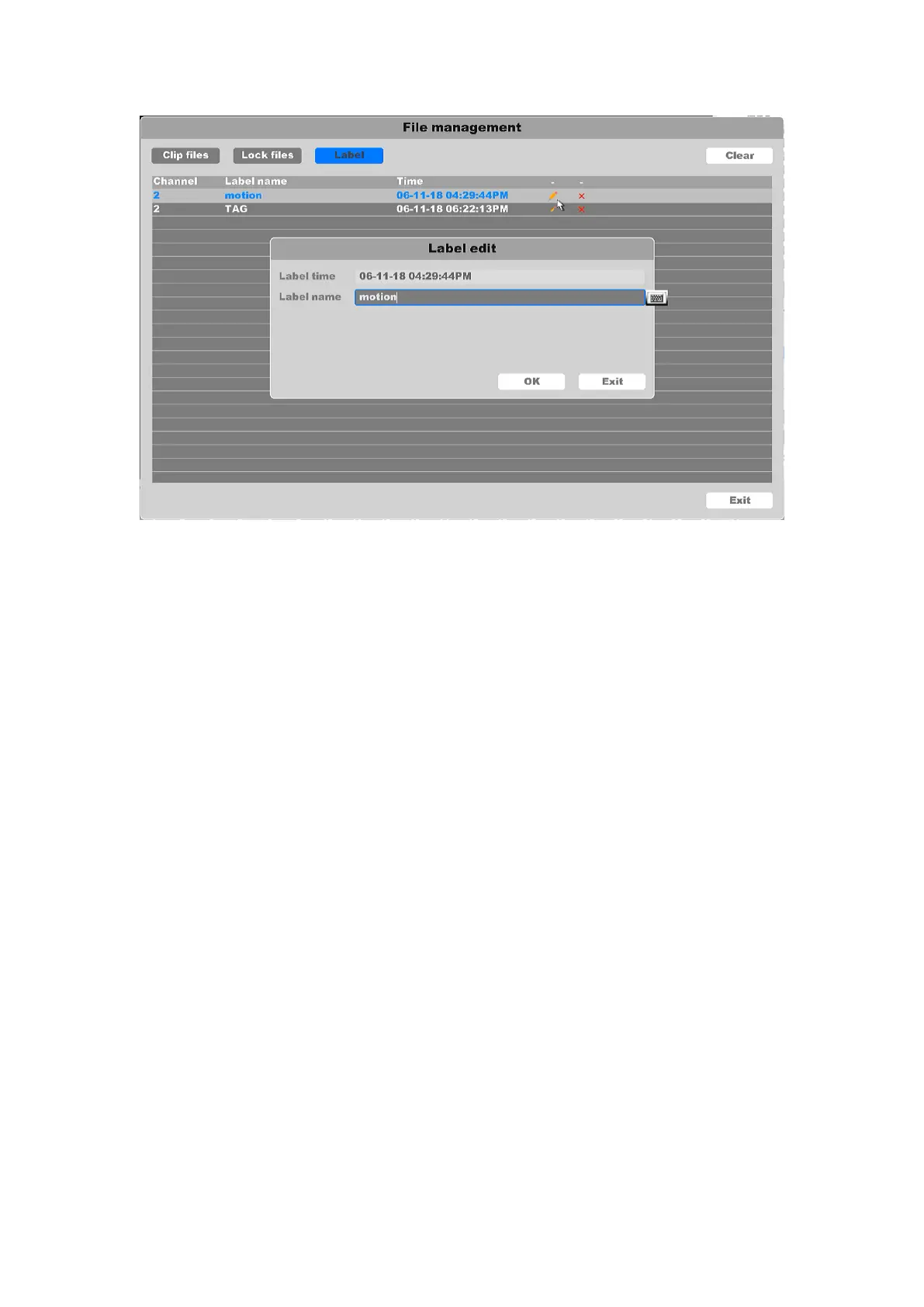
Figure 4-111 Label Manage
The “Main/Sub stream” button can change the video stream into sub stream from main stream,
the “Speed up” button can speed up 32 times the channel you selected and speed up 16
channels 2 times maximum.
4.7.2 Event play
Select the “Event Play” enters the event playback mode.
1. You need to chose the event main type, including three event types: “Alarm input”,
“Motion detect” and “IA Detect”. And the main type of “IA Detect” including two sub types event
“Crossing detect” and “Area intrusion detect”.
2. Select the channels you want to search, set time period, and click search button. Search
results as shown in the figure, “Source” means alarm channel and “Chan” means record channel,
“Time” means when the alarm happened.
3. The next area shows all the alarm items and you can change the page to find the alarm
item you want. And then you can set the play time period before/after of the alarm time.



 To Next Page