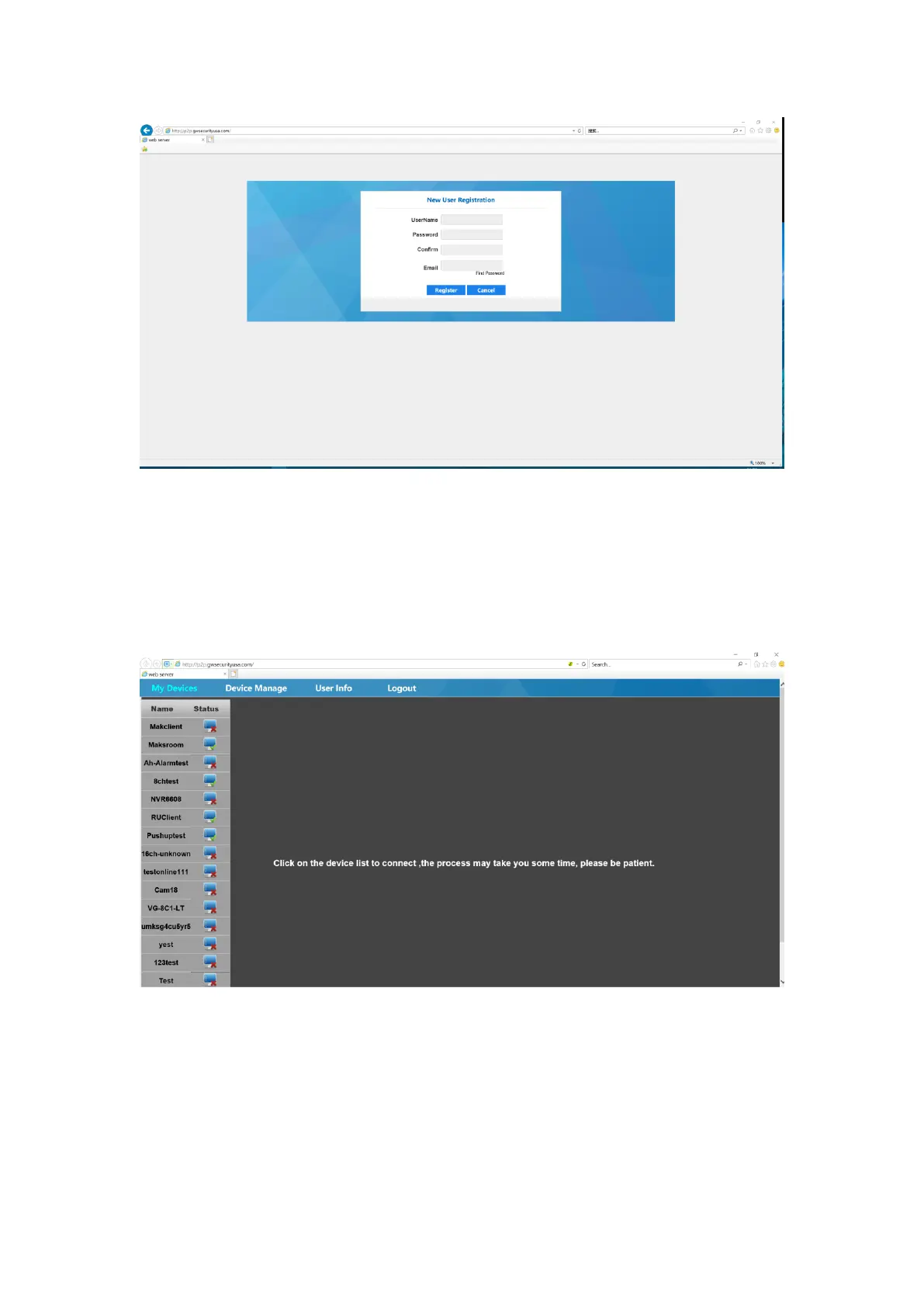
Figure 6-2 Register
6.1.2 My device
This page displays the name and the connection status of added devices. You can refresh the
device status and login in a device manually.
Figure 6-3 Main Interface of P2P after Login
6.1.3 Device Manage
It is empty for the first time when using video surveillance list. Click the Add button and enter the
device ID, device name, account number, and then select Add channel.
You can modify and delete the devices that have been added.



 To Next Page