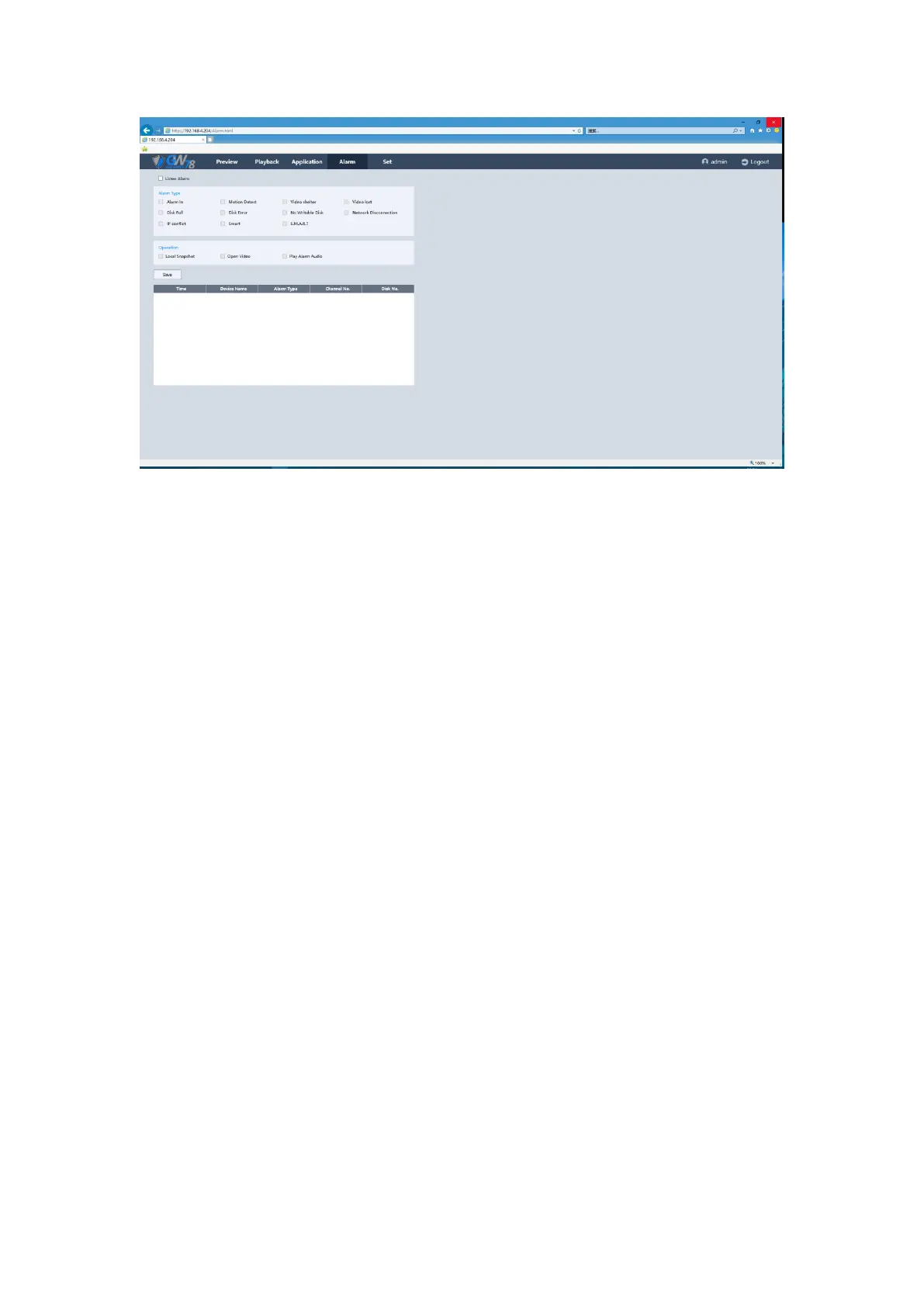
Figure 5-8 Alarm Setting interface
After checking Listen Alarm box, and select the alarm type below, when the device trigger the
corresponding alarm, it will display an alarm message to notify you. And link operation will be
active.
Message: Auto jump to this page when alarm triggered.
Local captures: Auto-grab screenshots of alarm channel.
Open the video: Opens the channel automatically which trigger the alarm.
Play alarm sound: Play sound when alarm triggered.
5.6 Set
5.6.1 Local Set
Click “Set -> Local Set” to enter the interface, as shown in the figure 5-9.



 To Next Page