Live view: Show main menu.
Menu: Exit current menu to upper level menu.
Hold 5 seconds, change device resolution into the
lowest
Menu: change the settings value to high
Menu: change the settings value to low
Table 1-6 Key functions of USB Mouse Operation
Note:
If in a rare case that the mouse is not detected, the possible reason may be that the two
devices are not compatible, please refer to the recommended the device list from your provider.
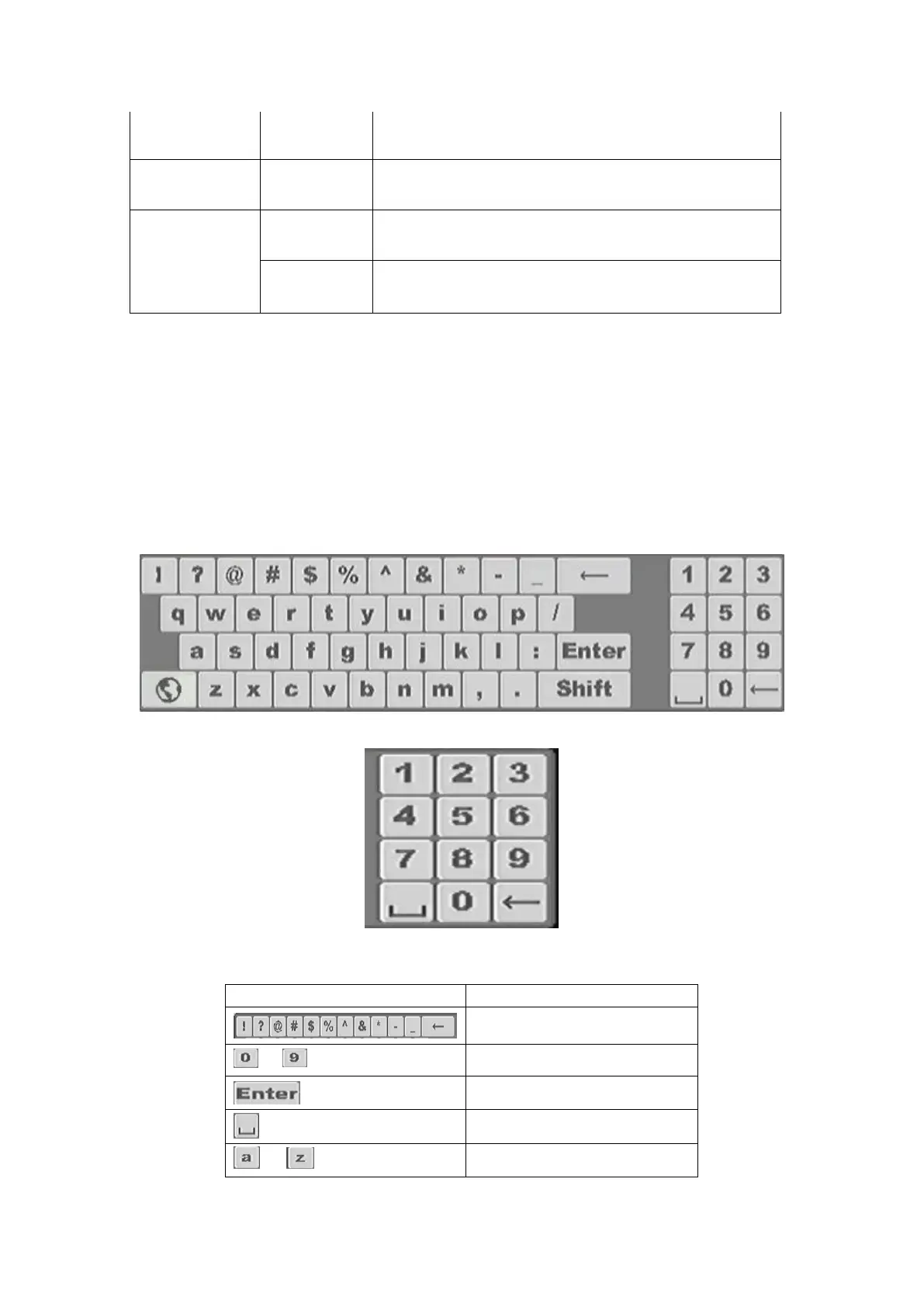
1.5 Input Method Description
Figure 1-15 Virtual Full key board (1)
Figure 1-16 Virtual Numerical key board (2)



 To Next Page