Figure 4-72 Interface of Check Base Network
This page shows device network parameters, and DHCP enable status.
4.4.2.2 Flow
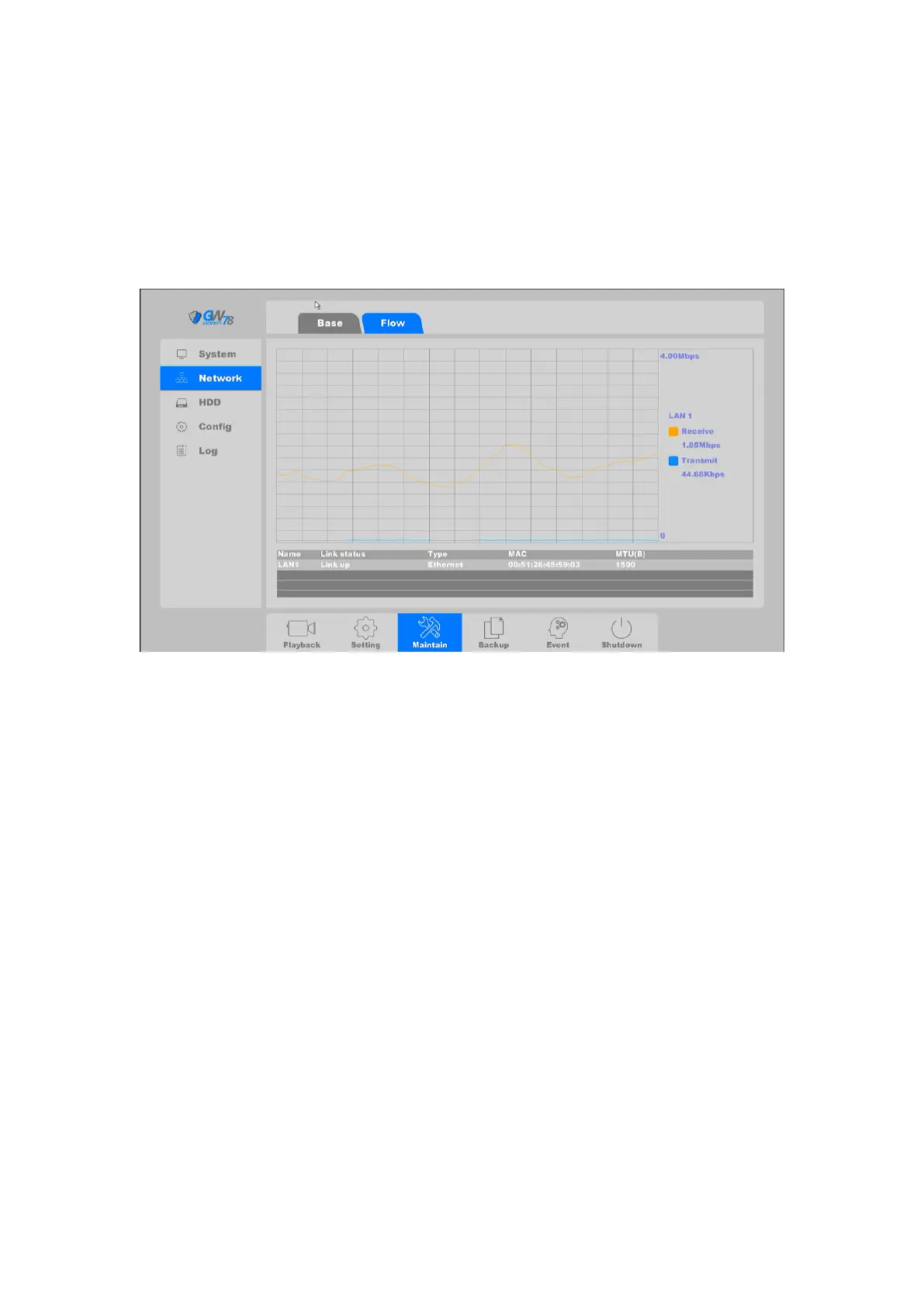
Click on the "Maintain --> Network ->Flow", as shown in figure 4-73.
Figure 4-73 Flow of Network
You can check transmission and receive status by LAN Port.
Receive: Shows the byte rate that NVR device received in real-time.
Transmit: Shows the byte rate that NVR device transmit in real-time.
4.4.3 HDD
4.4.3.1 Base
Click on the "Maintain --> HDD -> Base", as shown in figure 4-74.



 To Next Page