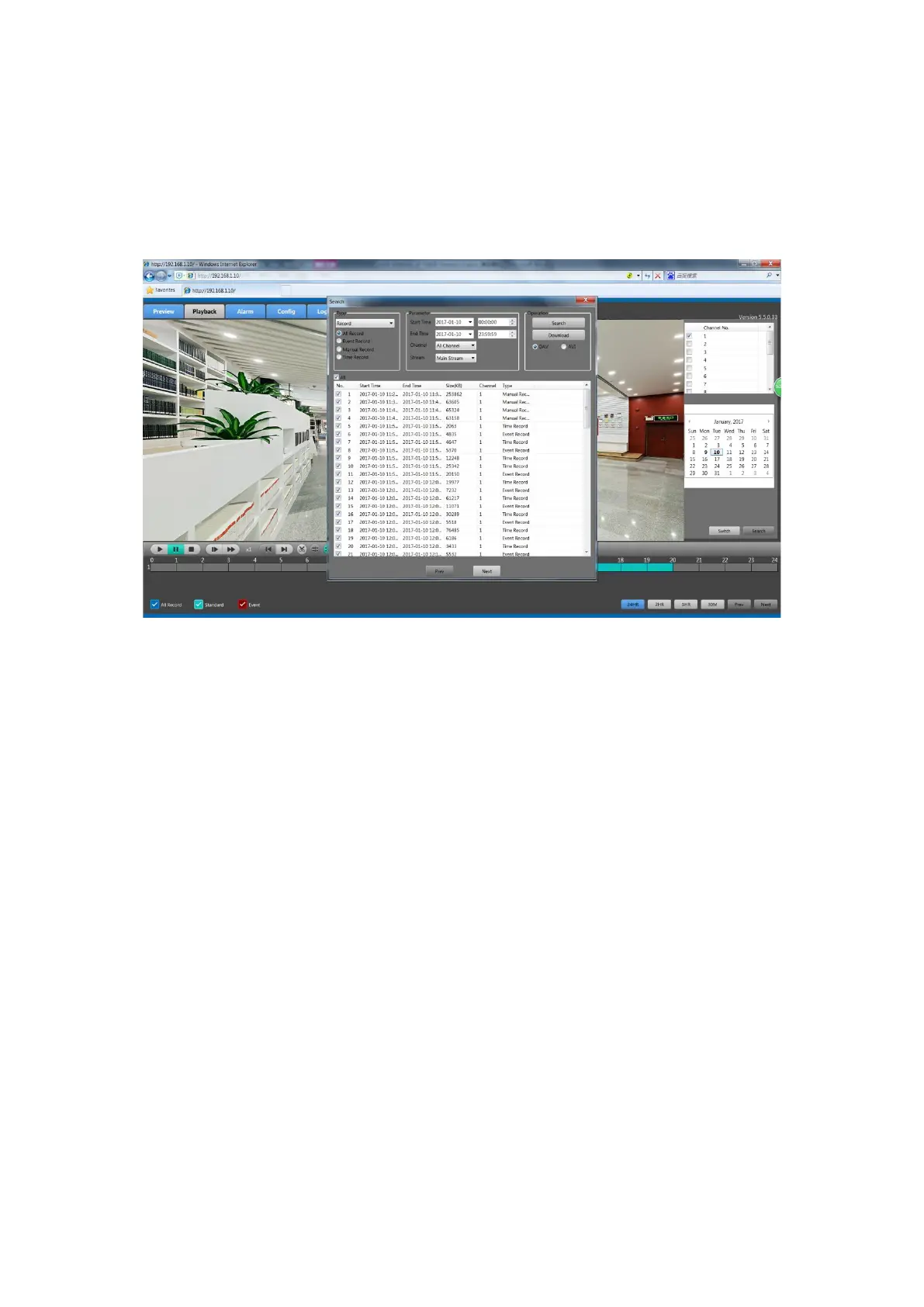
Set the start time and end time of the videos you want to see, click the Search button, and then it
will display the matched results. Each video will display its start time and its type, and all the
videos in the same channel will display in chronological order.
2. Click the More button, you will turn to the interface of setting more parameters, as
show in figure 5-7.
Figure 5-7 More Detail Parameters Setting Interface
In this interface, you can set the more detailed parameters such as start time, end time, channel,
stream type, the type of records. Click the Search button then all matched records will be listed
below. Check the record file you want to download and click the Download button. System will
download the record file in sequence and save to PC. After downloading finishes, the check box
of “Download Completed!” will pop-up.
5.5 Alarm
Click the alarm button to enter the alarm setting interface, shown as in the figure 5-8.



 To Next Page