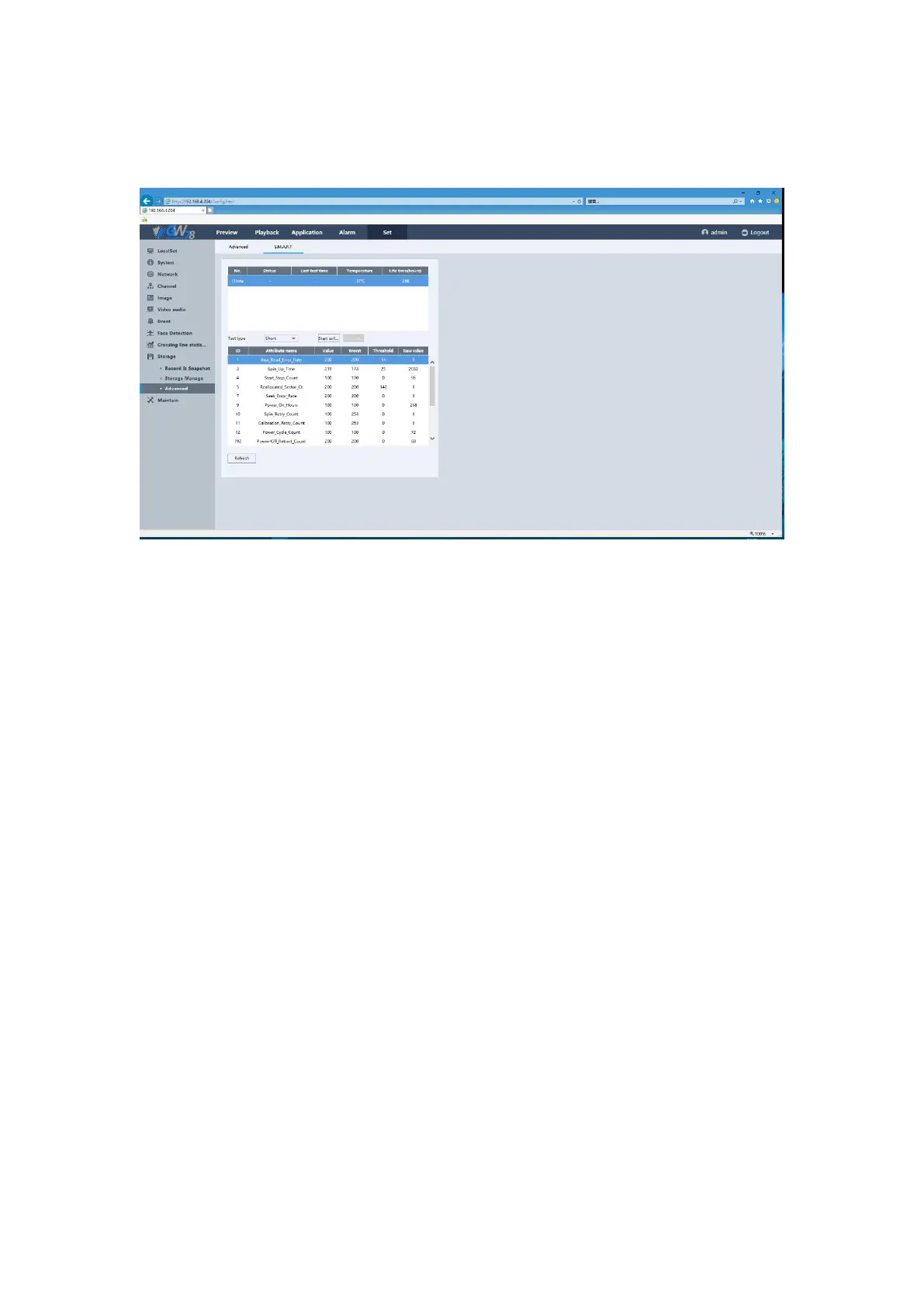
5.6.10.3.2 S.M.A.R.T
Figure 5-59 S.M.A.R.T Detect of HDD Setting by Web
It is used to detect the hard disk status.
S.M.A.R.T: To detect the hard disk whether it meets the basic requirements for storage.
NO.: Access the hard disk serial number.
Status: Can display the self-test progress in real time. And there will be a test result
showing that the hard disk is “Passed "Or" Failed ".
Last test time: A recent self-testing time on the hard disk.
Temperature: Display the hard disk temperature in real time.
Life time: The time hours that your hard disk have been used for.
5.6.11 Maintain
5.6.11.1 Reboot Setting
Click the Set -> Maintain -> Reboot Setting. It is similar to the NVR local settings. You can set the
time for automatic restart of the NVR.



 To Next Page