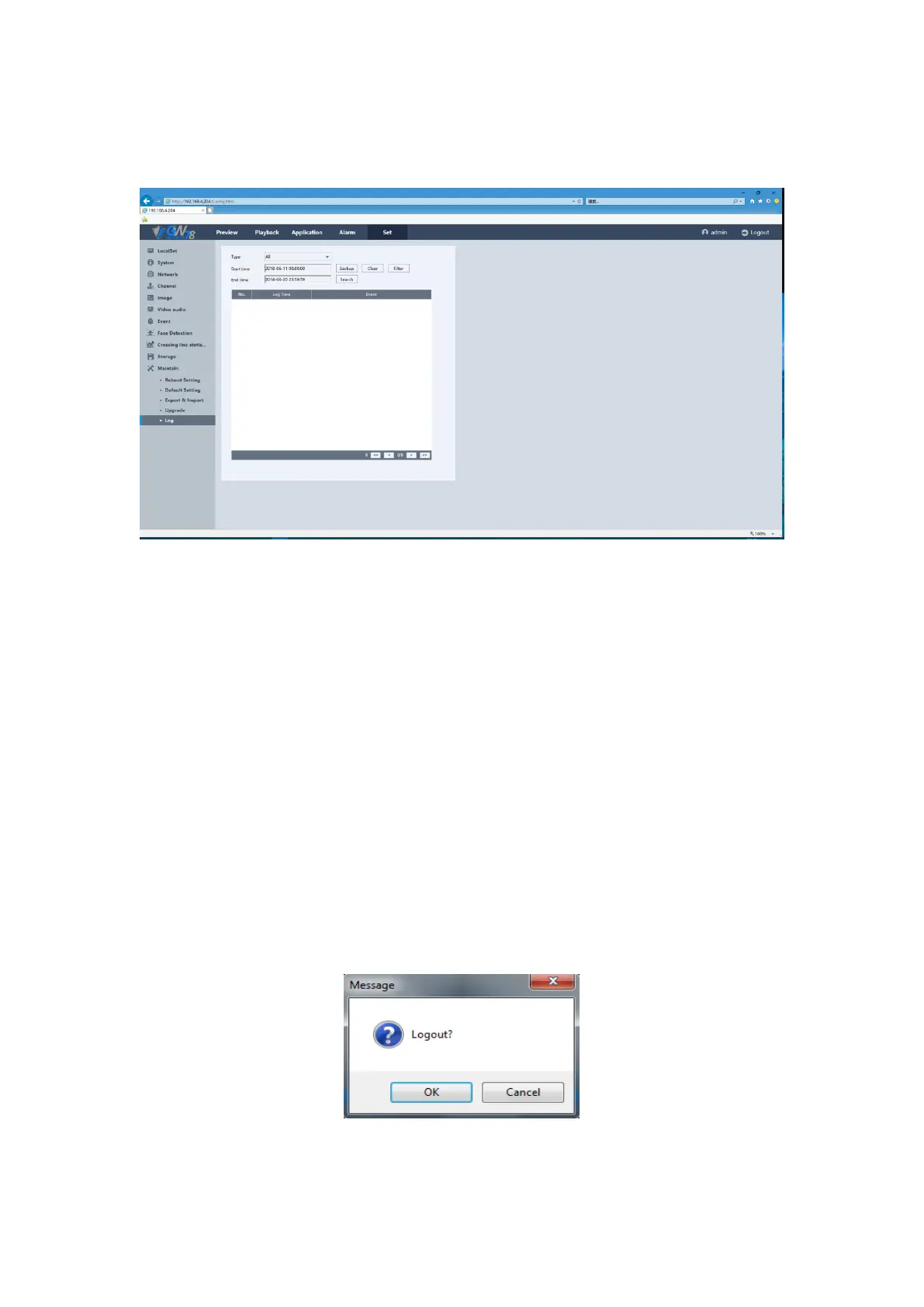
5.6.11.5 Log
Figure 5-64 Log Setting of NVR
1. Set the log search conditions to refine your search, including the Start Time, End Time
and Type.
2. Click the Search button to start search log files, the matched log files will be displayed
on the list shown below
Backup: Back up all log files to the local PC.
Clear: Clear all log files.
Filter: You can select the filter items to save the log files, the max number of logs is
4096, when the number of log is beyond 4096, “log full coverage “or “stop” are for choice.
Prev / Next: Up to 900 log files can be displayed each time, when the number of the
matched logs beyond 900, you can click on Prev/ Next button to view more log files.
5.7 Logout
Click the logout button, click OK and you will exit to the login page.
Figure 5-43 Logout the Web Client



 To Next Page