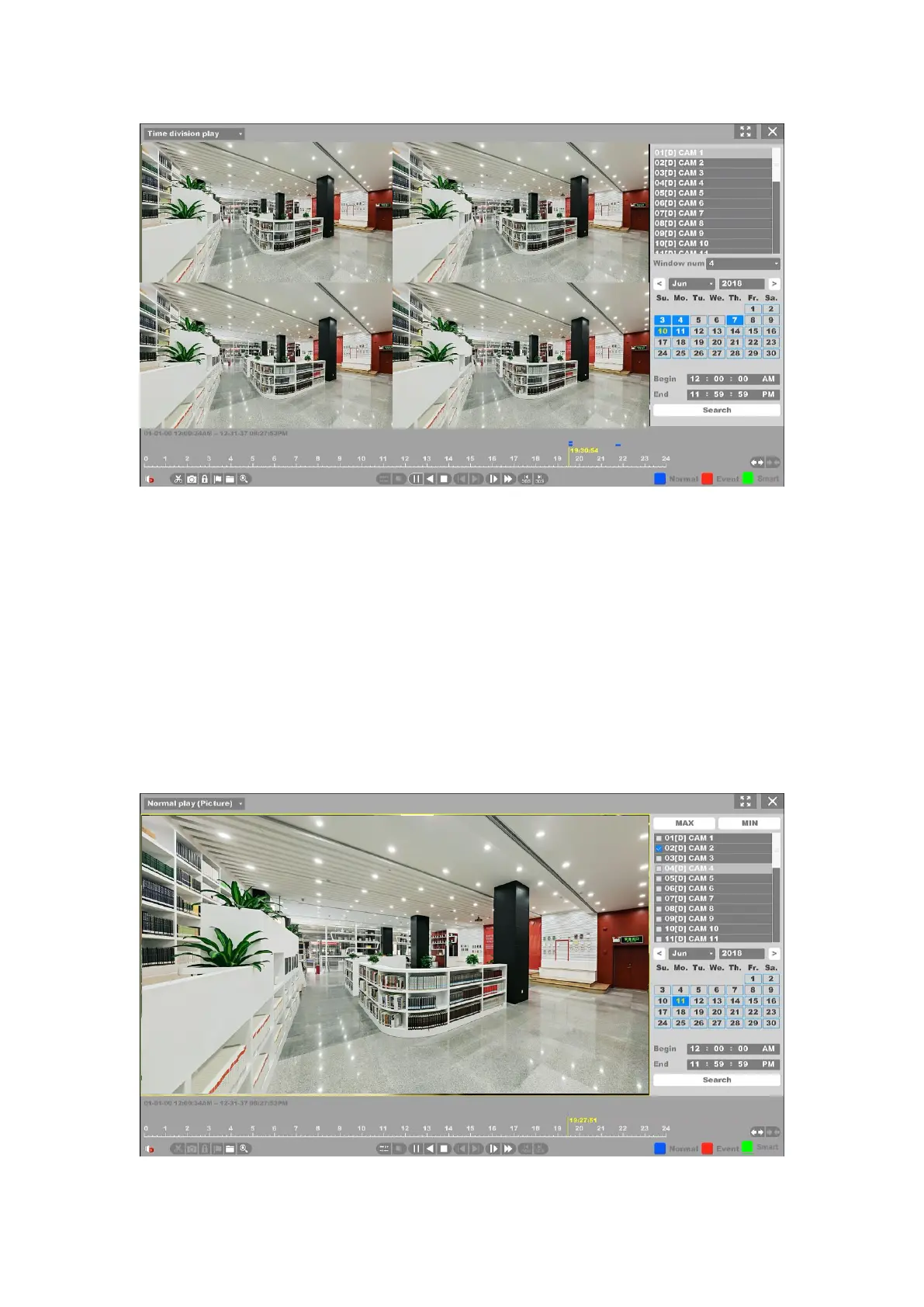
Figure 4-119 Time Division Playback
1. First you need chose the channel and select division windows number to display, from
1-16 windows. For example, if you chose the windows number is 4, the files of the date you
chose will be divided into 4 parts.
2. You can change the playing channel but do not need to stop. And change the windows
division number when the channel is playing.
As for the operations of these buttons you can refer to the previous table.
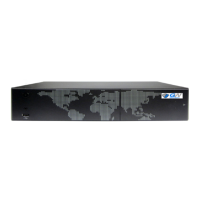
4.7.5 Normal Play (Picture)
Figure 4-120 Normal Playback of Picture



 To Next Page