Chapter 6 P2P
6.1 Login by username
Web -Remote management of equipment in another way is through P2P Connection access.
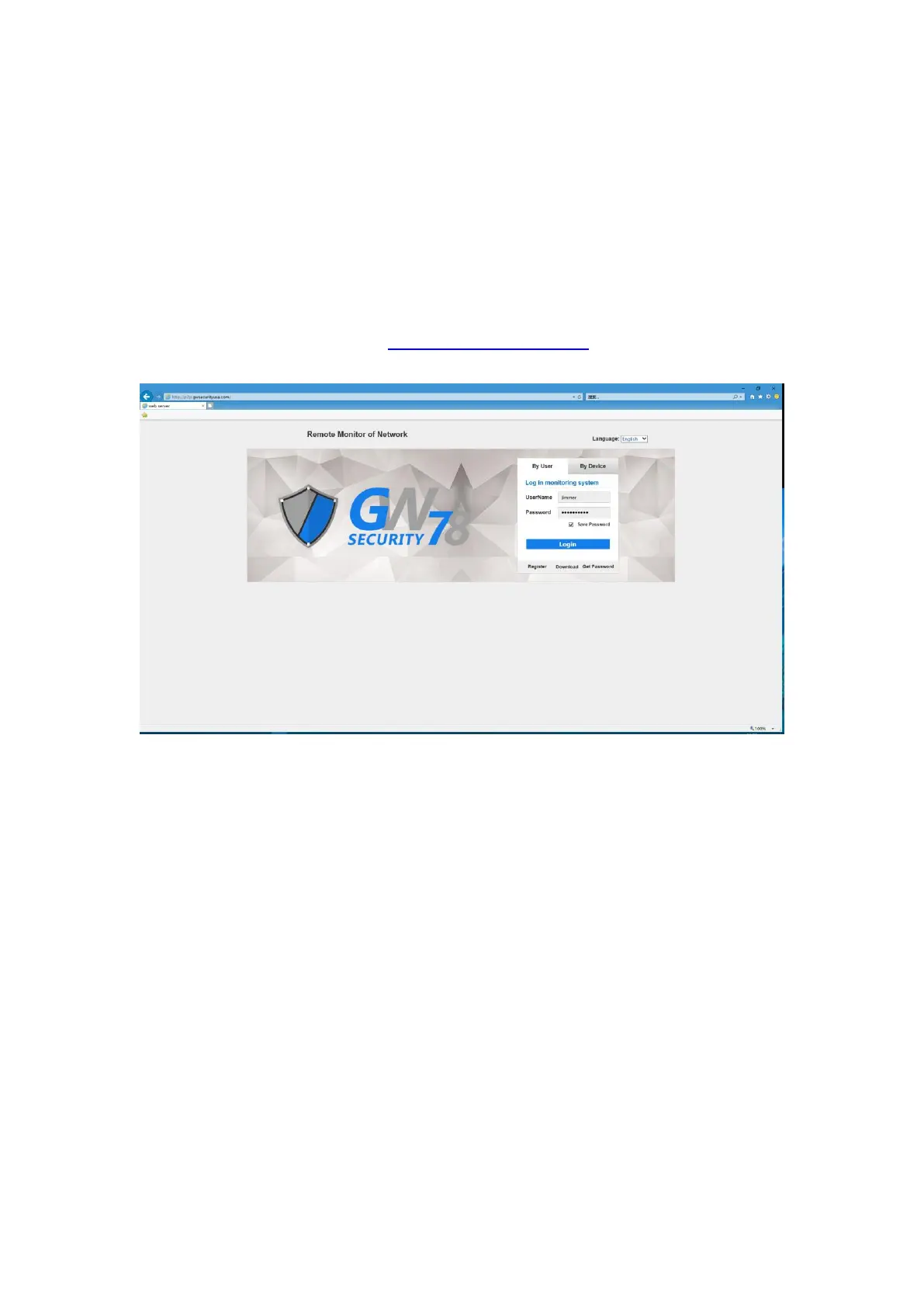
Open the web browser and input the http://p2p.gwsecurityusa.com , and press the Enter key to
enter the login interface.
Figure 6-1 Main Interface of P2P
6.1.1 Register
Click on the "register" button to enter the graphical interface, input your registration information
to register. It will show a success message, and then you can login with your account.



 To Next Page