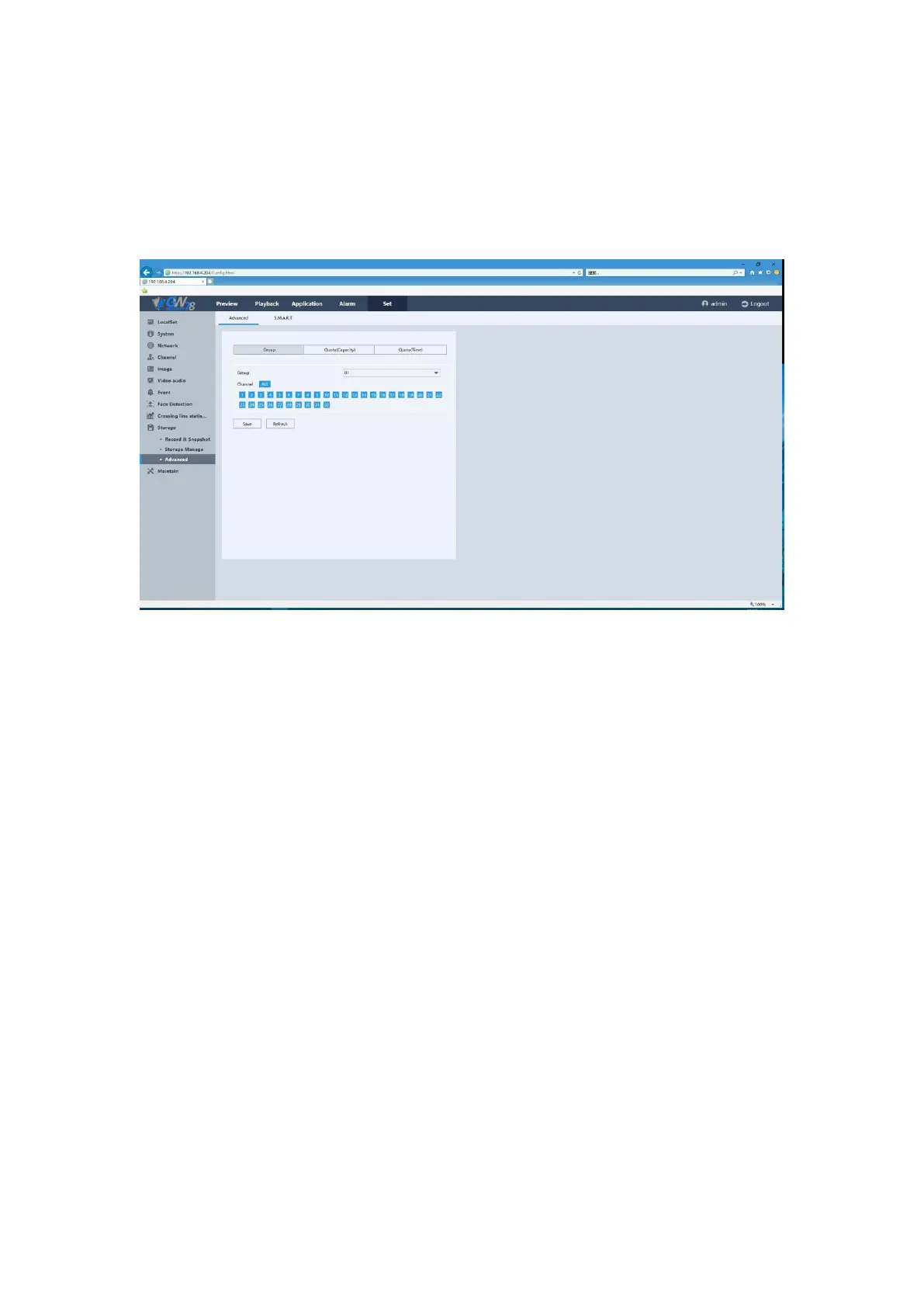
5.6.10.3 Advanced
5.6.10.3.1 Advanced
Figure 5-58 Advanced Setting of HDD
This page you can switch the hard disk's storage mode, including the "group" or "quotas". Your
device will restart when you switch the mode.
Group mode: You can select several channels attached to a disk group. Then their
videos will be recorded in that group.
Select one disk group number.
Select several channels attached to the disk group.
Quota mode: You can save videos or pictures for each channel that does not exceed
the total volume of space.
Record Quota: You can manually set the quota size of the channel video.
Photo Quota: You can manually set the channel quota size to save the screenshots.
Select one channel to set the quota size.



 To Next Page