This page shows the status of the device‘s hard disk. You can set the state of the hard disk read
and write. You can decide whether or not to sleep hard disk after a few minutes. In addition, you
can also format or delete the hard disk.
Hard disk: Hard disk serial number “[1]sda "Or" [2]sdb ".
Status: "Unformatted" or "normal" or "no disk".
Read\write: The video can be recorded and can be played back.
Read only: The video only can be played back but not be recorded.
Redundant: You can find a completely identical video in the redundant disk. It is a
function similar to that of a copy. The entire premise is that you have more than one hard
disk.
Group: Set which group the hard disk belongs to.
Delete: Disconnect the connection between the hard disk and the device in logic. Of
course, you can also restore the connection between them by clicking on the “Add” button.
Format: Format the hard disk.
Sleep: If the hard disk does not record or not play back in a few minutes, the disk will
fall into sleep. This function can enhance the life of the hard disk.
5.6.10.2.2 Cloud Storage
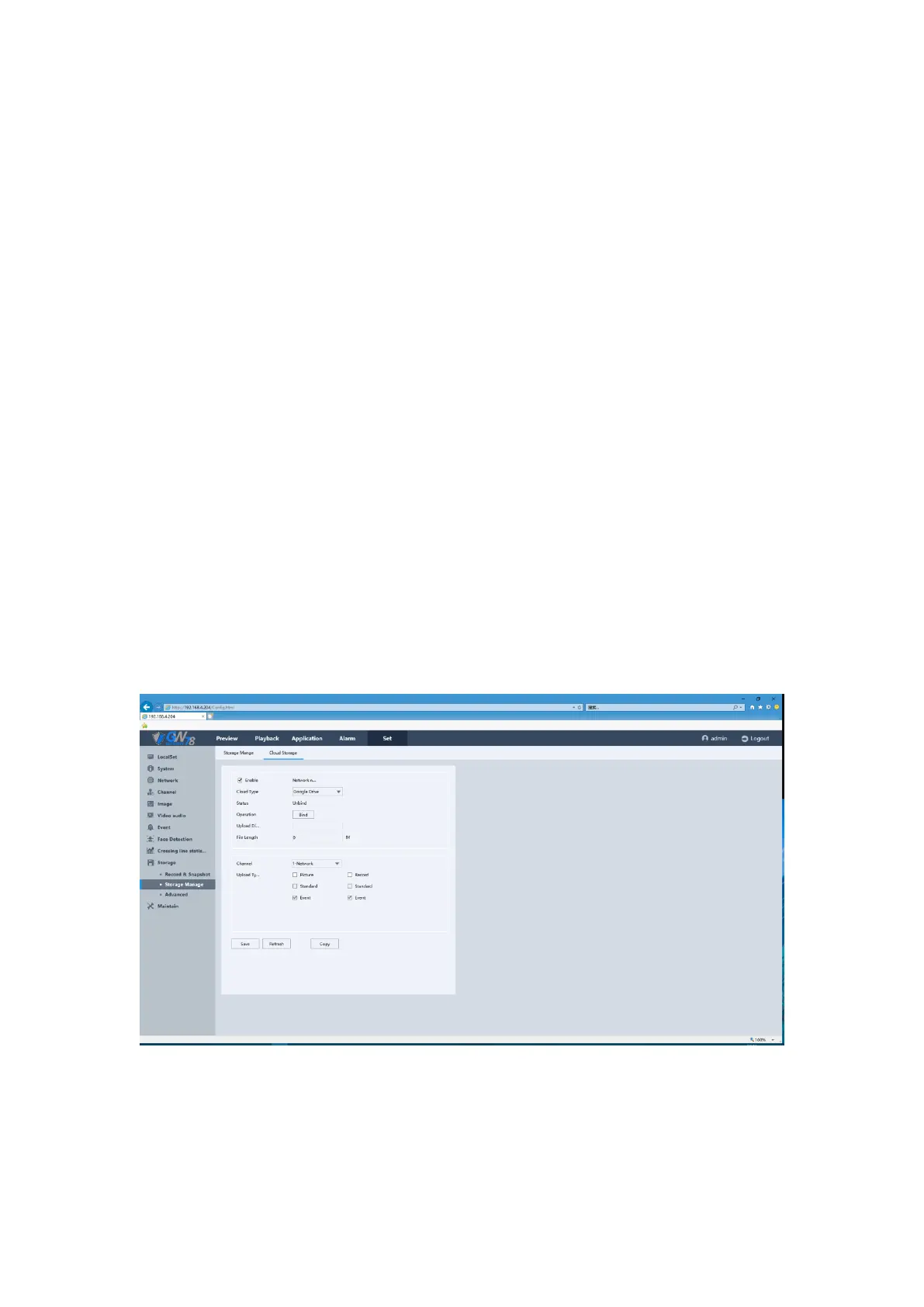
Click the Set -> Storage-> Storage Manage -> Cloud Storage to enter the interface, as show in
figure 5-57.
Our NVR support Google Drive & Dropbox storage. You can set the channels and upload type
including ‘Record’ &’Picture’.
Figure 5-57 Cloud Storage Settings



 To Next Page