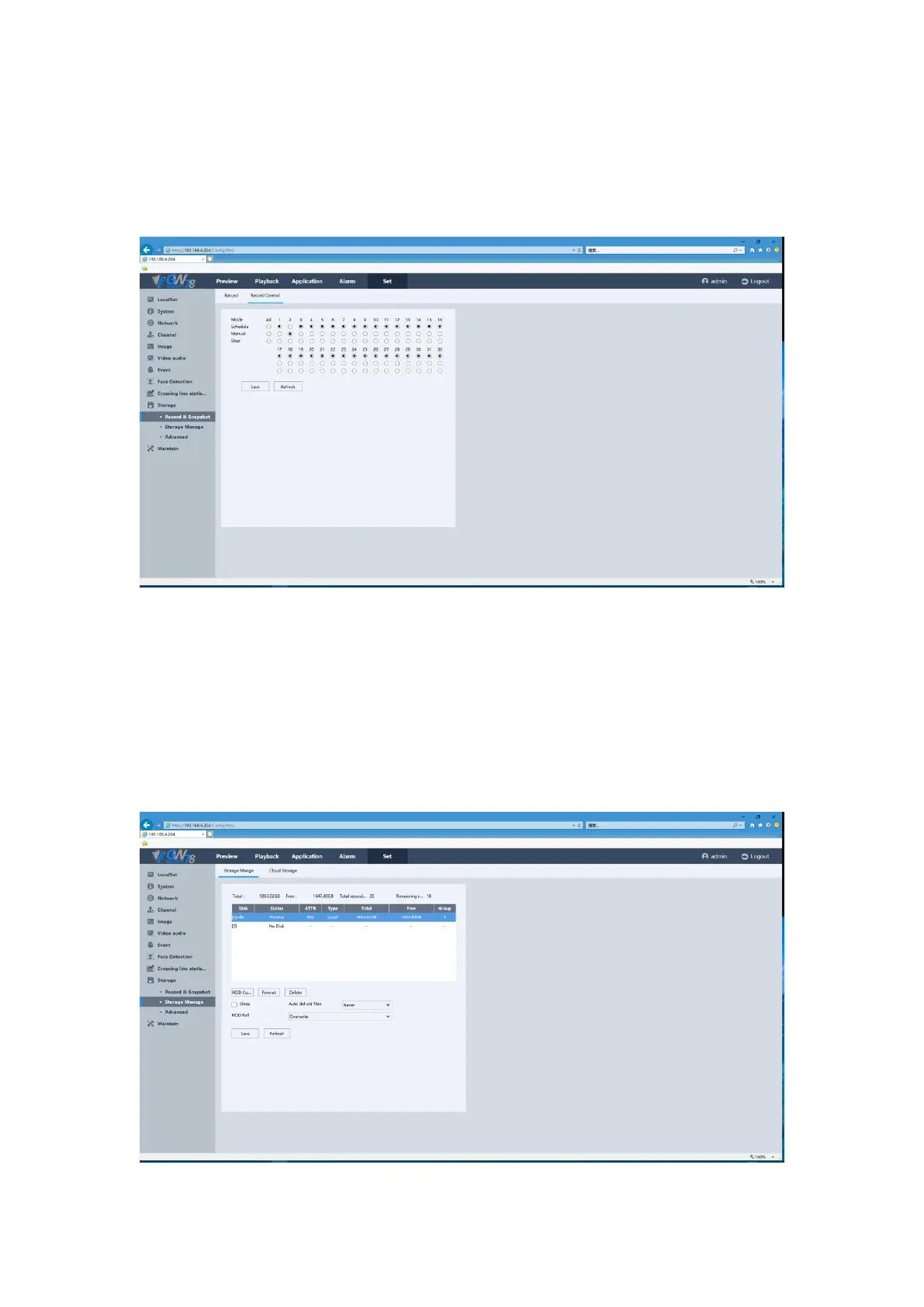
5.6.10.1.2 Record Control
Click the Set -> Storage-> Record & Snapshot->Record Control. You can quickly set the record
control mode for each channel. It is similar to the NVR local settings.
Figure 5-55 Quick Record Control by Web
5.6.10.2 Storage Manage
5.6.10.2.1 Storage Manage
Click the Set -> Storage-> Storage Manage -> Storage Manage.
Figure 5-56 Base Setting of HDD



 To Next Page