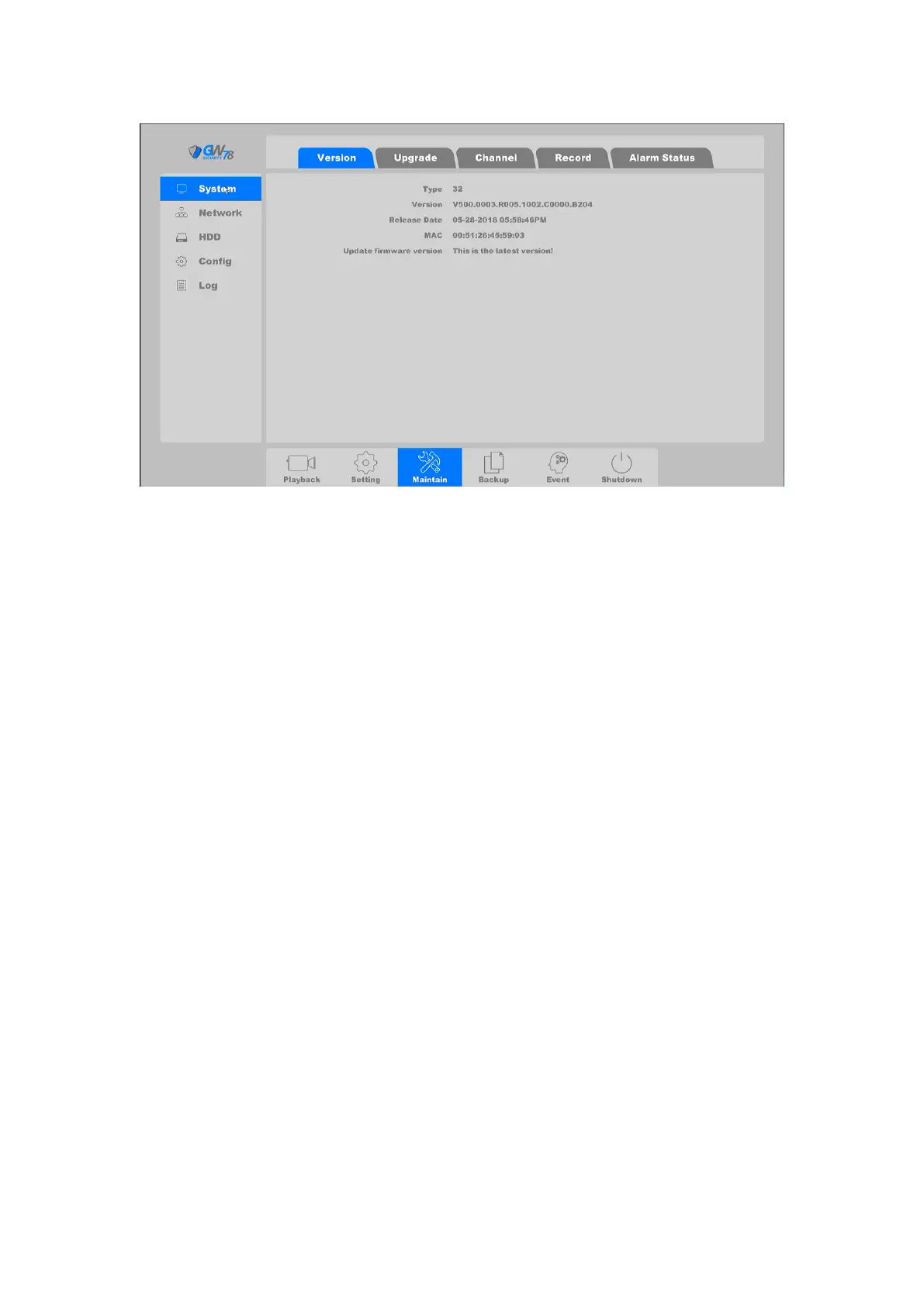
Figure 4-64 Version of Software
Type: Devices’ model type.
System: Shows the system version.
Release date: Software release date.
MAC: The Mac address of device.
Update firmware version (Cloud Upgrade): User can manually check if there is a new
firmware version, once the upgrade is selected the device will download the new
firmware from the cloud server and upgrade.
4.4.1.2 Upgrade
Click on the "Maintain --> System ->Upgrade", as shown in figure 4-65.
On this page you can upgrade your device by use USB flash disk.



 To Next Page