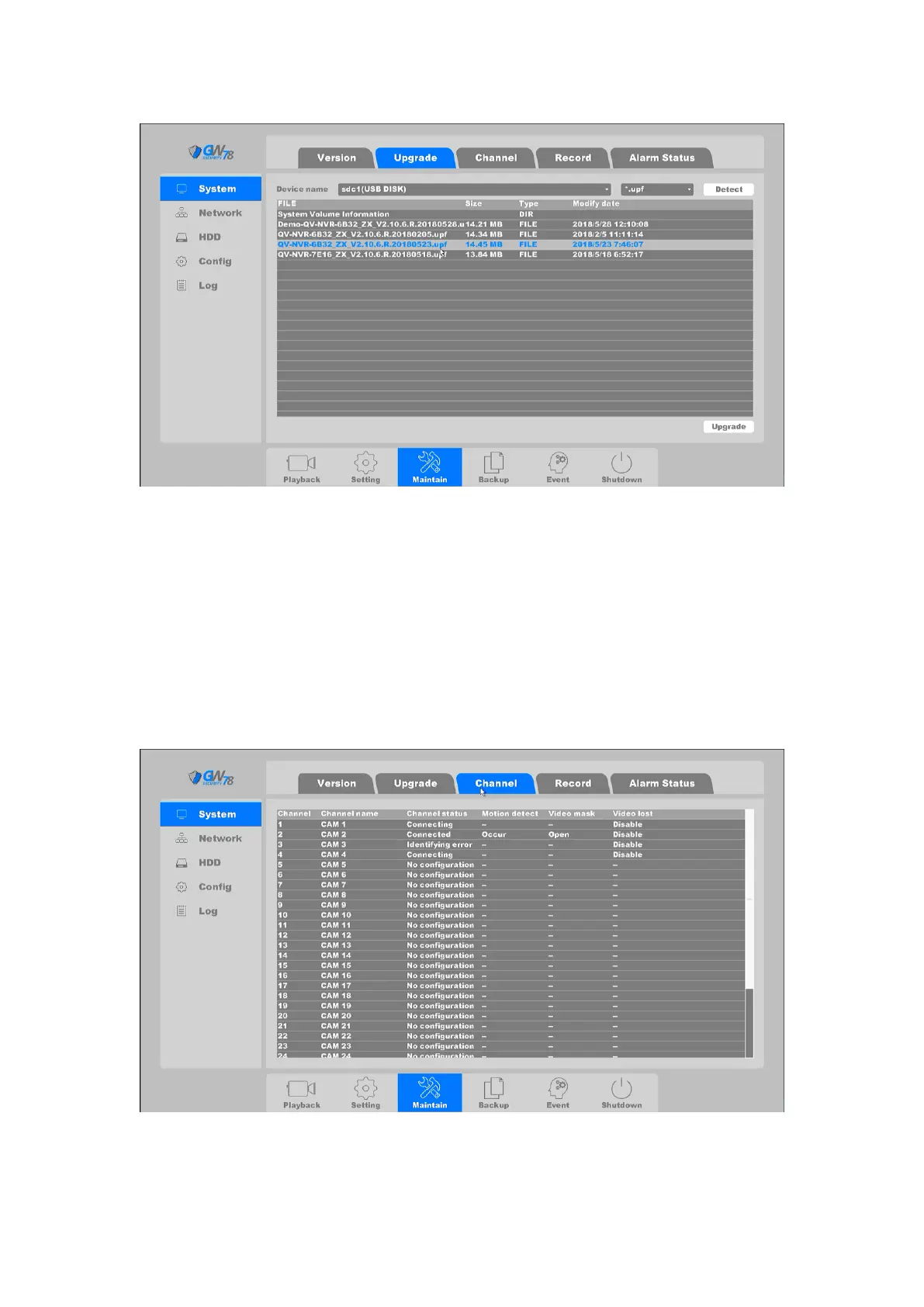
Figure 4-65 Upgrades NVR
Detect: Manually detect the USB flash disk on this device.
Upgrade: Select the correct file and click the “upgrade” button to upgrade the device,
then click “OK” button to reboot the device after upgrading successfully.
4.4.1.3 Channel
Click on the "Maintain --> System -> Channel", as shown in figure 4-67.
Figure 4-67 Channel Status



 To Next Page